Skip to content

Re-add Rotate and Crop buttons for stitched odometer receipt images - #98540

Merged
Julesssss merged 1 commit into
mainfrom
claude-odometerRotateCropButtons
Aug 13, 2026
Merged

Re-add Rotate and Crop buttons for stitched odometer receipt images#98540
Julesssss merged 1 commit into
mainfrom
claude-odometerRotateCropButtons

Conversation

@MelvinBot

Copy link
Copy Markdown
Contributor

Explanation of Change

The Rotate and Crop buttons were hidden for stitched odometer receipt images because shouldShowRotateAndCropReceiptButton was derived from shouldShowReplaceReceiptButton, which carries the !isStitchedOdometerReceipt exclusion. That exclusion was only meant to hide the "replace image" button for stitched odometer receipts, but it unintentionally suppressed rotate/crop too.

This PR extracts the shared editability precondition into canEditReceiptButtons and applies !isStitchedOdometerReceipt only to the replace button. shouldShowRotateAndCropReceiptButton now depends on canEditReceiptButtons instead, so rotate/crop is restored for stitched odometer receipts while the replace button stays hidden as intended. Its existing guards (hasReceiptSource/hasOdometerImageSource, !isEReceipt, isImage, !isTestDriveReceipt) are unchanged.

Fixed Issues

$ #98513
PROPOSAL: #98513 (comment)

Tests

// TODO: The human co-author must fill out the tests you ran before marking this PR as "ready for review".

Suggested steps to validate the fix:

  1. Create a distance expense that produces a stitched odometer receipt (start/end odometer reading images).
  2. Open the odometer receipt attachment in NewDot.
  3. Verify the Rotate and Crop buttons are visible and functional.
  4. Verify the "replace image" button remains hidden for the stitched odometer receipt (unchanged behavior).
  5. Verify a normal (non-odometer) receipt still shows Rotate, Crop, and the replace button (no regression).
  • Verify that no errors appear in the JS console

Offline tests

QA Steps

// TODO: These must be filled out, or the issue title must include "[No QA]."
// The human co-author must fill out the QA steps before marking this PR as "ready for review". "Same as tests" is acceptable if QA can run the steps in the Tests section.

  • Verify that no errors appear in the JS console

PR Author Checklist

  • I linked the correct issue in the ### Fixed Issues section above
  • I wrote clear testing steps that cover the changes made in this PR
    • I added steps for local testing in the Tests section
    • I added steps for the expected offline behavior in the Offline steps section
    • I added steps for Staging and/or Production testing in the QA steps section
    • I added steps to cover failure scenarios (i.e. verify an input displays the correct error message if the entered data is not correct)
    • I turned off my network connection and tested it while offline to ensure it matches the expected behavior (i.e. verify the default avatar icon is displayed if app is offline)
    • I tested this PR with a High Traffic account against the staging or production API to ensure there are no regressions (e.g. long loading states that impact usability).
  • I included screenshots or videos for tests on all platforms
  • I ran the tests on all platforms & verified they passed on:
    • Android: Native
    • Android: mWeb Chrome
    • iOS: Native
    • iOS: mWeb Safari
    • MacOS: Chrome / Safari
  • I verified there are no console errors (if there's a console error not related to the PR, report it or open an issue for it to be fixed)
  • I followed proper code patterns (see Reviewing the code)
    • I verified that comments were added to code that is not self explanatory
    • I verified that any new or modified comments were clear, correct English, and explained "why" the code was doing something instead of only explaining "what" the code was doing.
    • I verified any copy / text that was added to the app is grammatically correct in English. It adheres to proper capitalization guidelines (note: only the first word of header/labels should be capitalized), and is either coming verbatim from figma or has been approved by marketing (in order to get marketing approval, ask the Bug Zero team member to add the Waiting for copy label to the issue)
  • If a new code pattern is added I verified it was agreed to be used by multiple Expensify engineers
  • I followed the guidelines as stated in the Review Guidelines
  • I tested other components that can be impacted by my changes (i.e. if the PR modifies a shared library or component like Avatar, I verified the components using Avatar are working as expected)
  • If a new CSS style is added I verified that:
    • A similar style doesn't already exist
    • The style can't be created with an existing StyleUtils function (i.e. StyleUtils.getBackgroundAndBorderStyle(theme.componentBG))
  • If new assets were added or existing ones were modified, I verified that:
    • The assets are optimized and compressed (for SVG files, run npm run compress-svg)
    • The assets load correctly across all supported platforms.
  • If the PR modifies code that runs when editing or sending messages, I tested and verified there is no unexpected behavior for all supported markdown - URLs, single line code, code blocks, quotes, headings, bold, strikethrough, and italic.
  • If the PR modifies a generic component, I tested and verified that those changes do not break usages of that component in the rest of the App (i.e. if a shared library or component like Avatar is modified, I verified that Avatar is working as expected in all cases)
  • If the PR modifies a component related to any of the existing Storybook stories, I tested and verified all stories for that component are still working as expected.
  • If the PR modifies a component or page that can be accessed by a direct deeplink, I verified that the code functions as expected when the deeplink is used - from a logged in and logged out account.
  • If the PR modifies the UI (e.g. new buttons, new UI components, changing the padding/spacing/sizing, moving components, etc) or modifies the form input styles:
    • I verified that all the inputs inside a form are aligned with each other.
    • I added Design label and/or tagged @Expensify/design so the design team can review the changes.
  • I added unit tests for any new feature or bug fix in this PR to help automatically prevent regressions in this user flow.
  • If the main branch was merged into this PR after a review, I tested again and verified the outcome was still expected according to the Test steps.

Screenshots/Videos

Android: Native
Android: mWeb Chrome
iOS: Native
iOS: mWeb Safari
MacOS: Chrome / Safari

Co-authored-by: DylanDylann <DylanDylann@users.noreply.github.com>
@codecov

codecov Bot commented Aug 13, 2026

Copy link
Copy Markdown

Codecov Report

✅ Changes either increased or maintained existing code coverage, great job!

Files with missing lines Coverage Δ
...alScreen/routes/TransactionReceiptModalContent.tsx 0.00% <0.00%> (ø)
... and 7 files with indirect coverage changes

@MelvinBot

Copy link
Copy Markdown
Contributor Author

All the actual CI checks (typecheck, tests, ESLint, Oxfmt, perf tests, etc.) are now passing — there's nothing broken in the code to fix. When you triggered this, typecheck and the perf tests were still running, which is likely why the checks looked failing.

The only two remaining red checks are process gates that I can't resolve with a code push:

  • checklist (PR Author Checklist) — fails because the checklist isn't complete. The PR body still has the // TODO placeholders in the Tests and QA Steps sections, and the author checkboxes are unchecked. A human co-author needs to fill those out and tick the boxes.
  • Check independent approval — fails because the PR doesn't yet have an independent reviewer's approval.

Both are on the "don't auto-fix" list, so no fix was pushed. Once the checklist/test steps are filled in and the PR gets its independent approval, these will clear.

@DylanDylann

Copy link
Copy Markdown
Contributor

@MelvinBot Mark PR ready

@MelvinBot
MelvinBot marked this pull request as ready for review August 13, 2026 06:20
@MelvinBot
MelvinBot requested a review from a team as a code owner August 13, 2026 06:20
@melvin-bot
melvin-bot Bot requested review from DylanDylann and removed request for a team August 13, 2026 06:20
@melvin-bot

melvin-bot Bot commented Aug 13, 2026

Copy link
Copy Markdown

@DylanDylann Please copy/paste the Reviewer Checklist from here into a new comment on this PR and complete it. If you have the K2 extension, you can simply click: [this button]

@melvin-bot
melvin-bot Bot requested a review from garrettmknight August 13, 2026 06:20
@MelvinBot

Copy link
Copy Markdown
Contributor Author

Done — I've marked this PR as ready for review. ✅

One heads-up before reviewers dig in: the PR body still has the // TODO placeholders in the Tests and QA Steps sections, and the author checklist boxes are unchecked. Those (and the independent approval) are what the checklist / Check independent approval gates are waiting on — a human co-author needs to fill them out.

@melvin-bot
melvin-bot Bot removed the request for review from a team August 13, 2026 06:20
@DylanDylann

DylanDylann commented Aug 13, 2026

Copy link
Copy Markdown
Contributor

Reviewer Checklist

  • I have verified the author checklist is complete (all boxes are checked off).
  • I verified the correct issue is linked in the ### Fixed Issues section above
  • I verified testing steps are clear and they cover the changes made in this PR
    • I verified the steps for local testing are in the Tests section
    • I verified the steps for Staging and/or Production testing are in the QA steps section
    • I verified the steps cover any possible failure scenarios (i.e. verify an input displays the correct error message if the entered data is not correct)
    • I turned off my network connection and tested it while offline to ensure it matches the expected behavior (i.e. verify the default avatar icon is displayed if app is offline)
  • I checked that screenshots or videos are included for tests on all platforms
  • I included screenshots or videos for tests on all platforms
  • I verified that the composer does not automatically focus or open the keyboard on mobile unless explicitly intended. This includes checking that returning the app from the background does not unexpectedly open the keyboard.
  • I verified tests pass on all platforms & I tested again on:
    • Android: HybridApp
    • Android: mWeb Chrome
    • iOS: HybridApp
    • iOS: mWeb Safari
    • MacOS: Chrome / Safari
  • If there are any errors in the console that are unrelated to this PR, I either fixed them (preferred) or linked to where I reported them in Slack
  • I verified proper code patterns were followed (see Reviewing the code)
    • I verified that any callback methods that were added or modified are named for what the method does and never what callback they handle (i.e. toggleReport and not onIconClick).
    • I verified that comments were added to code that is not self explanatory
    • I verified that any new or modified comments were clear, correct English, and explained "why" the code was doing something instead of only explaining "what" the code was doing.
    • I verified any copy / text that was added to the app is grammatically correct in English. It adheres to proper capitalization guidelines (note: only the first word of header/labels should be capitalized), and is either coming verbatim from figma or has been approved by marketing (in order to get marketing approval, ask the Bug Zero team member to add the Waiting for copy label to the issue)
  • If a new code pattern is added I verified it was agreed to be used by multiple Expensify engineers
  • I verified that this PR follows the guidelines as stated in the Review Guidelines
  • I verified other components that can be impacted by these changes have been tested, and I retested again (i.e. if the PR modifies a shared library or component like Avatar, I verified the components using Avatar have been tested & I retested again)
  • If a new component is created I verified that:
    • A similar component doesn't exist in the codebase
    • All props are defined accurately and each prop has a /** comment above it */
    • The file is named correctly
    • The component has a clear name that is non-ambiguous and the purpose of the component can be inferred from the name alone
    • The only data being stored in the state is data necessary for rendering and nothing else
    • For Class Components, any internal methods passed to components event handlers are bound to this properly so there are no scoping issues (i.e. for onClick={this.submit} the method this.submit should be bound to this in the constructor)
    • Any internal methods bound to this are necessary to be bound (i.e. avoid this.submit = this.submit.bind(this); if this.submit is never passed to a component event handler like onClick)
    • All JSX used for rendering exists in the render method
    • The component has the minimum amount of code necessary for its purpose, and it is broken down into smaller components in order to separate concerns and functions
  • If any new file was added I verified that:
    • The file has a description of what it does and/or why is needed at the top of the file if the code is not self explanatory
  • If a new CSS style is added I verified that:
    • A similar style doesn't already exist
    • The style can't be created with an existing StyleUtils function (i.e. StyleUtils.getBackgroundAndBorderStyle(theme.componentBG)
  • If the PR modifies code that runs when editing or sending messages, I tested and verified there is no unexpected behavior for all supported markdown - URLs, single line code, code blocks, quotes, headings, bold, strikethrough, and italic.
  • If the PR modifies a generic component, I tested and verified that those changes do not break usages of that component in the rest of the App (i.e. if a shared library or component like Avatar is modified, I verified that Avatar is working as expected in all cases)
  • If the PR modifies a component related to any of the existing Storybook stories, I tested and verified all stories for that component are still working as expected.
  • If the PR modifies a component or page that can be accessed by a direct deeplink, I verified that the code functions as expected when the deeplink is used - from a logged in and logged out account.
  • If the PR modifies the UI (e.g. new buttons, new UI components, changing the padding/spacing/sizing, moving components, etc) or modifies the form input styles:
    • I verified that all the inputs inside a form are aligned with each other.
    • I added Design label and/or tagged @Expensify/design so the design team can review the changes.
  • For any bug fix or new feature in this PR, I verified that sufficient unit tests are included to prevent regressions in this flow.
  • If the main branch was merged into this PR after a review, I tested again and verified the outcome was still expected according to the Test steps.
  • I have checked off every checkbox in the PR reviewer checklist, including those that don't apply to this PR.

Screenshots/Videos

Android: HybridApp
Screen.Recording.2026-08-13.at.13.35.00.mov
Android: mWeb Chrome
Screen.Recording.2026-08-13.at.13.30.23.mov
iOS: HybridApp
Screen.Recording.2026-08-13.at.13.32.44.mov
iOS: mWeb Safari
Screen.Recording.2026-08-13.at.13.26.30.mov
MacOS: Chrome / Safari
Screen.Recording.2026-08-13.at.13.22.43.mov

@MelvinBot

Copy link
Copy Markdown
Contributor Author

🤖 Marked this PR as ready for review.

Verification: I ran the fix through the web tester but couldn't produce a stitched odometer receipt end-to-end — both the odometer photo step and a normal receipt scan require a native file upload (Choose file), which the headless web driver can't perform. I did confirm the odometer distance flow works up to the photo-upload step (readings 1000/1050Total distance: 50 mi).

I verified the fix at the code level instead. In TransactionReceiptModalContent.tsx, the shared editability precondition is now extracted into canEditReceiptButtons, with !isStitchedOdometerReceipt applied only to shouldShowReplaceReceiptButton. shouldShowRotateAndCropReceiptButton now gates on canEditReceiptButtons, so Rotate/Crop are restored for stitched odometer receipts while Replace stays hidden — and for normal receipts canEditReceiptButtons reduces to the previous condition, so their behavior is unchanged. This matches the PR description.

⚠️ The Tests and QA sections are still // TODO placeholders for the human co-author to fill in — please complete those (and attach the manual/platform screenshots) before merge. A reviewer with an odometer-enabled account should confirm Rotate/Crop appear on the stitched receipt while Replace stays hidden.

Tester evidence (as far as the web driver reached)

Full stitched-odometer verification was blocked by the native file-upload requirement; screenshots show the flow up to that point.

@melvin-bot
melvin-bot Bot requested a review from Julesssss August 13, 2026 06:36
@MelvinBot

Copy link
Copy Markdown
Contributor Author

No change since my previous comment — all real CI checks pass. The only two red checks are still process gates that a code push can't fix:

  • checklist — the PR Author Checklist is incomplete. A human co-author needs to fill in the Tests/QA Steps sections (they still have // TODO placeholders) and tick the boxes.
  • Check independent approval — the PR needs an independent reviewer's approval.

Both are on the do-not-auto-fix list, so there's nothing for me to push here.

@DylanDylann

Copy link
Copy Markdown
Contributor

@Julesssss I can't edit the author checklist. Could you help to fill it out?

@garrettmknight garrettmknight left a comment

Copy link
Copy Markdown
Contributor

Choose a reason for hiding this comment

The reason will be displayed to describe this comment to others. Learn more.

Looks good from a product perspective.

@Julesssss Julesssss added the Melvin-Test-Web Triggers Melvin to run the testing steps of the PR on web label Aug 13, 2026
@MelvinBot

Copy link
Copy Markdown
Contributor Author

⚠️ Could not run the testing steps — infrastructure blocker (not a code issue)

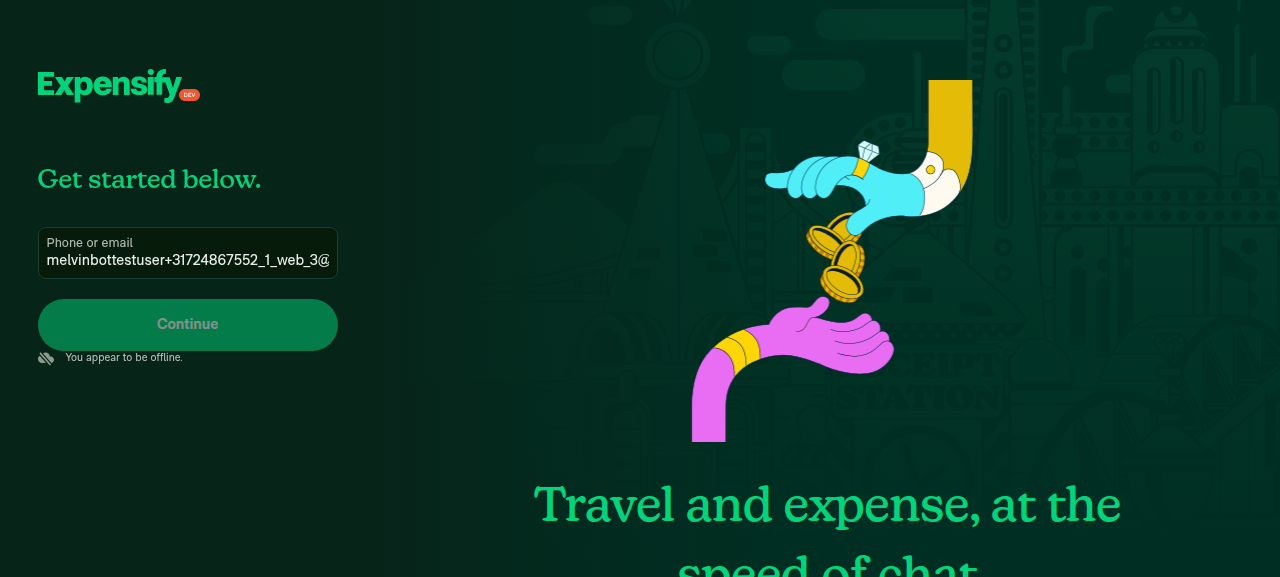
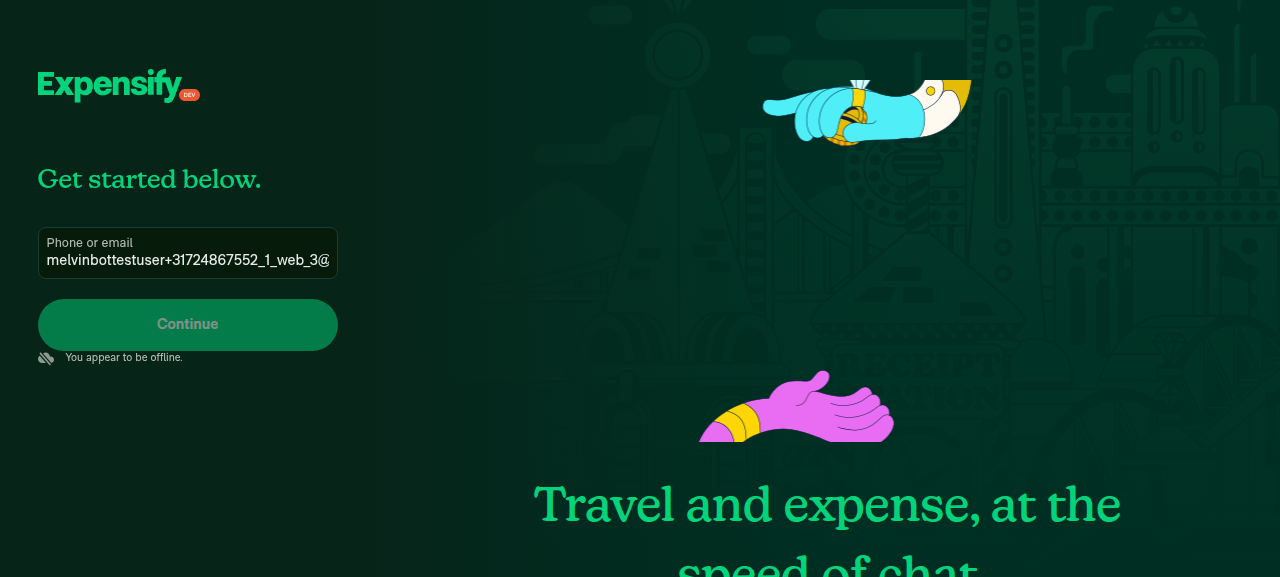
I attempted to run the PR's testing steps on Web, but sign-in to the dev NewDot session could not be completed, so I never reached the authenticated app to create a distance/odometer expense or inspect the Rotate/Crop/replace buttons.

Root cause: Every backend request from the dev server returns HTTP 403 with response header cf-mitigated: challenge — Cloudflare is challenging the dev server's API calls. The client's connectivity check (GET /api/Ping) never succeeds, so the app stays on the signed-out "Get started" screen showing "You appear to be offline." This is a CI network/edge blocker, not a defect in this PR or a stale selector.

What I tried
  1. Confirmed the session was open on the "Get started below." screen.
  2. Probed selectors — the email textbox resolved cleanly and the fill landed (verified the value).
  3. Filled a fresh minted email and clicked Continue — the screen never advanced; the offline banner persisted across retries and a 5s wait.
  4. Dumped network traffic (with headers): every request was GET /api/Ping?accountID=unknown → 403 with cf-mitigated: challenge. No Authenticate command is ever attempted because Ping never succeeds.

The sign-in form and its selectors work (fill + click both succeeded); the backend is simply unreachable from this environment for every request, so no amount of UI driving gets past it. Checking out the PR branch would not change this, since the blocker is network/Cloudflare, not App source.

Evidence:

Attempt Screenshot
After filling sign-in email recovery-1
After 5s wait (persistent) recovery-2

Next steps: This needs the web test infra owner to look at the Cloudflare 403 on the dev server's api/Ping (likely CI egress-IP allow-listing / ensureDevServer.sh). Once sign-in works in a Melvin web run, re-trigger @MelvinBot on this PR and I'll run the full odometer Rotate/Crop test steps and post screenshots.

@Julesssss
Julesssss merged commit 48de795 into main Aug 13, 2026
50 of 53 checks passed
@Julesssss
Julesssss deleted the claude-odometerRotateCropButtons branch August 13, 2026 20:00
@OSBotify

Copy link
Copy Markdown
Contributor

✋ This PR was not deployed to staging yet because QA is ongoing. It will be automatically deployed to staging after the next production release.

@MelvinBot

Copy link
Copy Markdown
Contributor Author

Android test results — ⚠️ Partial: fix works pre-submission, but Rotate/Crop are still hidden in the normal post-creation flow

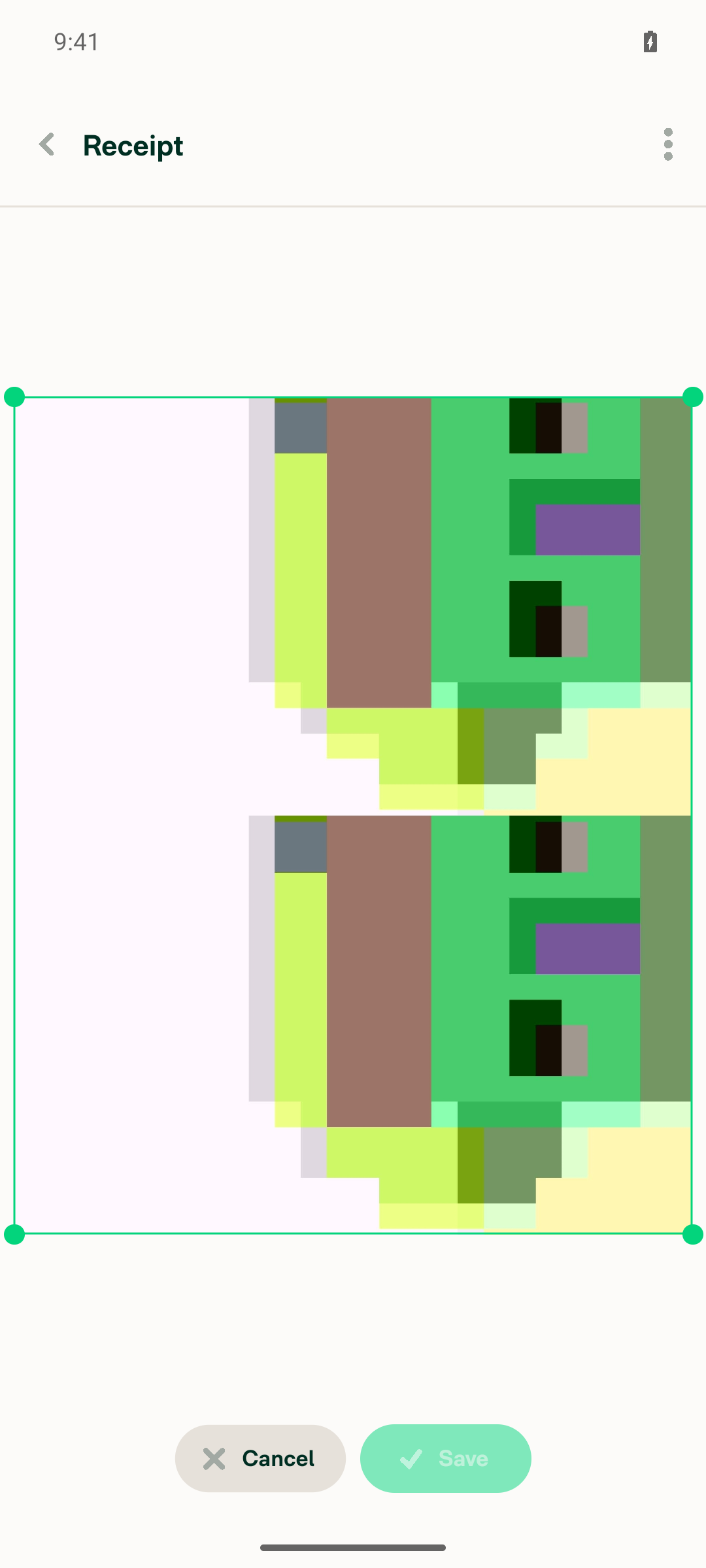
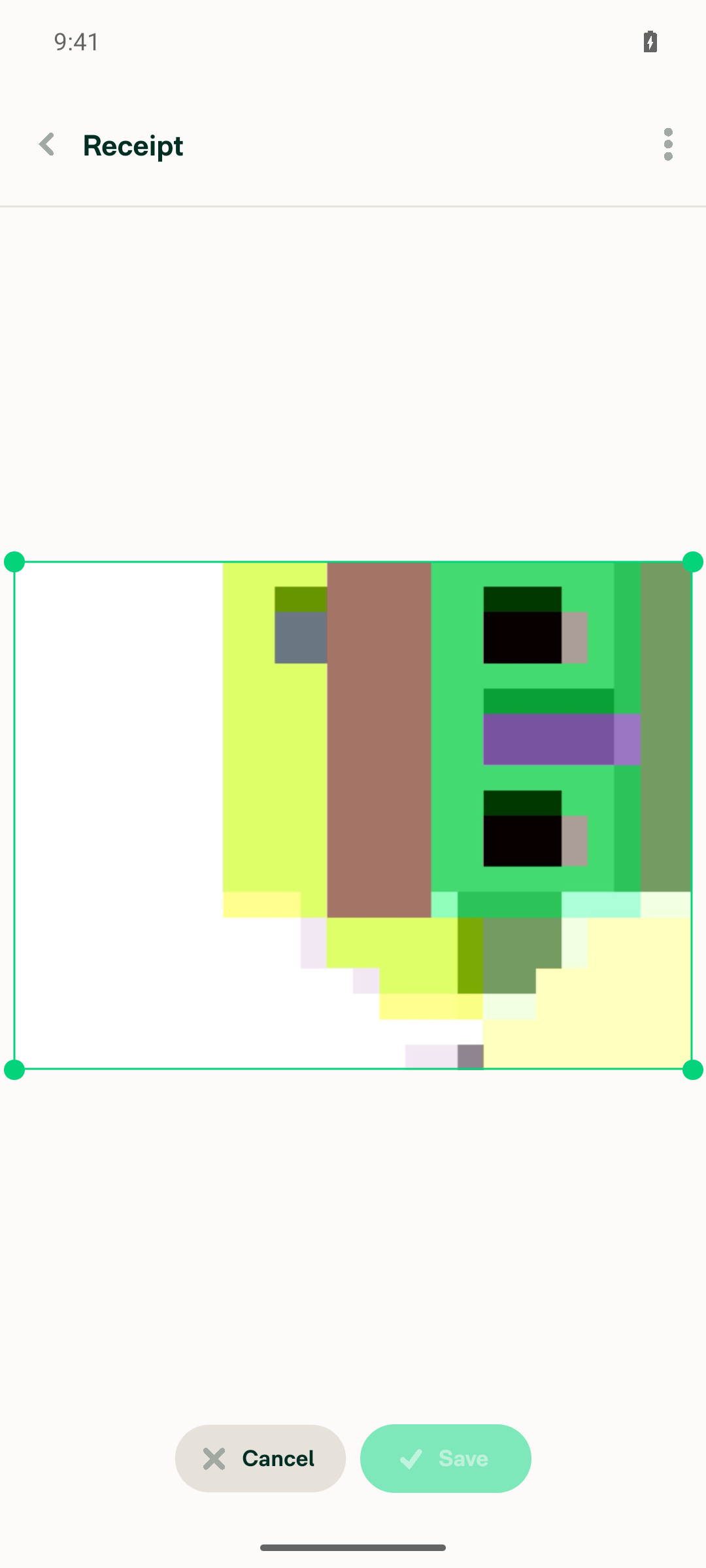
I ran the PR's testing steps on Android (branch claude-odometerRotateCropButtons, commit 204e782). The PR's intended behavior (Rotate + Crop visible, Replace hidden) holds only on the pre-submission "Confirm details" screen — the transient view right after capturing the odometer photos. Once the expense actually exists and you open the receipt the normal way (open the expense → tap the receipt), the stitched odometer receipt shows no footer buttons at all — Rotate and Crop are hidden too, not just Replace. A normal (non-odometer) receipt keeps all three buttons in that same post-creation context, so there's no regression there.

Step-by-step

# Step Result
1 Create distance expense with stitched odometer receipt ✅ Pass
2 Open the odometer receipt attachment ✅ Pass
3 Rotate & Crop visible and functional on odometer receipt ⚠️ Partial — works pre-creation only; hidden in the normal post-creation view
4 Replace button stays hidden for odometer receipt ✅ Pass (hidden in both contexts)
5 Normal receipt still shows Rotate, Crop, Replace (no regression) ✅ Pass
6 No console errors ⚪ Not verified (log stream wasn't active for the session)

Evidence

Pre-creation (Confirm details) — matches PR intent: Rotate + Crop shown, Replace hidden, both functional.
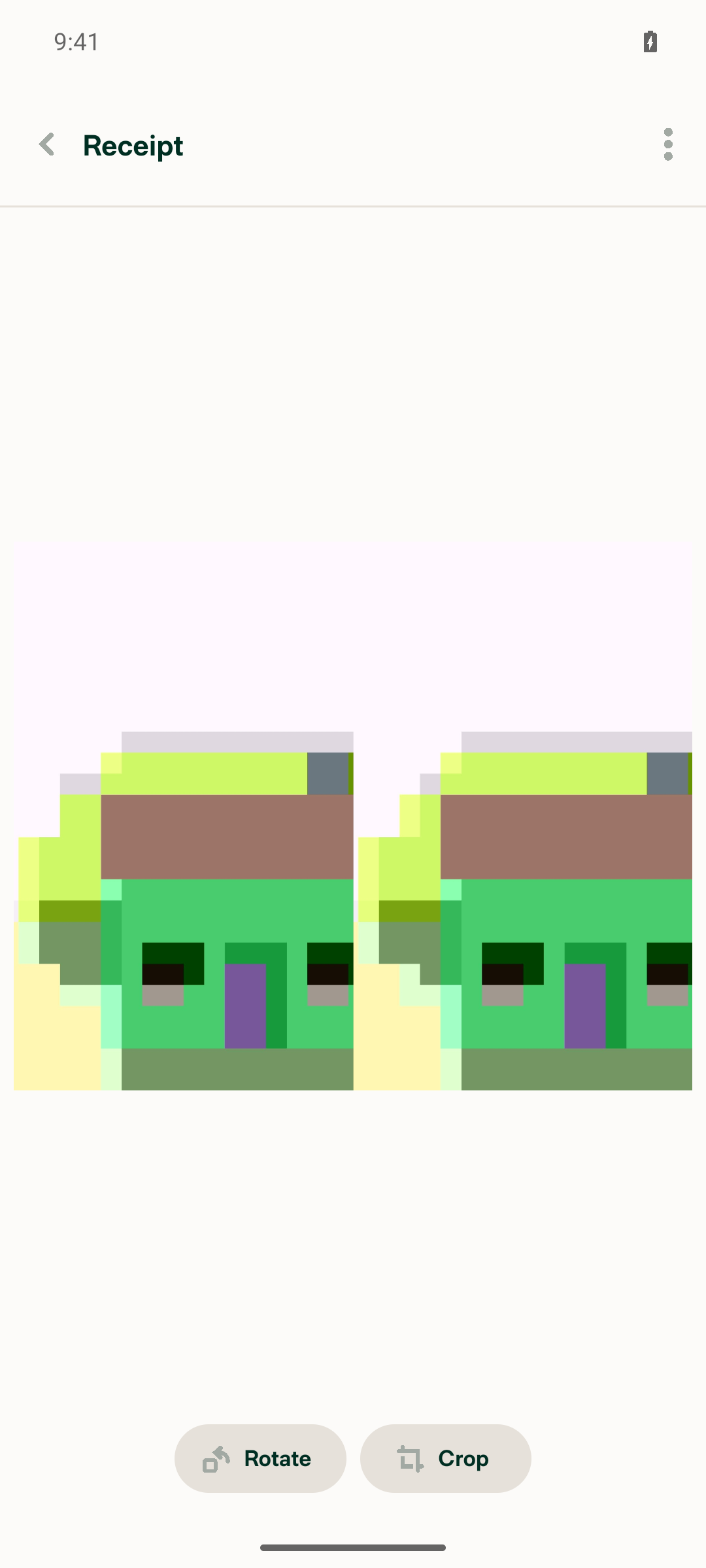
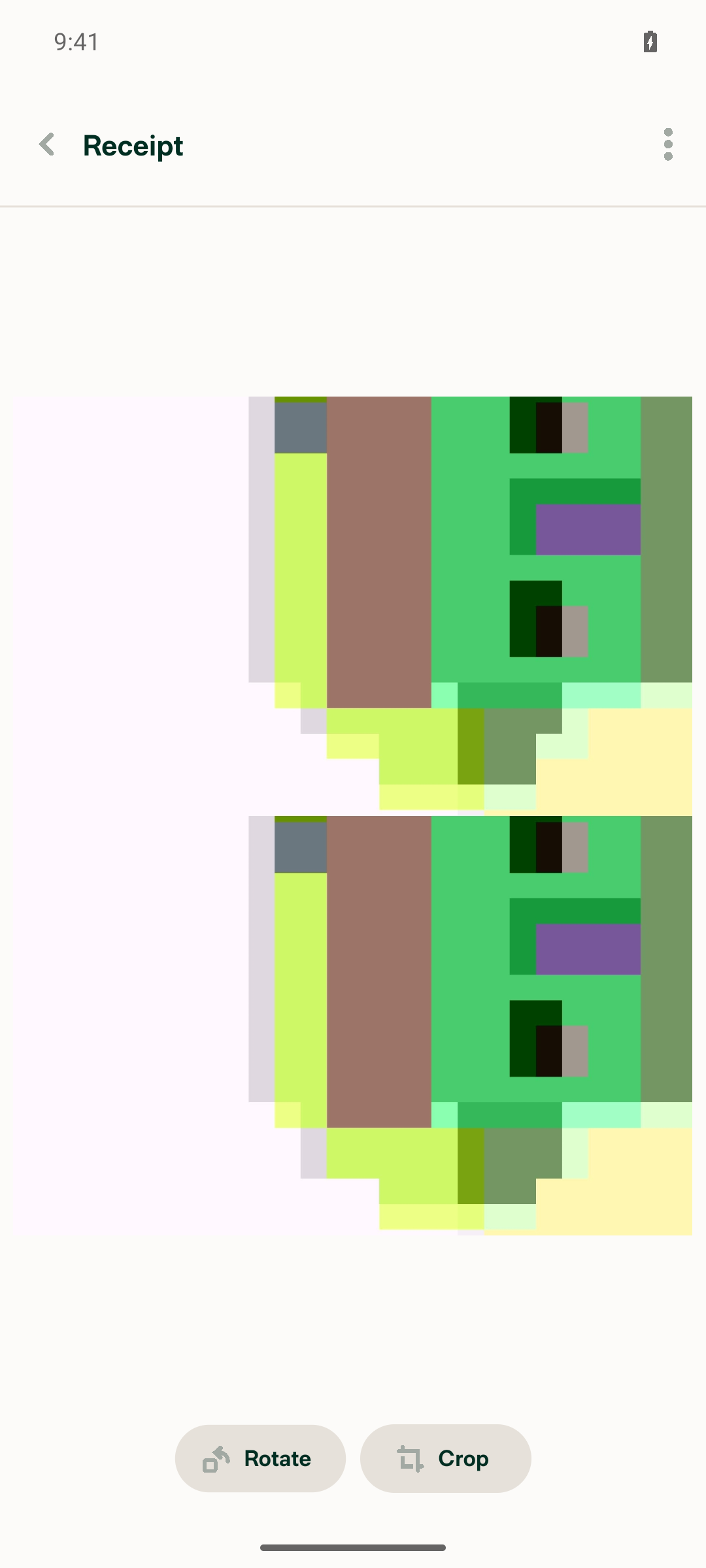
pre-creation odometer
odometer rotated
odometer crop mode

Post-creation (open the created expense → view receipt) — no buttons at all (the gap):
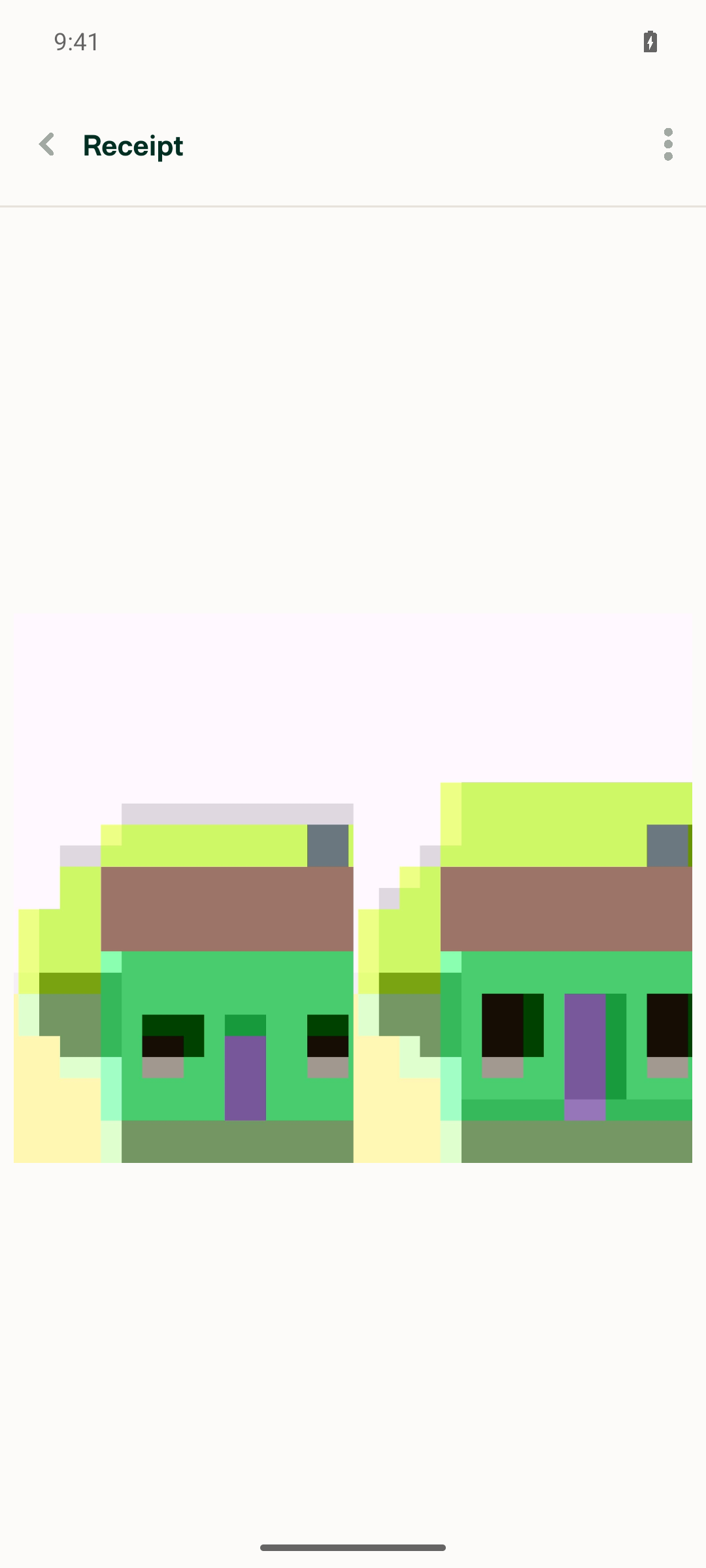
post-creation odometer, no buttons

Normal (non-odometer) receipt post-creation — all three buttons present, no regression:
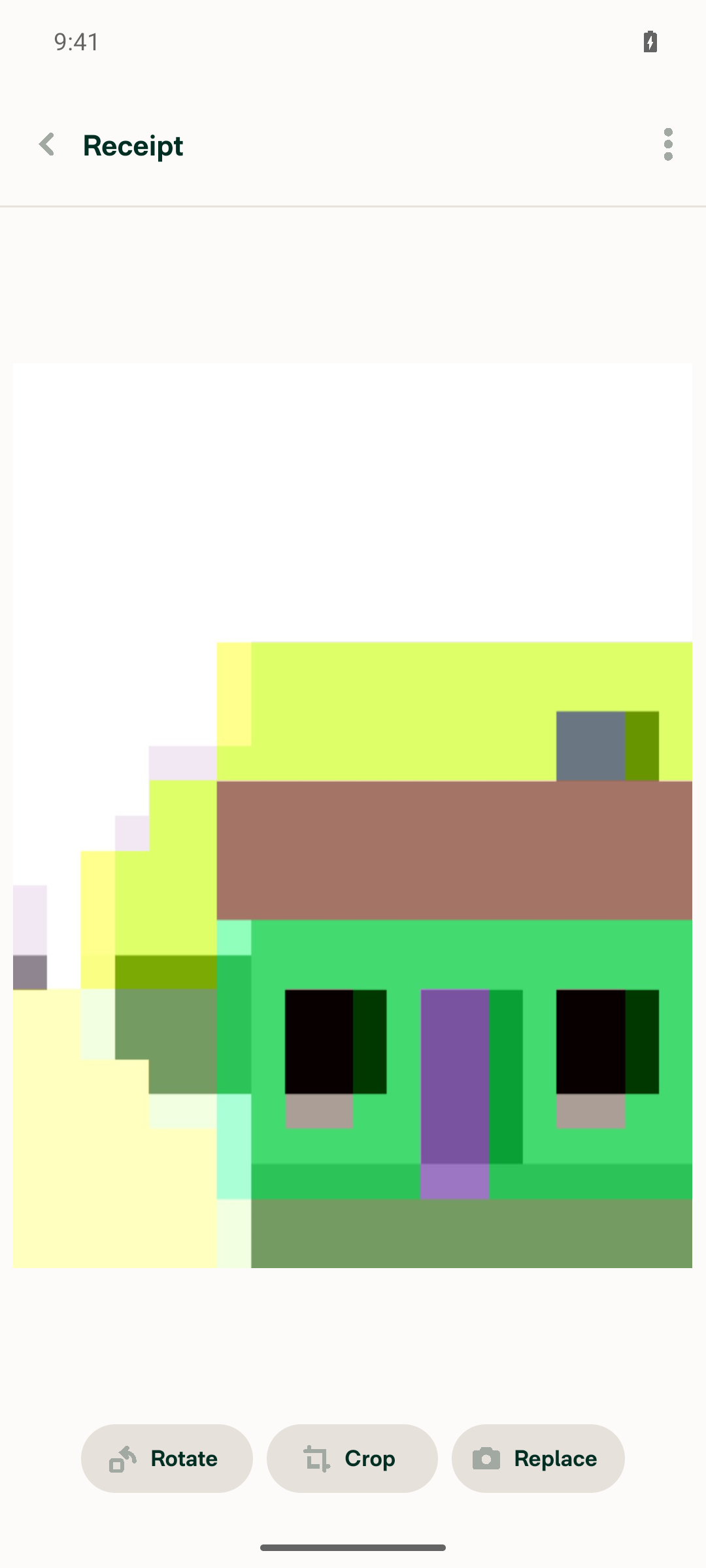
normal receipt buttons

More screenshots (normal receipt Rotate/Crop, odometer creation)
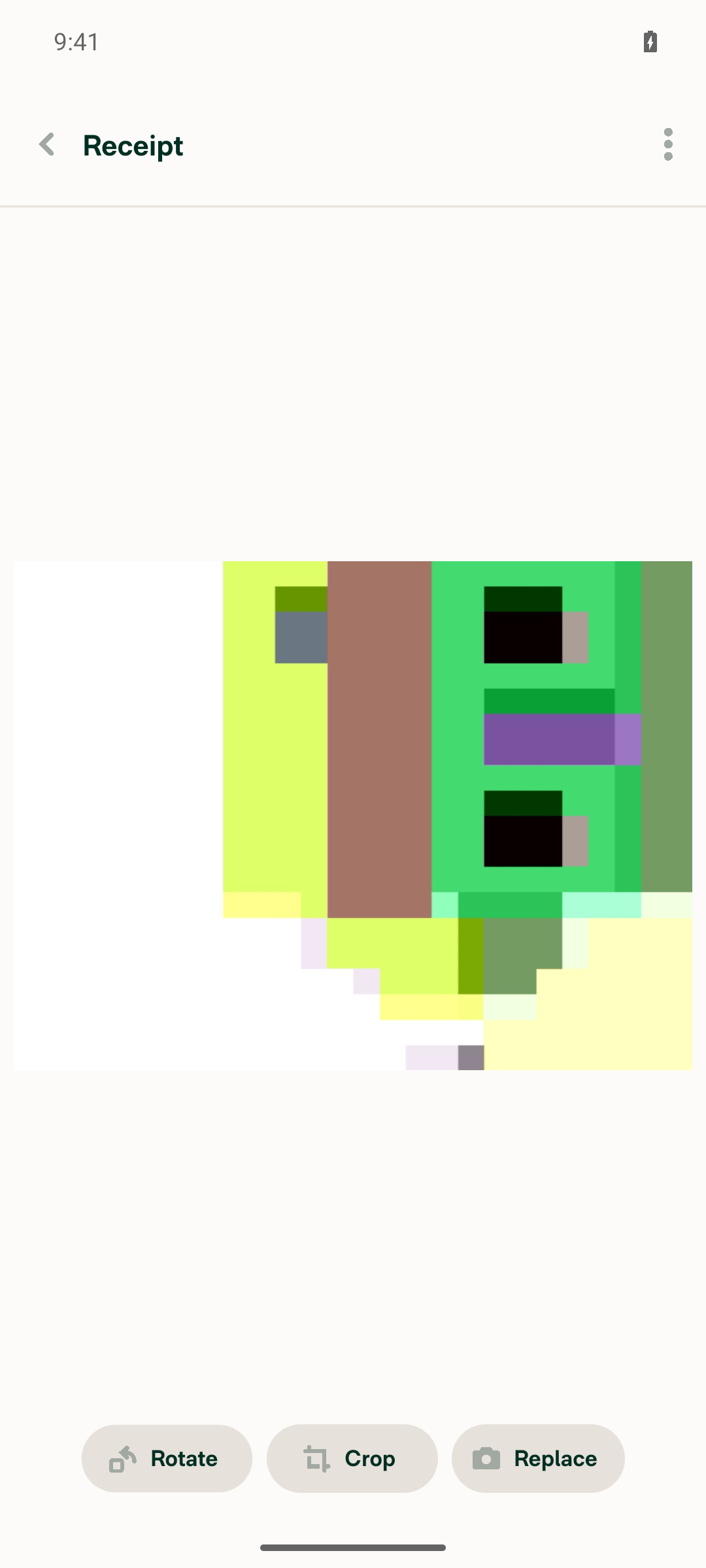
normal receipt rotated
normal receipt crop mode
stitched odometer at creation

Why the buttons are hidden post-creation (root cause)

In TransactionReceiptModalContent.tsx:362-371, shouldShowRotateAndCropReceiptButton now gates on canEditReceiptButtons, which depends on canEditReceipt = canEditFieldOfMoneyRequest({fieldToEdit: RECEIPT, ...}).

That shared permission check at ReportUtils.ts:5336-5345 excludes all non-manual distance requests:

(!isDistanceRequest(transaction) || isManualDistanceRequestTransactionUtils(transaction)) &&

Odometer transactions are distance requests and not manual, so this returns false for them. canEditReceiptButtons then falls back to isDraftTransaction (the action route param), which is only truthy on the pre-creation confirmation route. Once the expense exists and the receipt opens via ROUTES.TRANSACTION_RECEIPT without an action param (the everyday view path), canEditReceiptButtons is false, hiding Rotate/Crop as well as Replace.

So to fully meet the PR's goal, the odometer case likely also needs to be allowed through the RECEIPT-field check in canEditFieldOfMoneyRequest (or canEditReceiptButtons needs an odometer-specific path that doesn't depend on it).

Note: step 6 (console errors) couldn't be verified — the log stream wasn't active for this session, so nothing was captured either way.

@OSBotify

Copy link
Copy Markdown
Contributor

🚀 Deployed to staging by https://github.com/Julesssss in version: 9.4.54-0 🚀

platform result
🕸 web 🕸 success ✅
🤖 android 🤖 success ✅
🍎 iOS 🍎 success ✅

@MelvinBot

Copy link
Copy Markdown
Contributor Author

🤖 Help site review: no changes required.

This PR is a narrow UI bug fix — it restores the Rotate and Crop buttons for stitched odometer receipt images that were unintentionally suppressed by the !isStitchedOdometerReceipt exclusion. It doesn't add, remove, or alter any documented user-facing workflow, and no existing help article is made inaccurate by it.

Articles I checked in App/docs/articles
  • Attach-and-edit-receipts-on-expenses.md — documents Crop and Rotate as available for "uploaded or scanned image receipts." An odometer image is an uploaded image, so restoring those buttons is consistent with the article, not contradicted by it. The eReceipt exception ("eReceipts cannot be cropped or rotated") also still holds.
  • Distance-Expenses.md — documents that two odometer images "will be merged into a single image for easy viewing," but makes no claim about editing/rotating/cropping that image, so nothing needs updating.

No other article references odometer images or rotate/crop behavior in a way this change affects.

Because no help-site changes are needed, I did not create a draft docs PR.

@DylanDylann, if you believe the odometer rotate/crop behavior should be explicitly called out in the help site (e.g. a new FAQ in the Distance Expenses article), let me know and I'll draft the docs PR.

Sign up for free to join this conversation on GitHub. Already have an account? Sign in to comment

Labels

Melvin-Test-Android Melvin-Test-Web Triggers Melvin to run the testing steps of the PR on web

Projects

None yet

Development

Successfully merging this pull request may close these issues.

5 participants