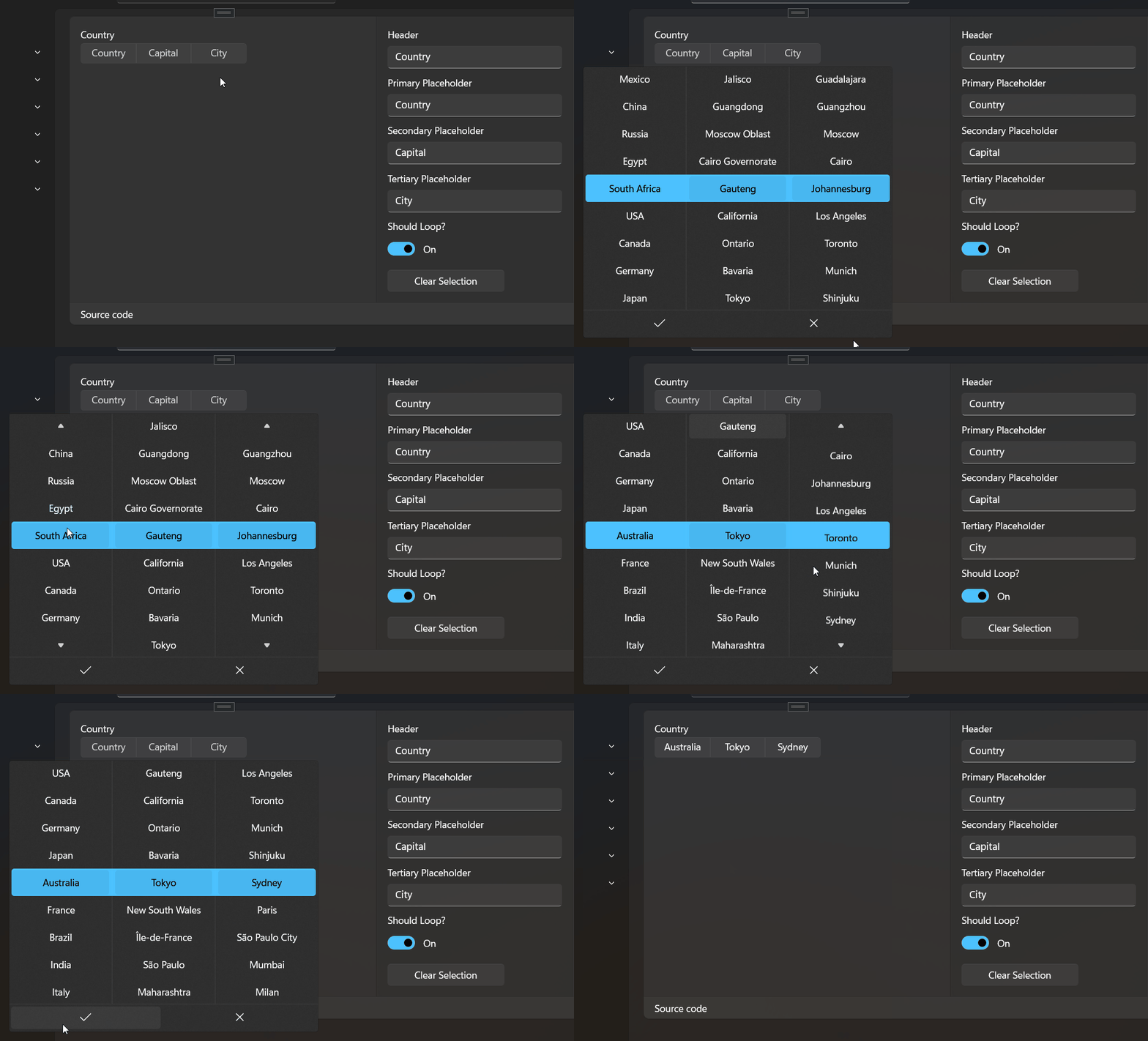
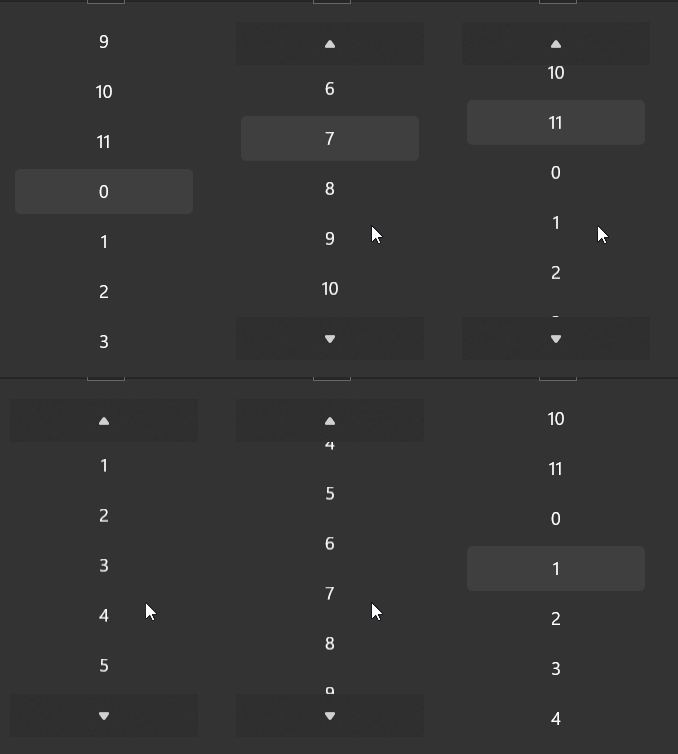
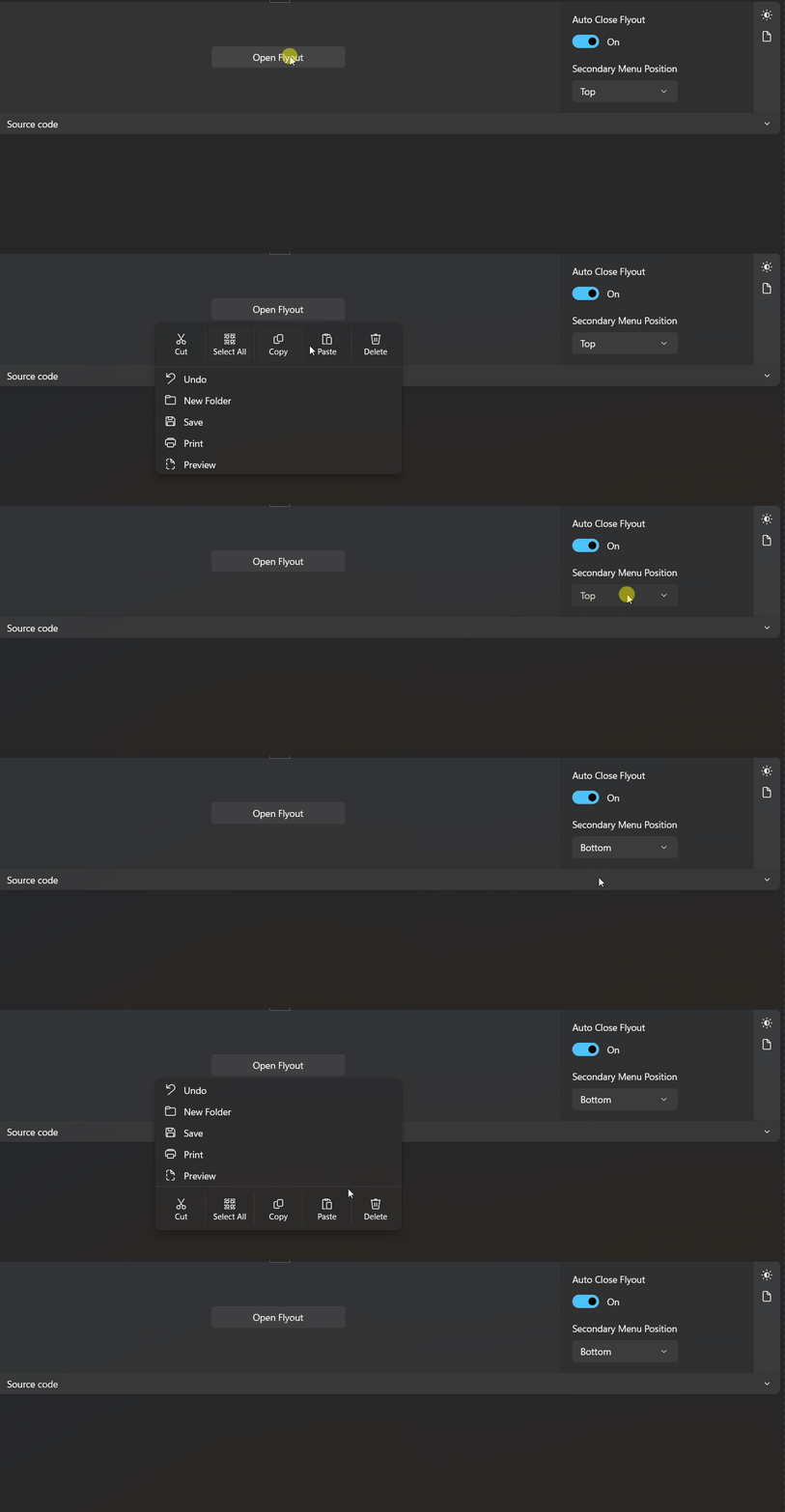
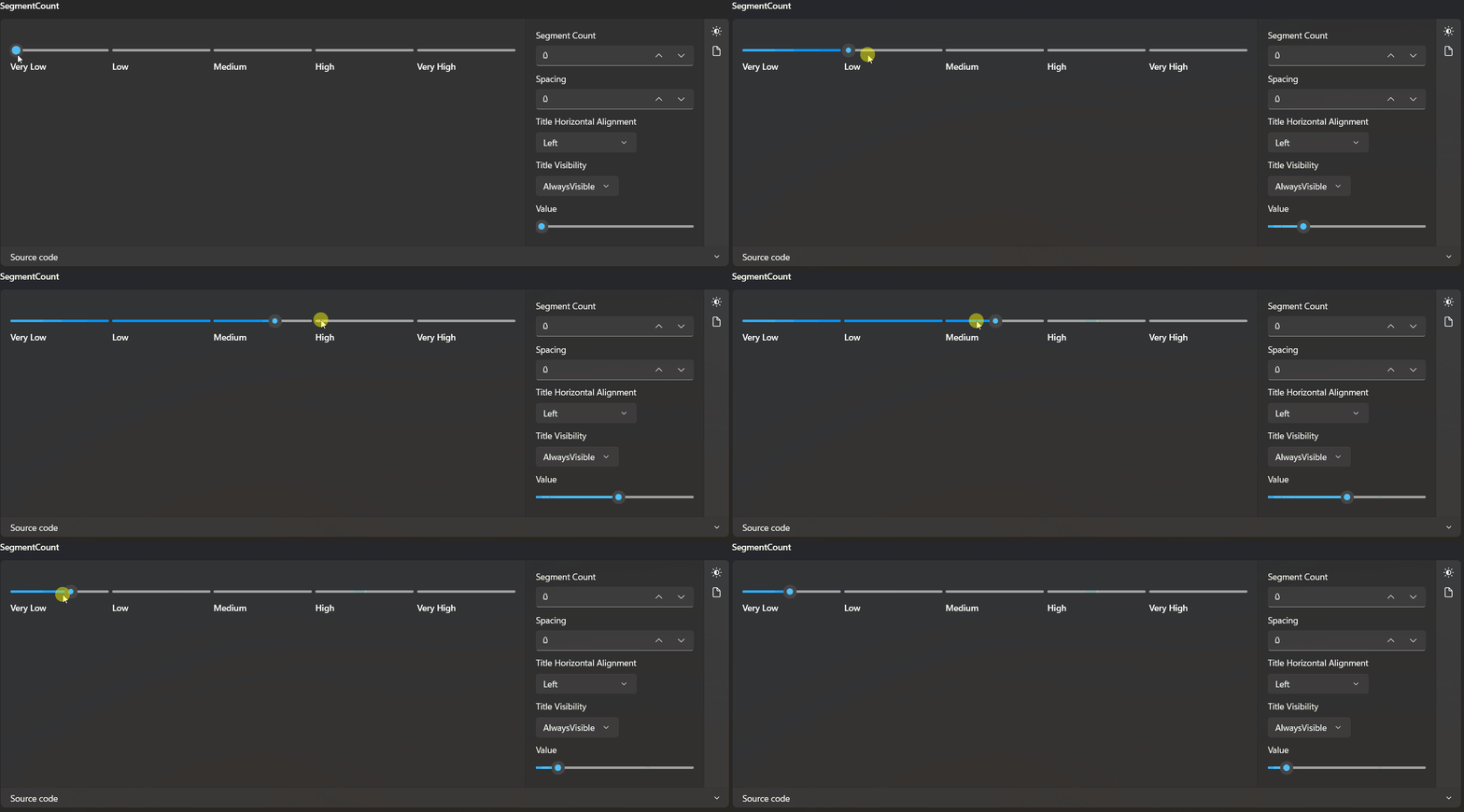
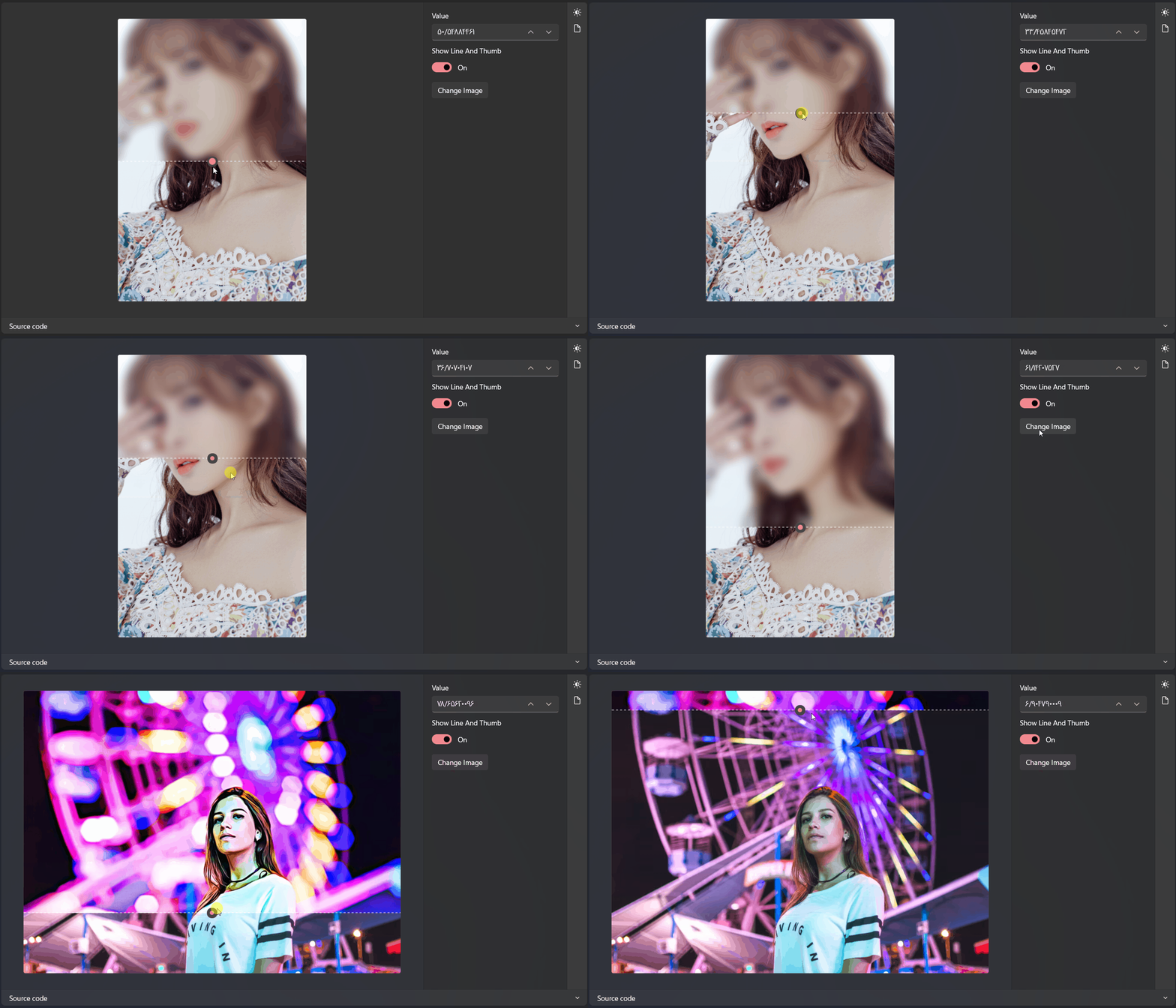
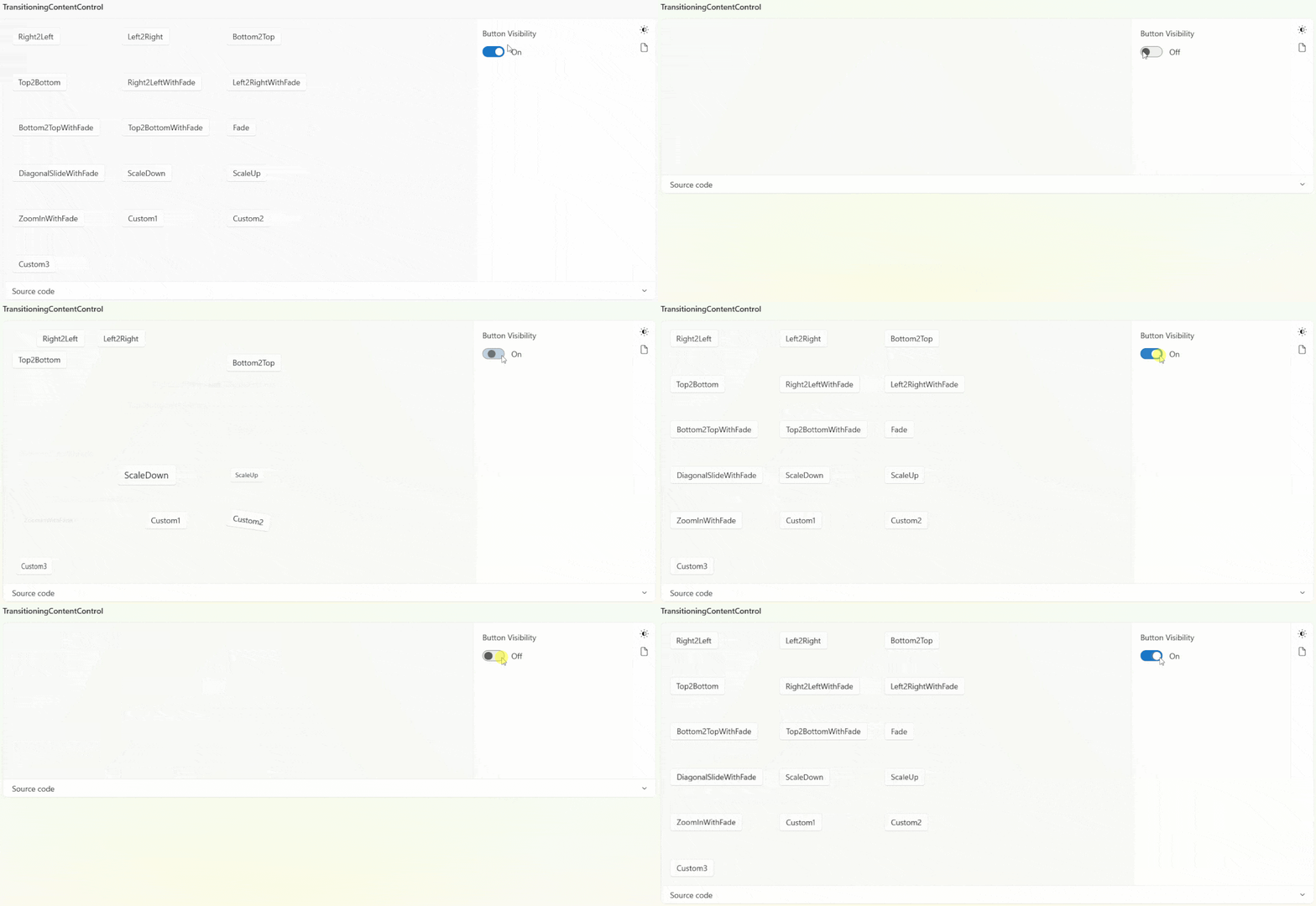
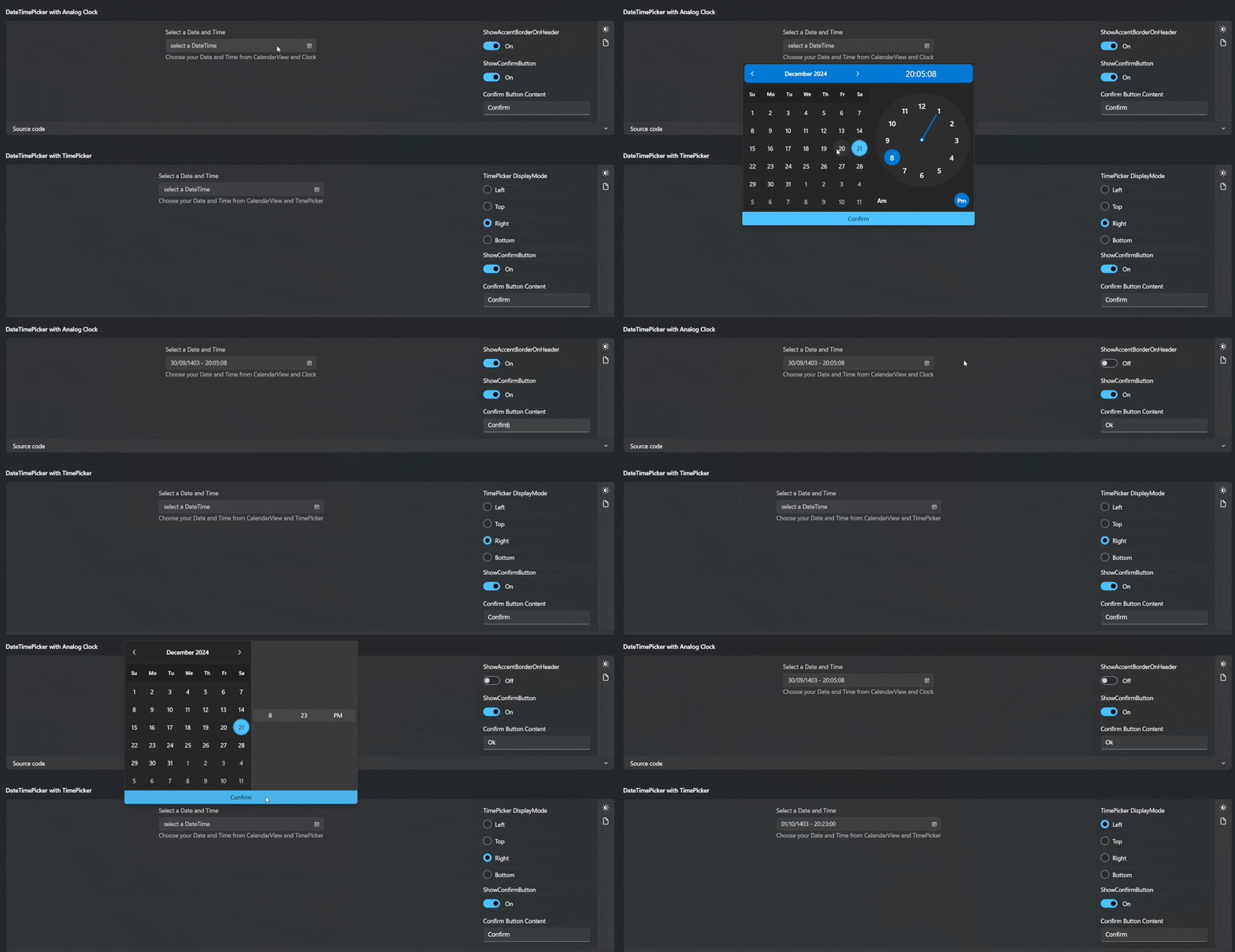
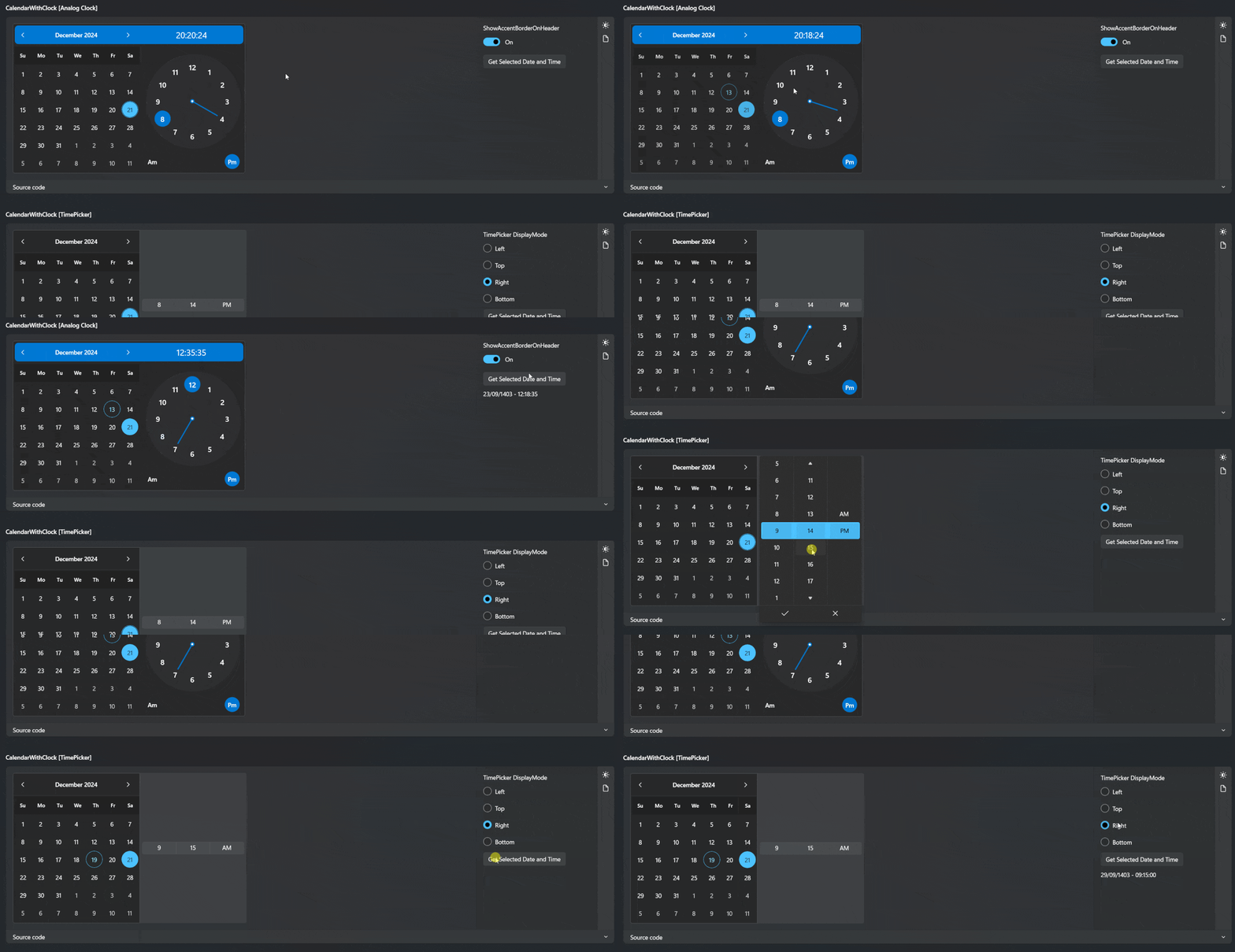
| Packages | Download/Installation | Documentation |
|---|---|---|
 |
|
 |
 |
 |
|
 |
 |
|
 |
 |
|
 |
 |
|
 |
 |
|
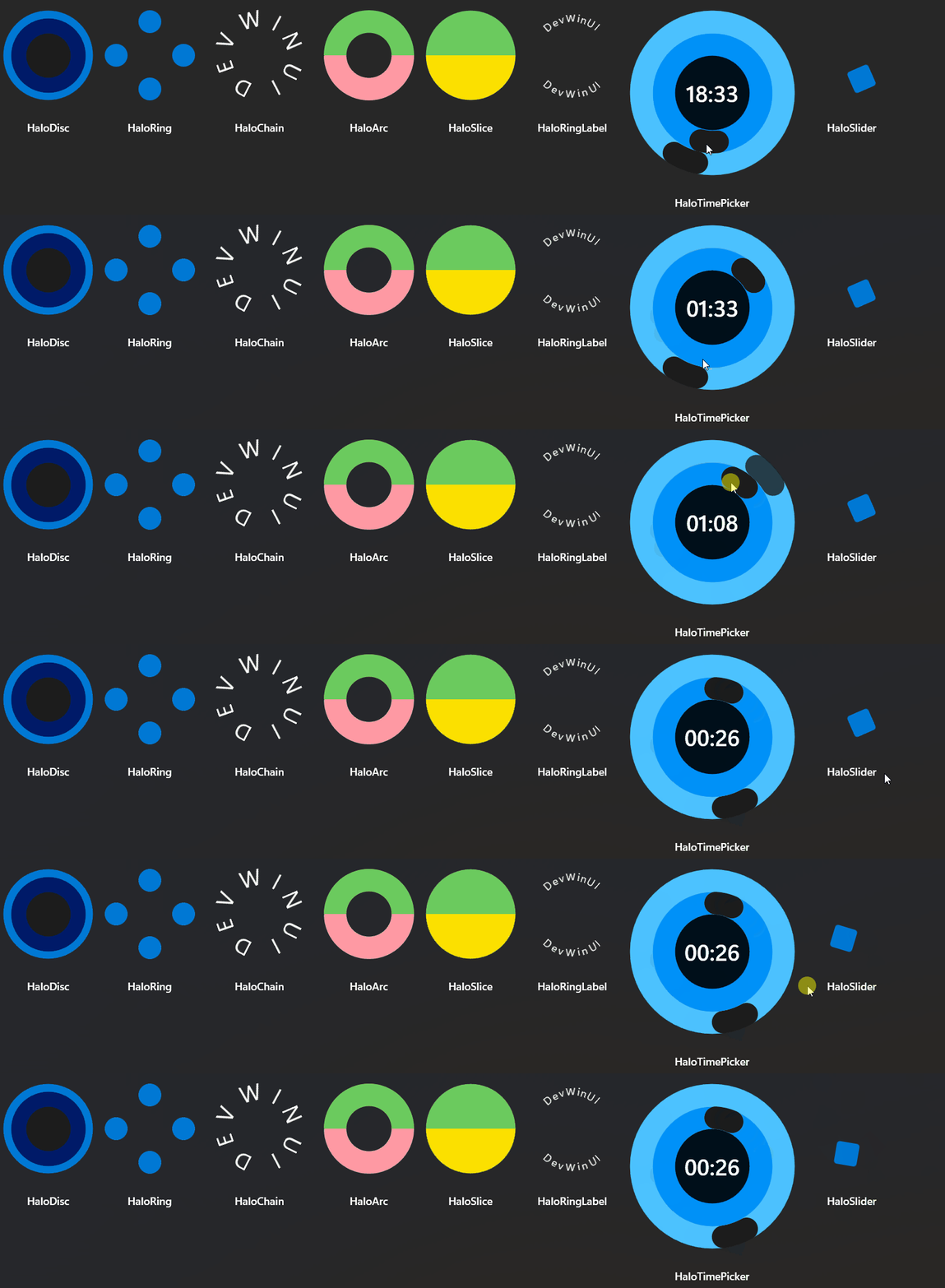
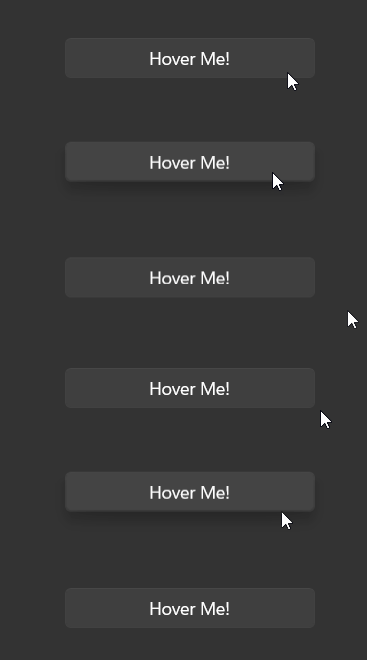
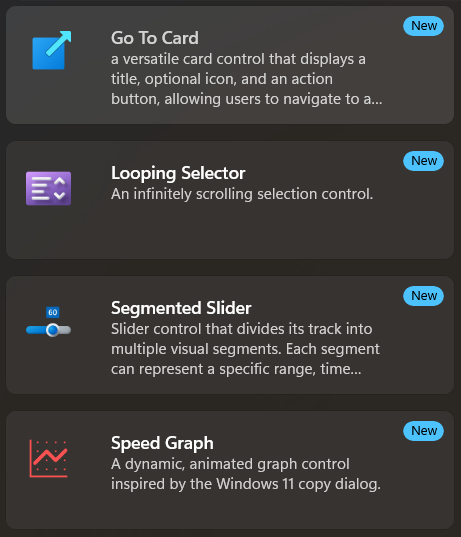
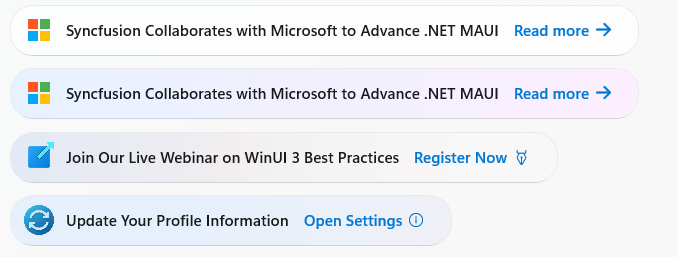
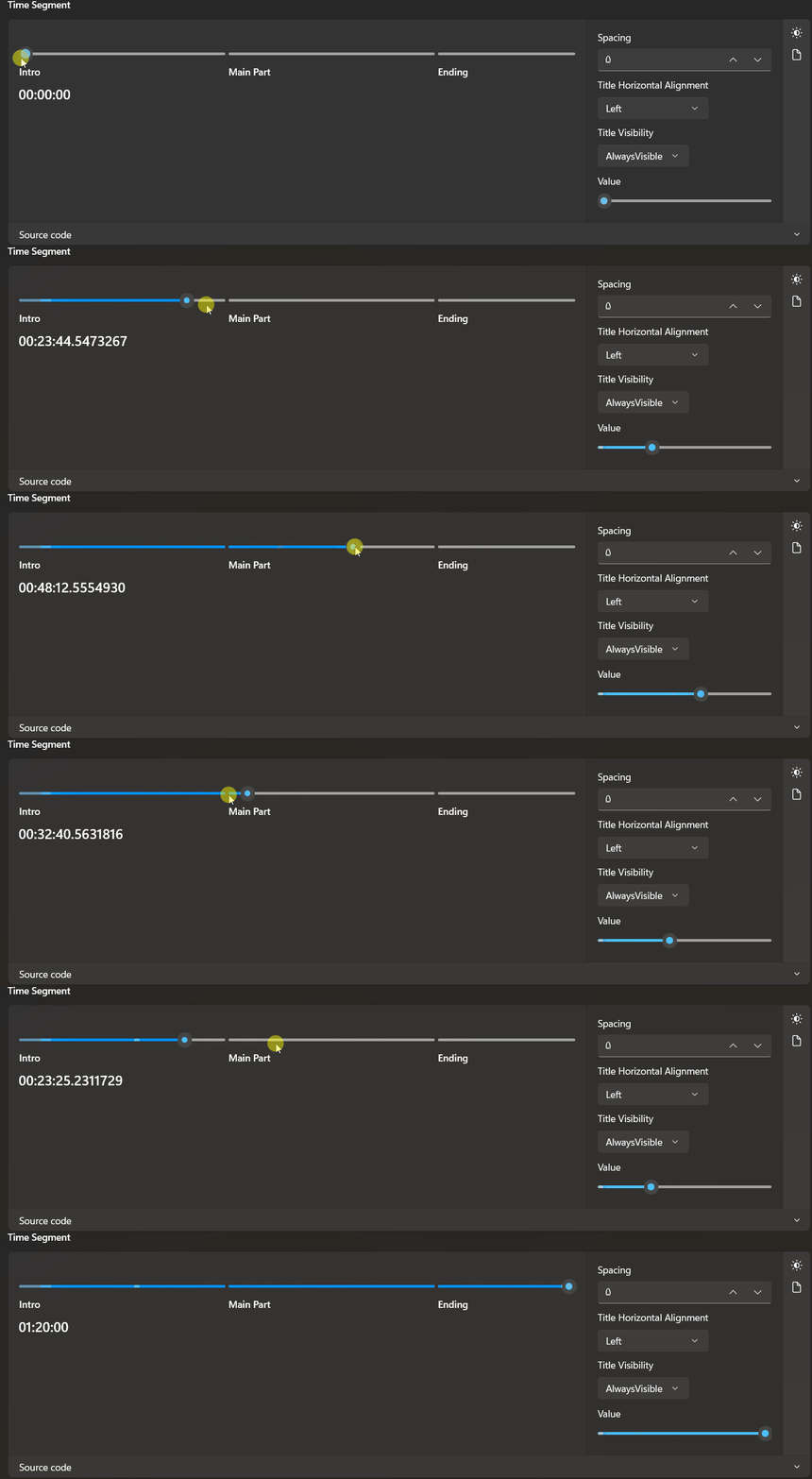
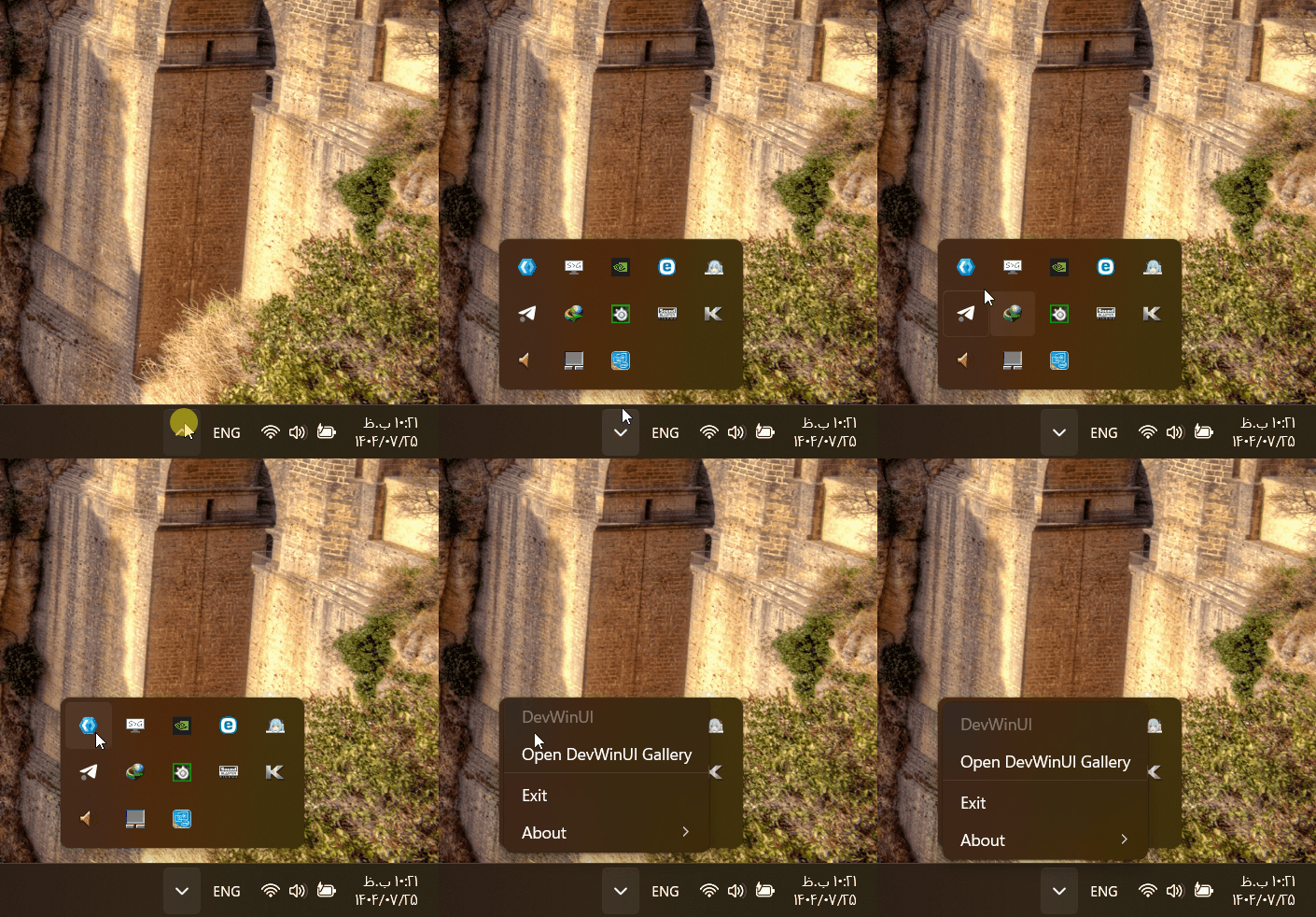
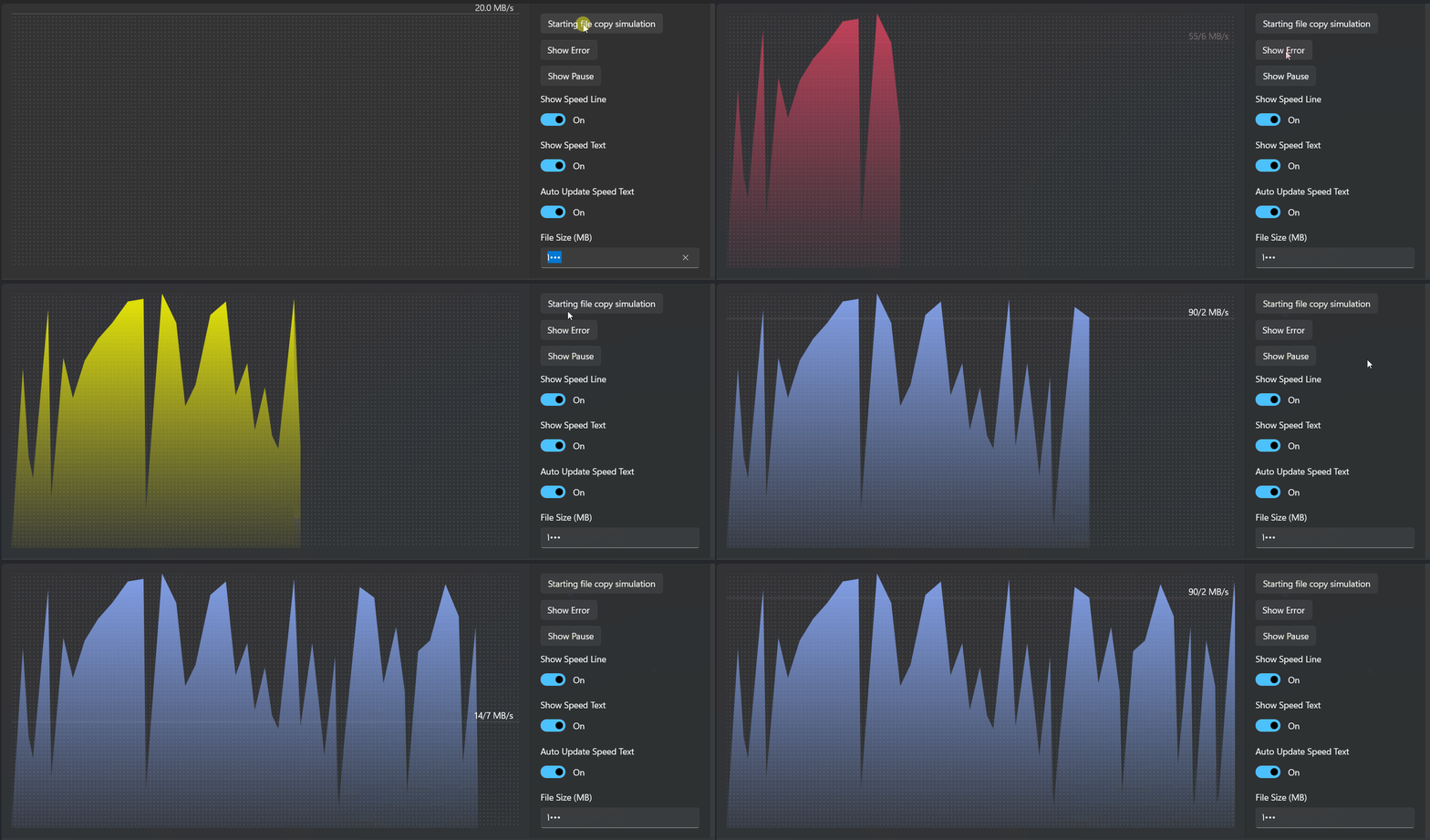
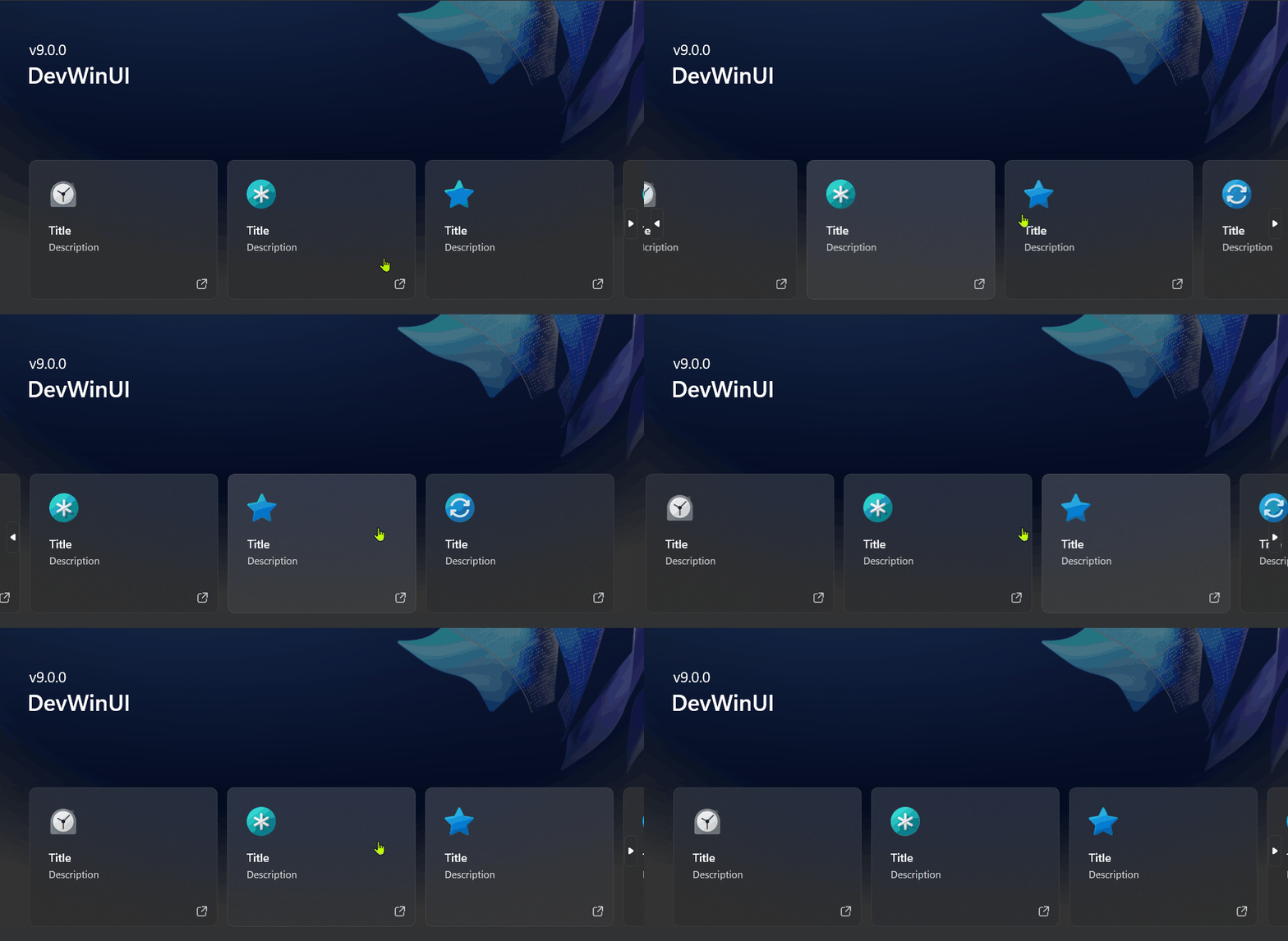
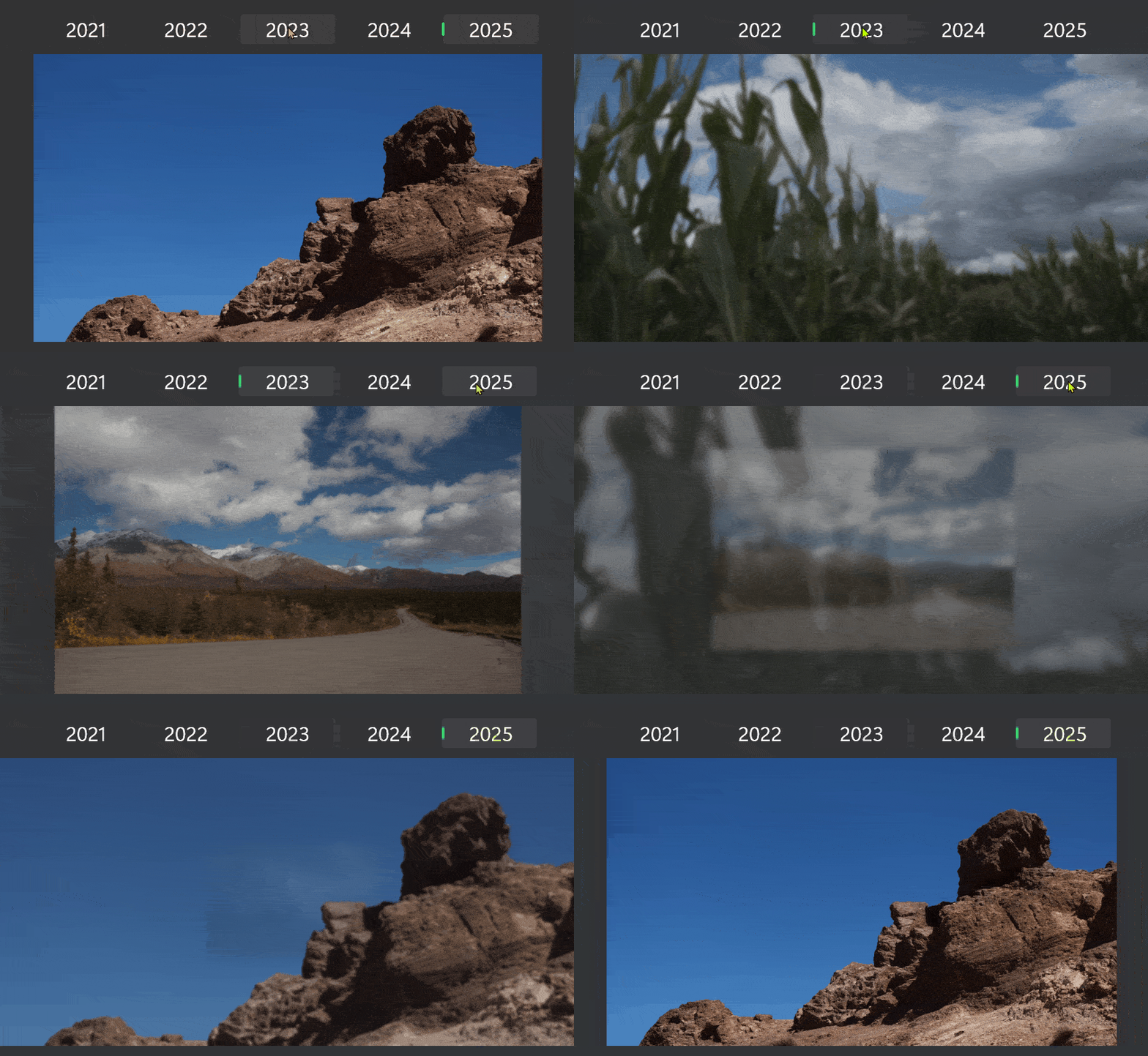
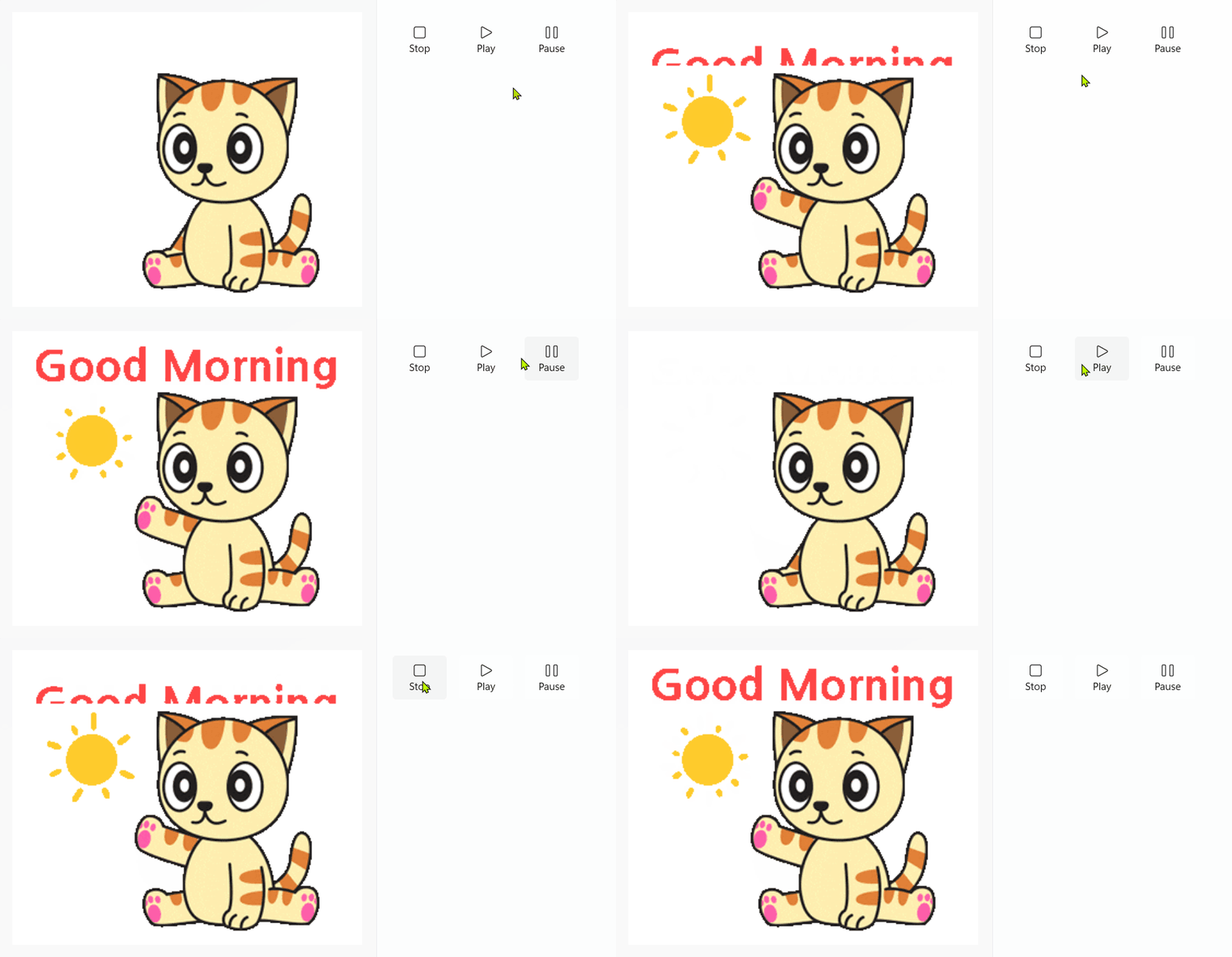
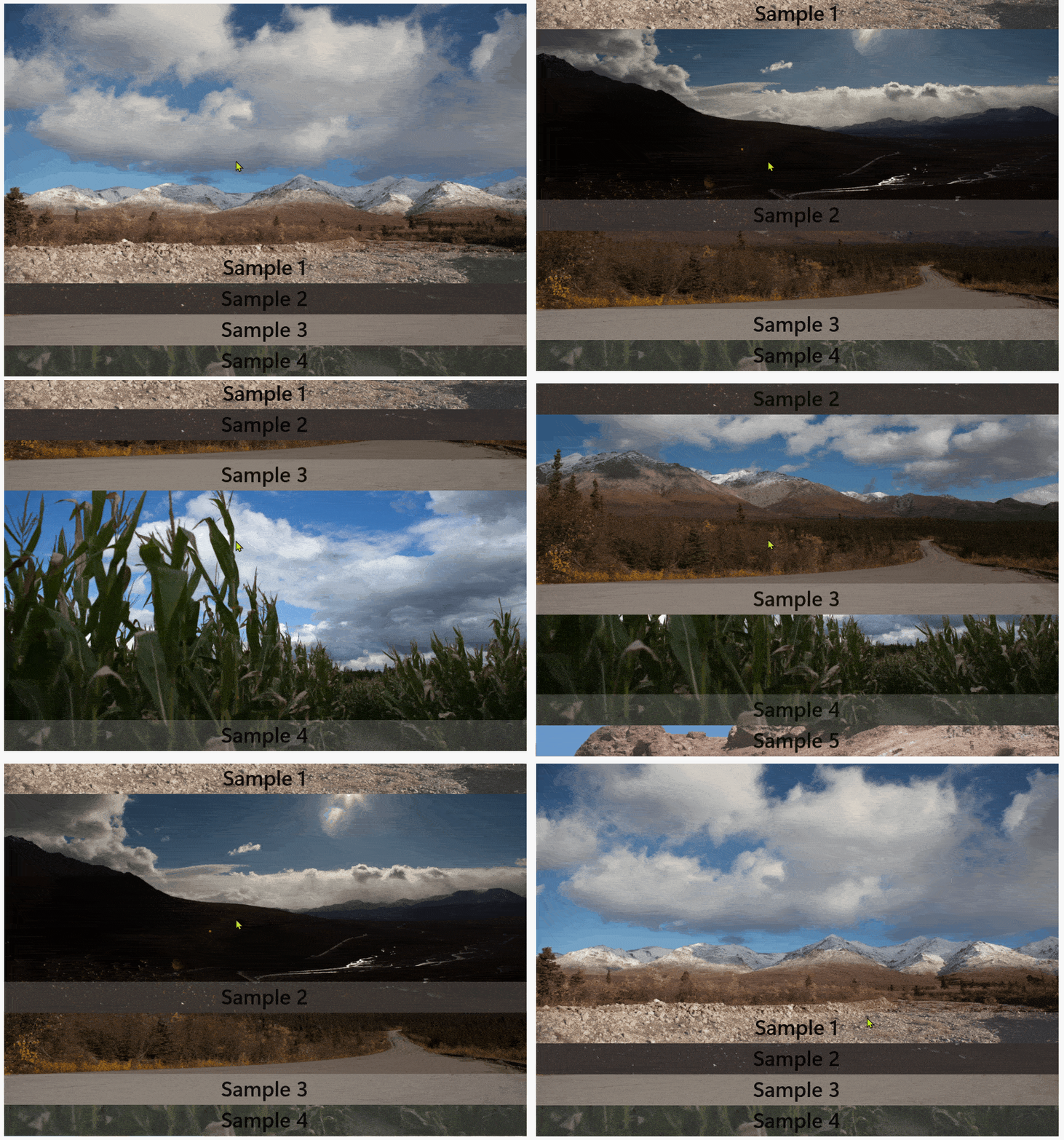
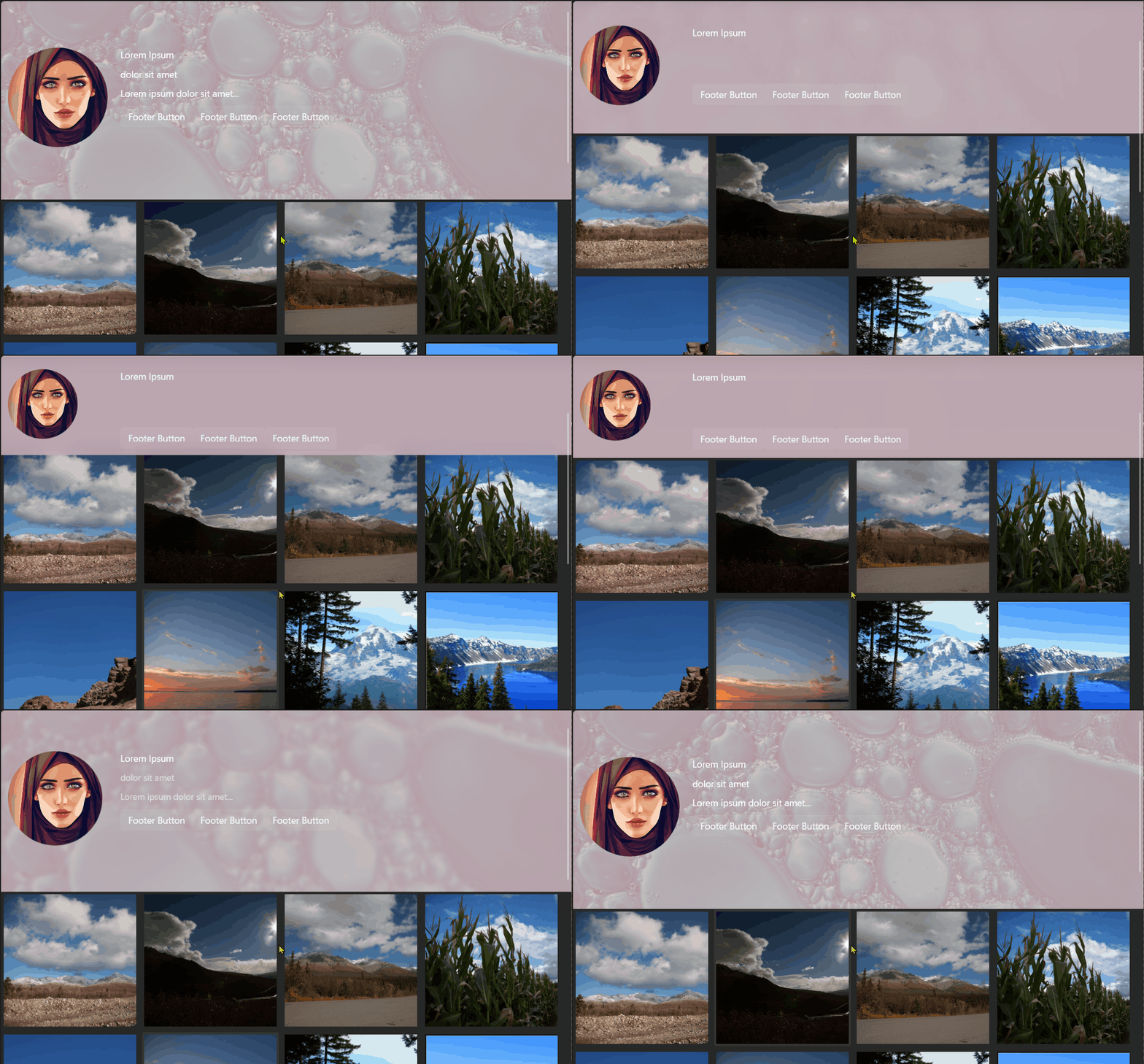
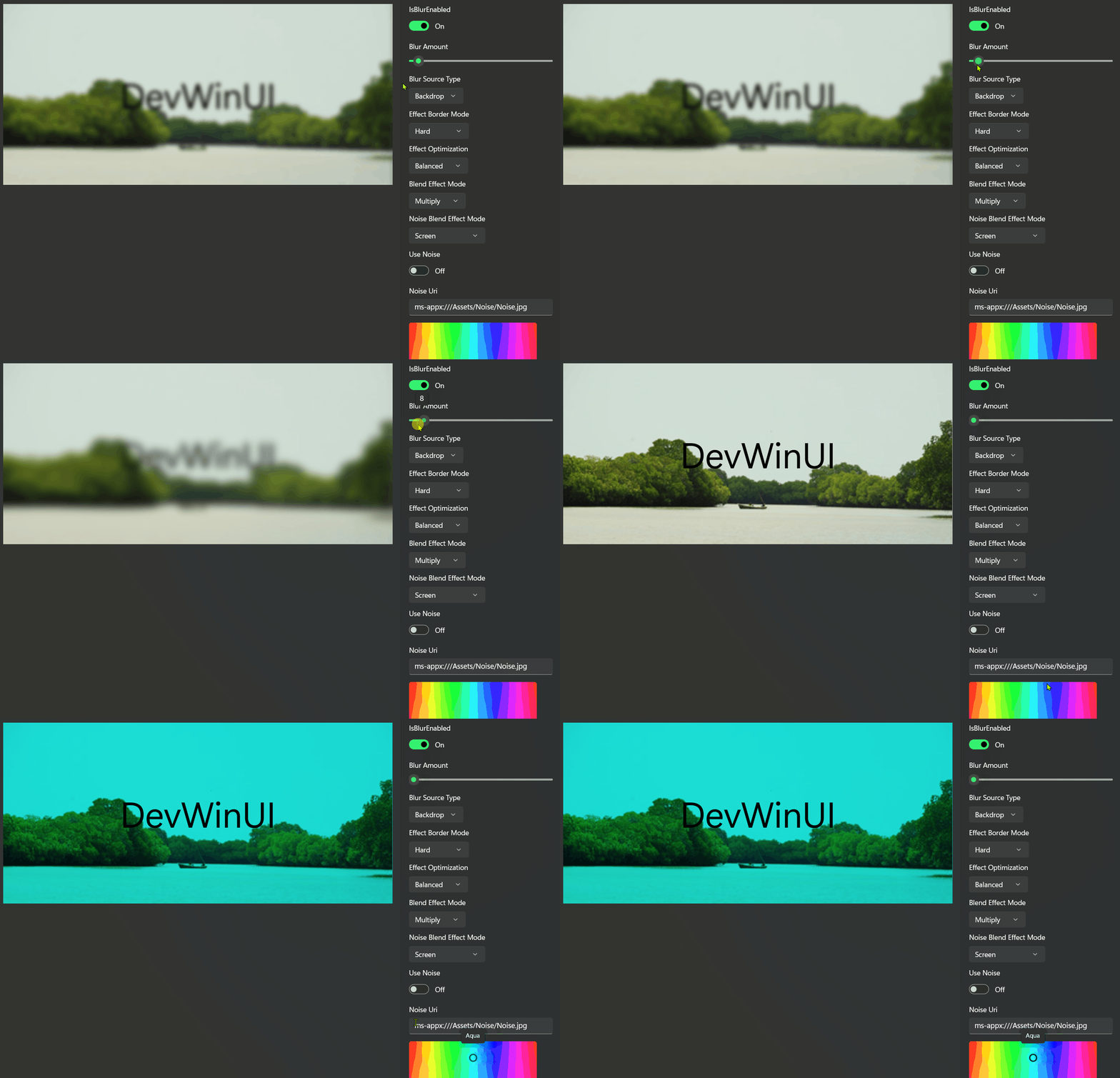
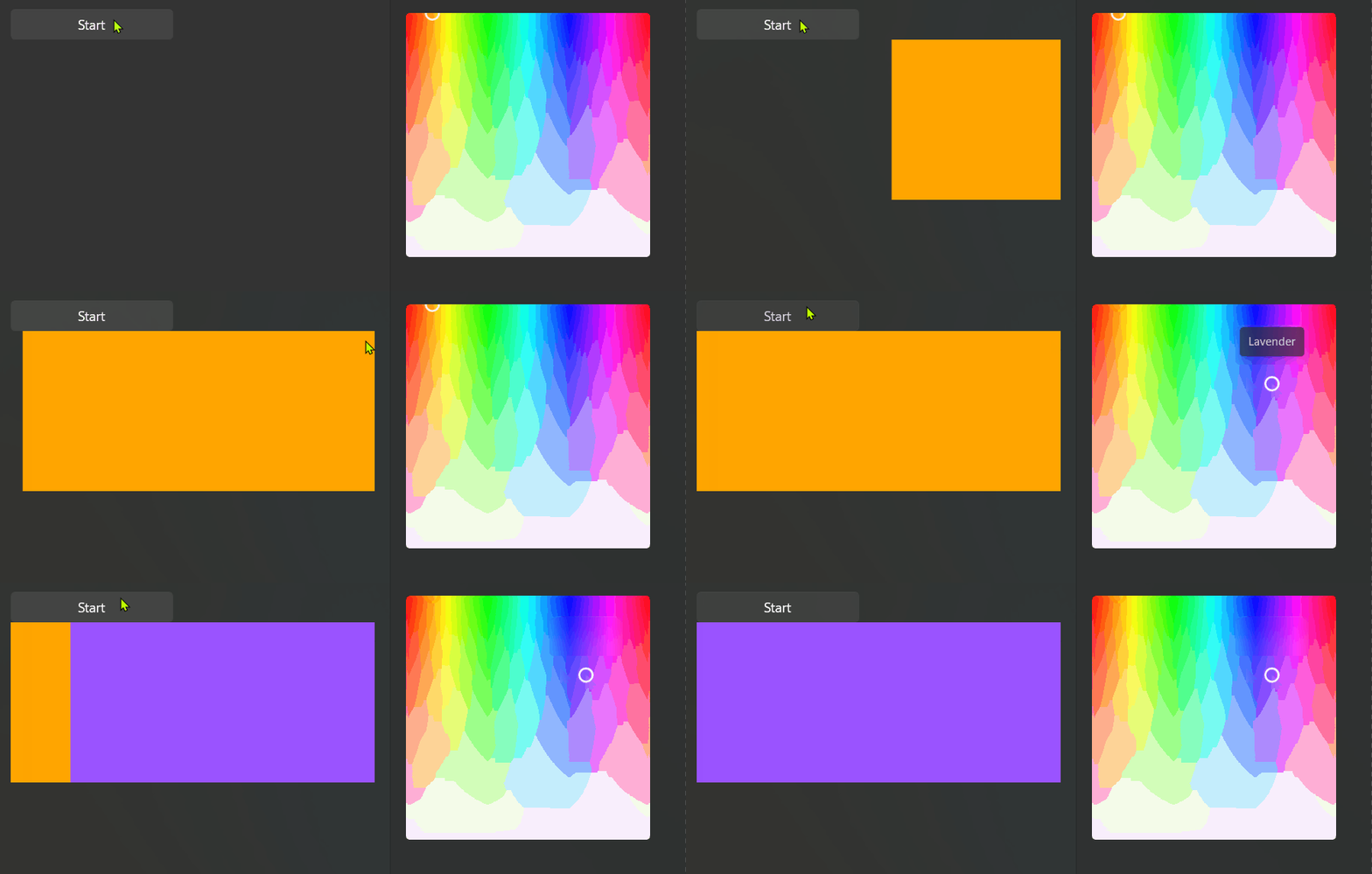
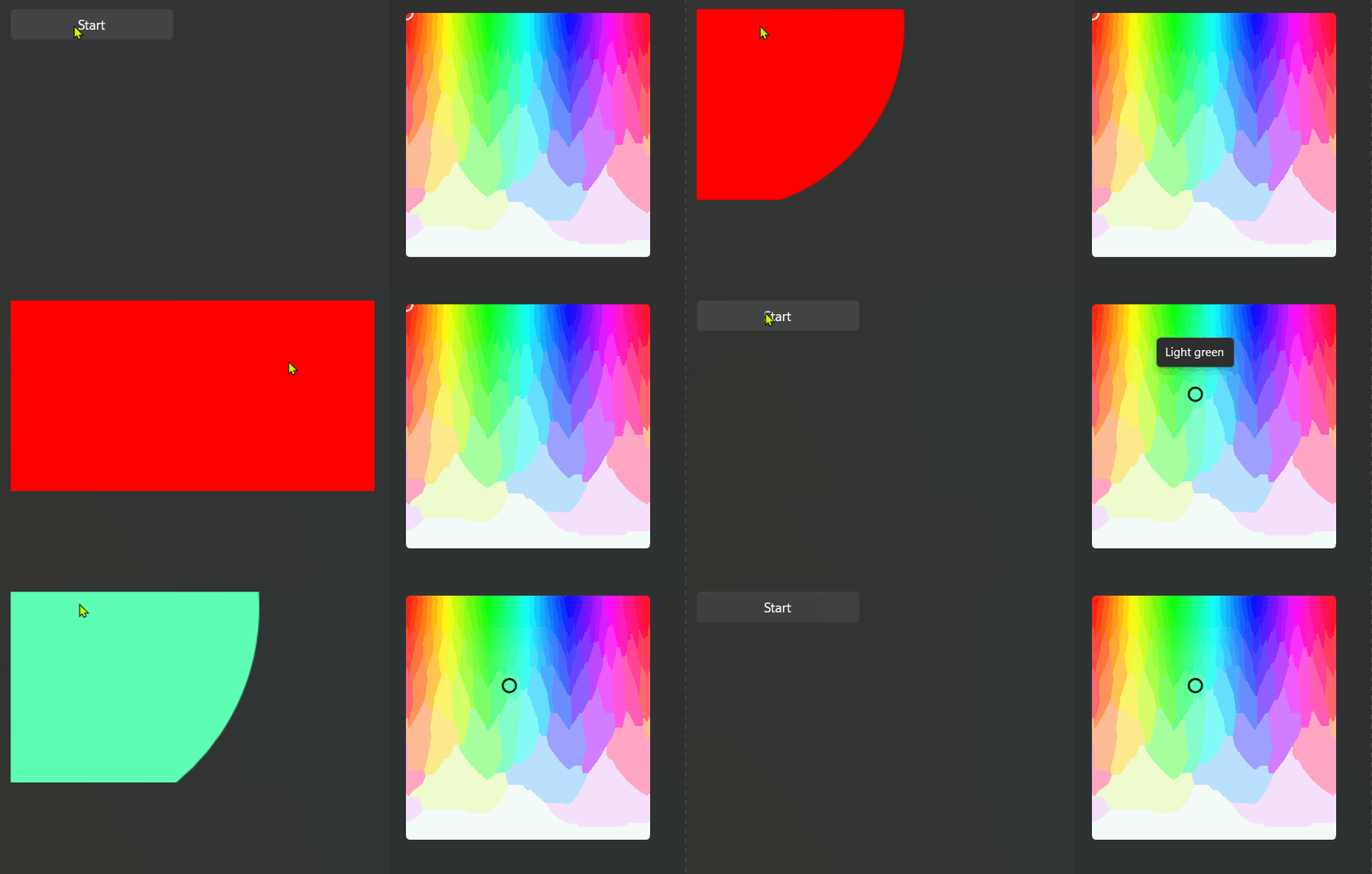
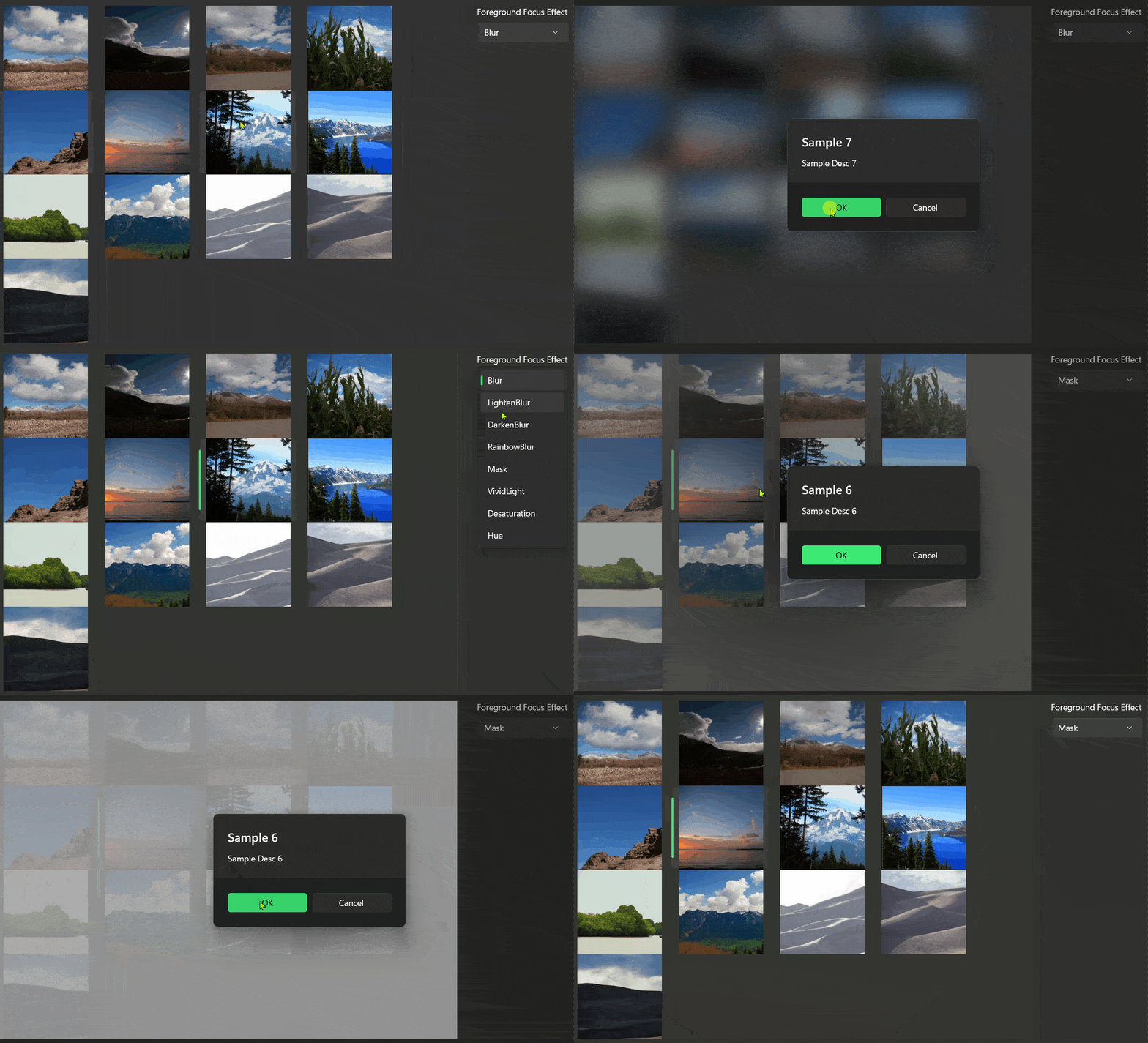
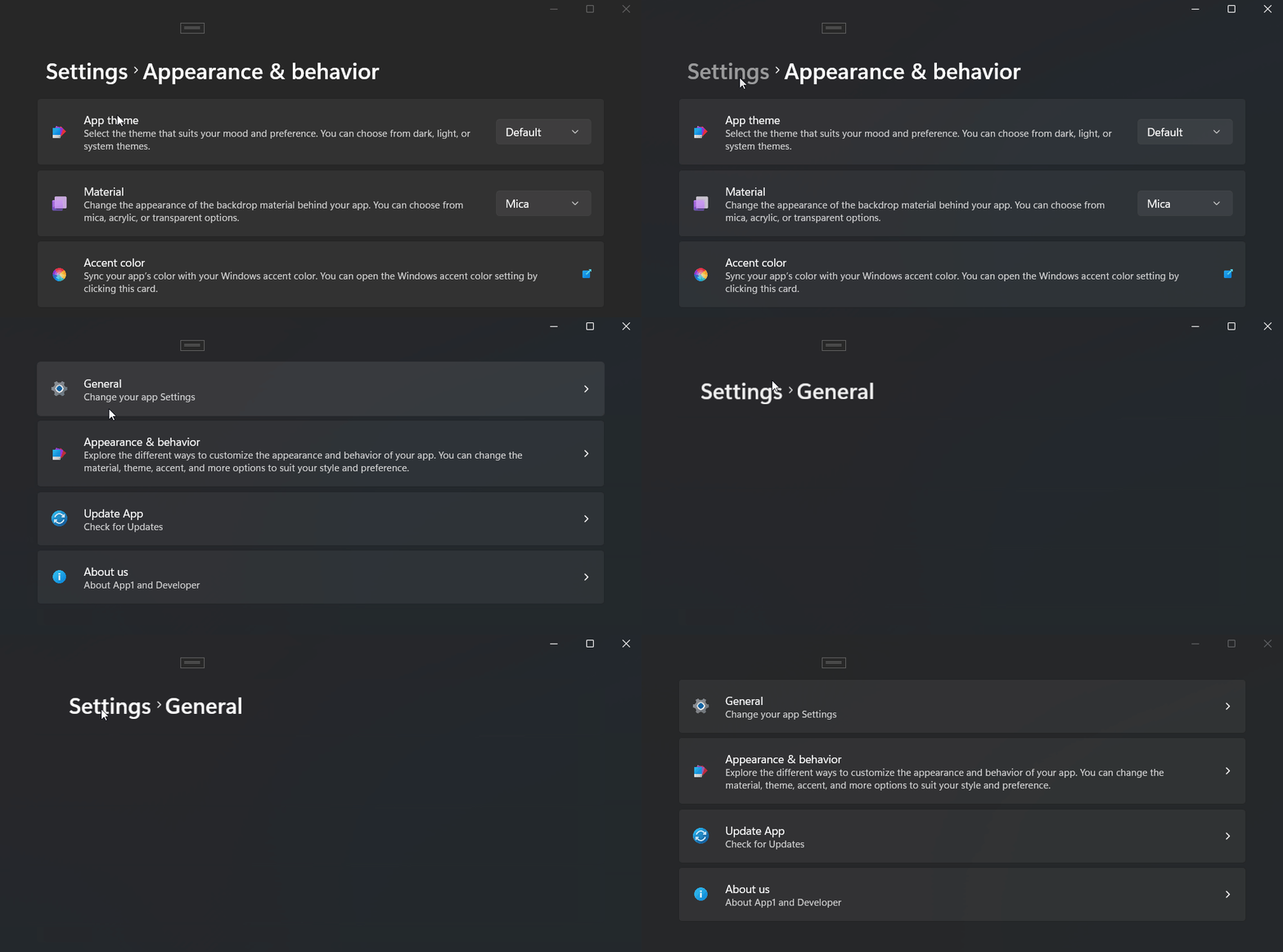
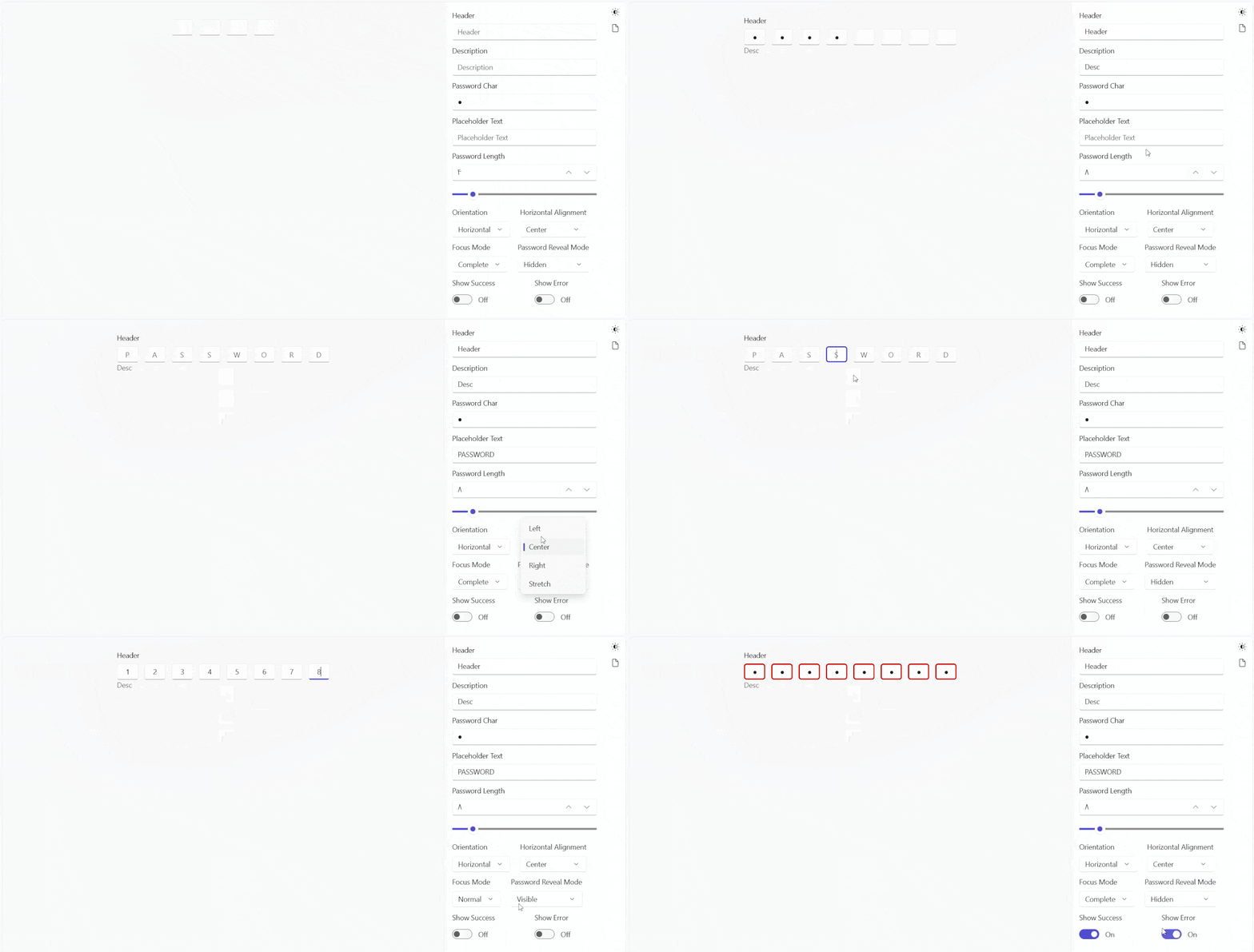
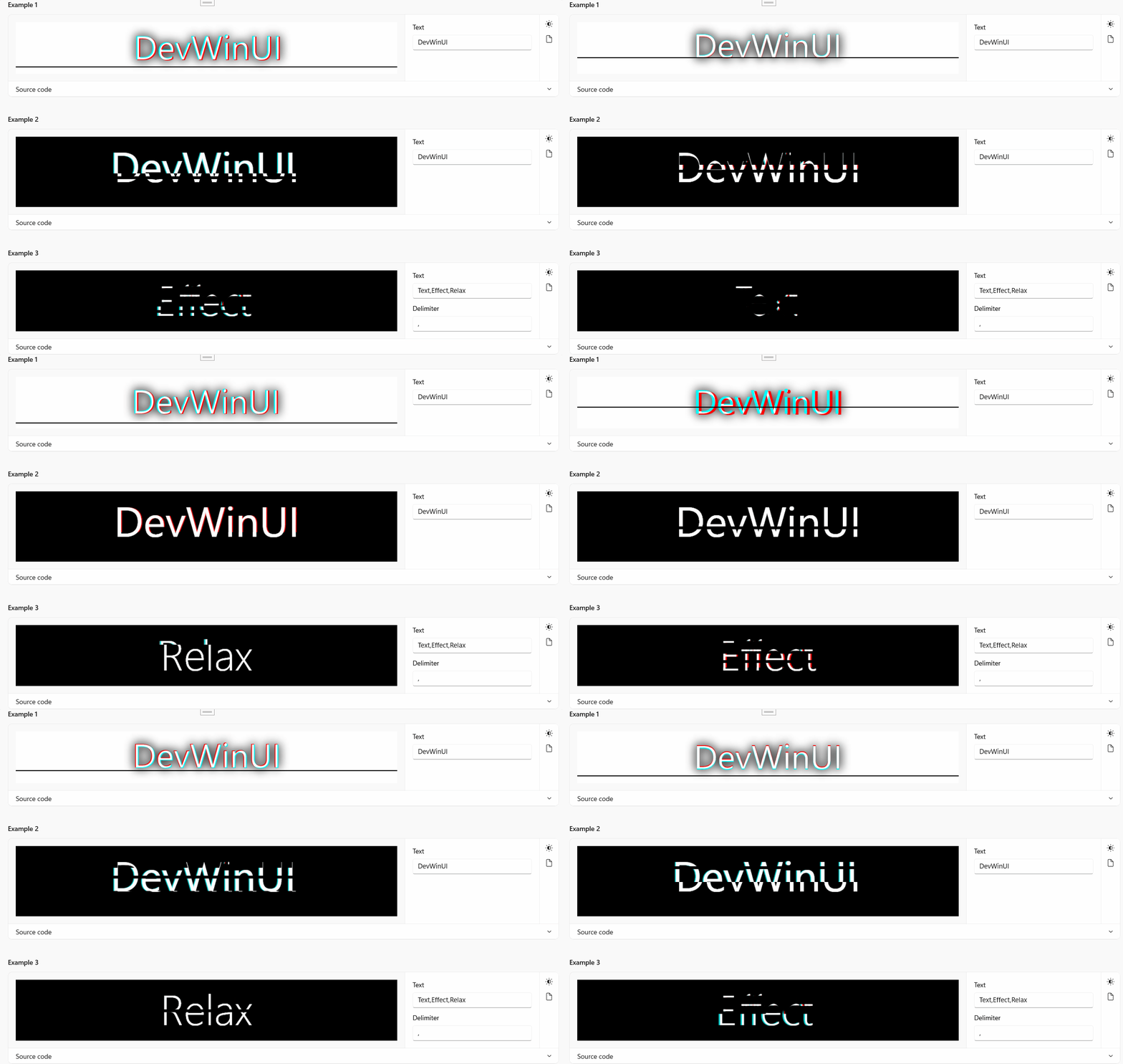
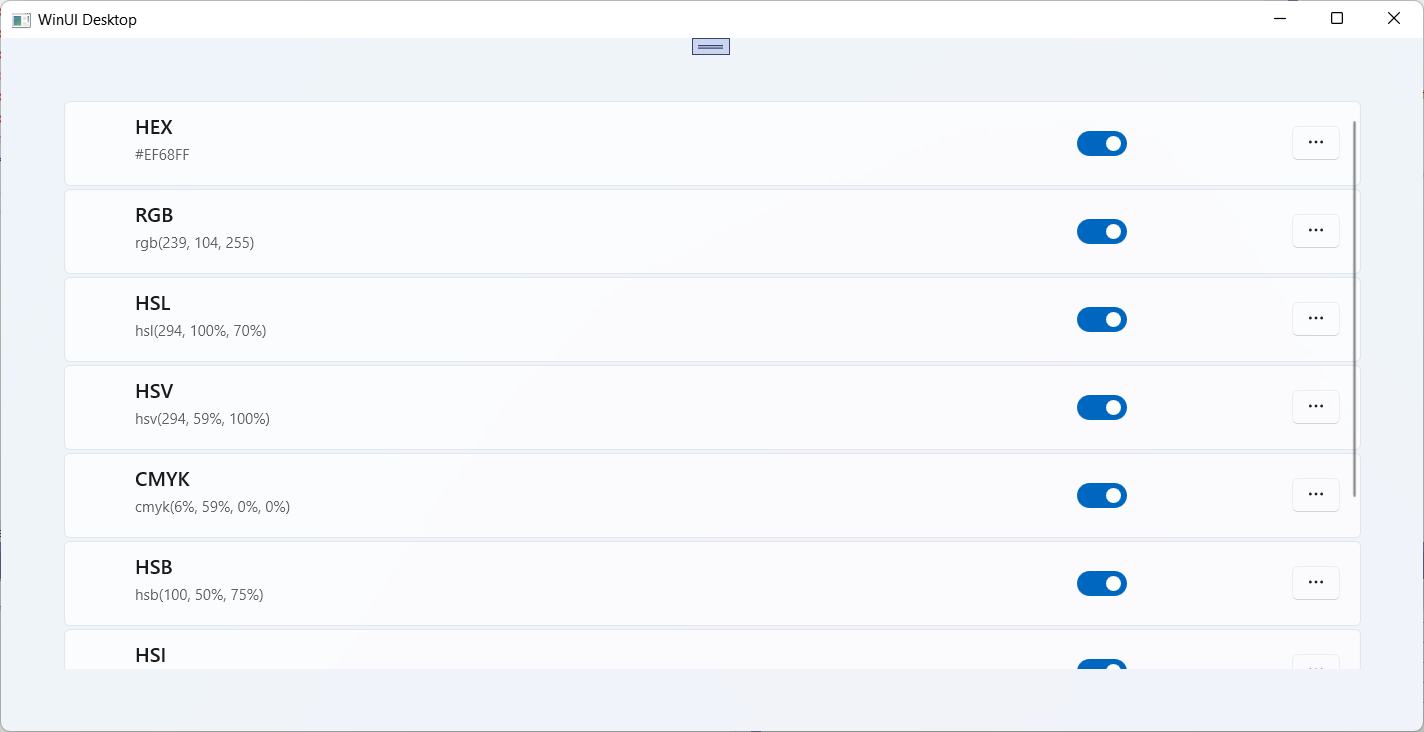
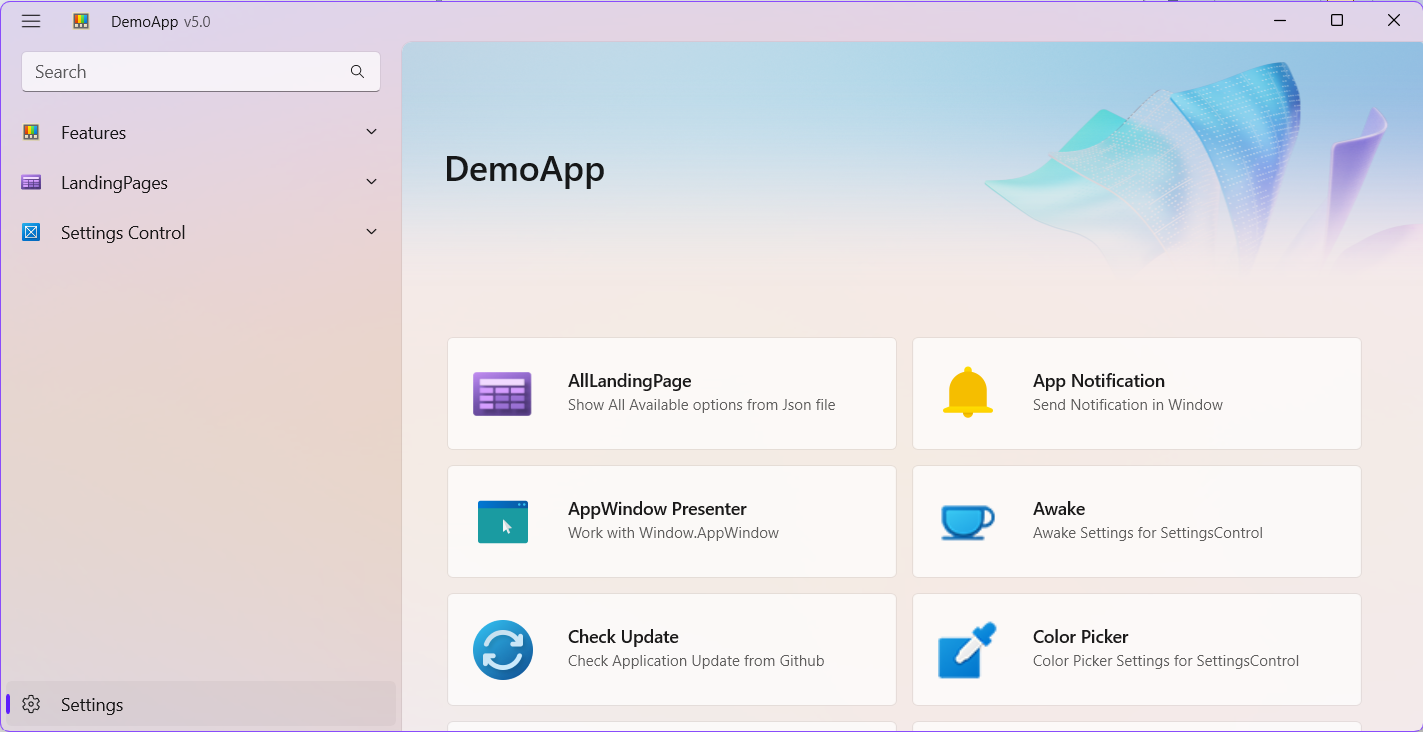
DevWinUI is a comprehensive collection of libraries, components, styles, shaders, and tools designed to help you build powerful WinUI 3 applications quickly and efficiently. Whether you’re creating modern desktop experiences for Windows 10, Windows 11, or future versions, DevWinUI brings together everything you need to accelerate development and deliver exceptional results.
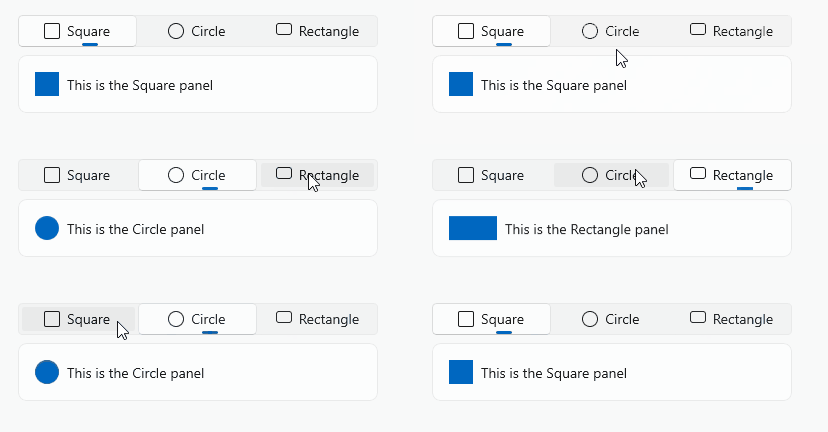
- DevWinUI is built around WinUI 3: Microsoft’s modern native UI framework that embraces Fluent Design principles. It enables beautiful, intuitive, and accessible interfaces with the latest patterns and controls.
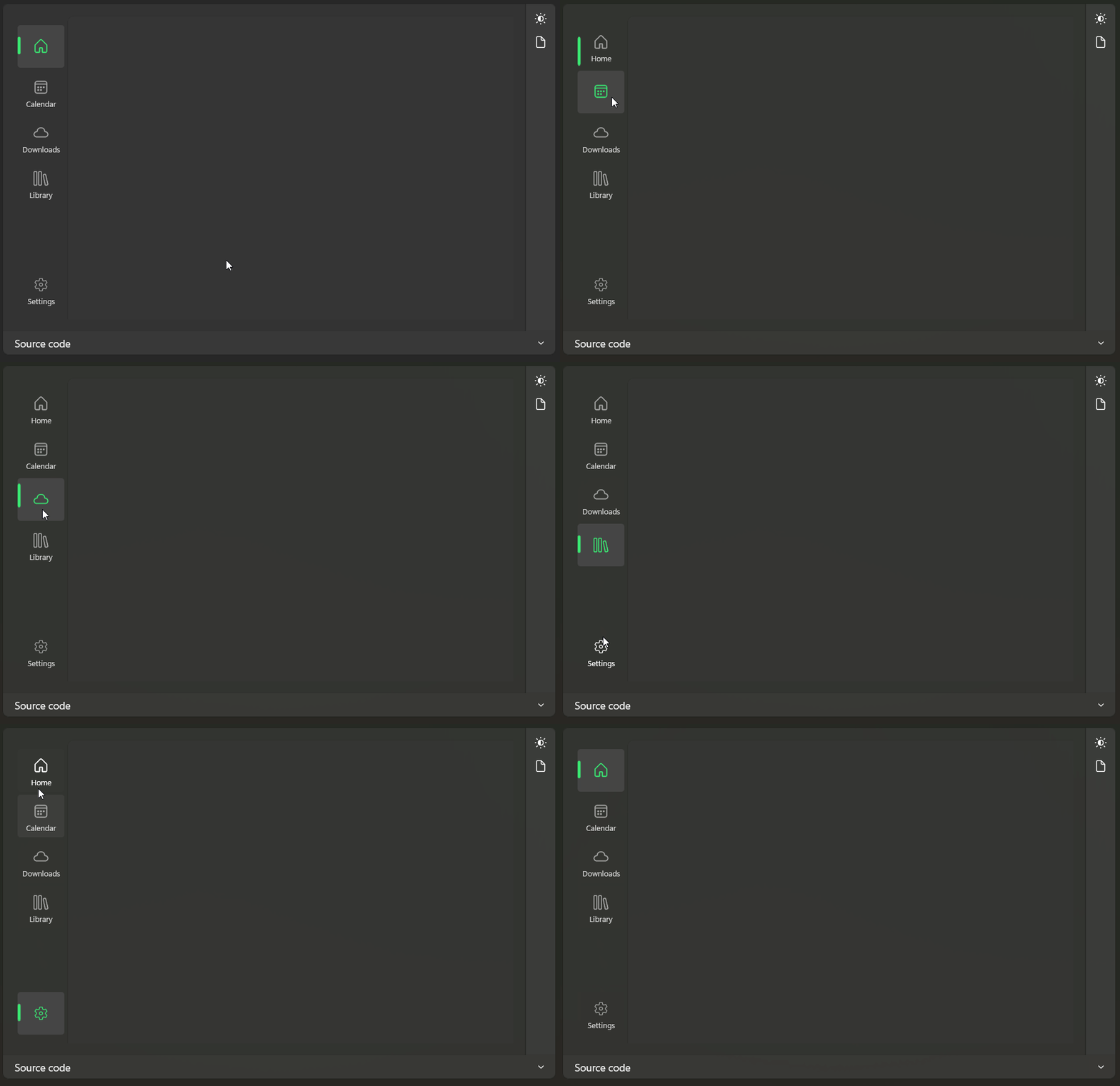
- Accelerated development: Leverage pre-built templates, scaffolding tools, and ready-to-use helper classes to streamline common tasks such as navigation, theming, and app lifecycle management. Get your project up and running in minutes while maintaining flexibility and control over your design.
- Optimized performance: All components are purpose-built for high performance and reliability, ensuring smooth, responsive, and scalable applications that shine across devices and environments.
- Native AOT Compatible: 99% full compatible with Native AOT. DevWinUI adapts to system capabilities to ensure consistent functionality and a great user experience wherever your app runs.
- Designed for developers: Whether you’re an experienced professional or just starting out, DevWinUI provides a unified and productive foundation to help you transform your ideas into powerful applications.
- Build faster: Create smarter. Deliver extraordinary experiences.
- Developer documentation
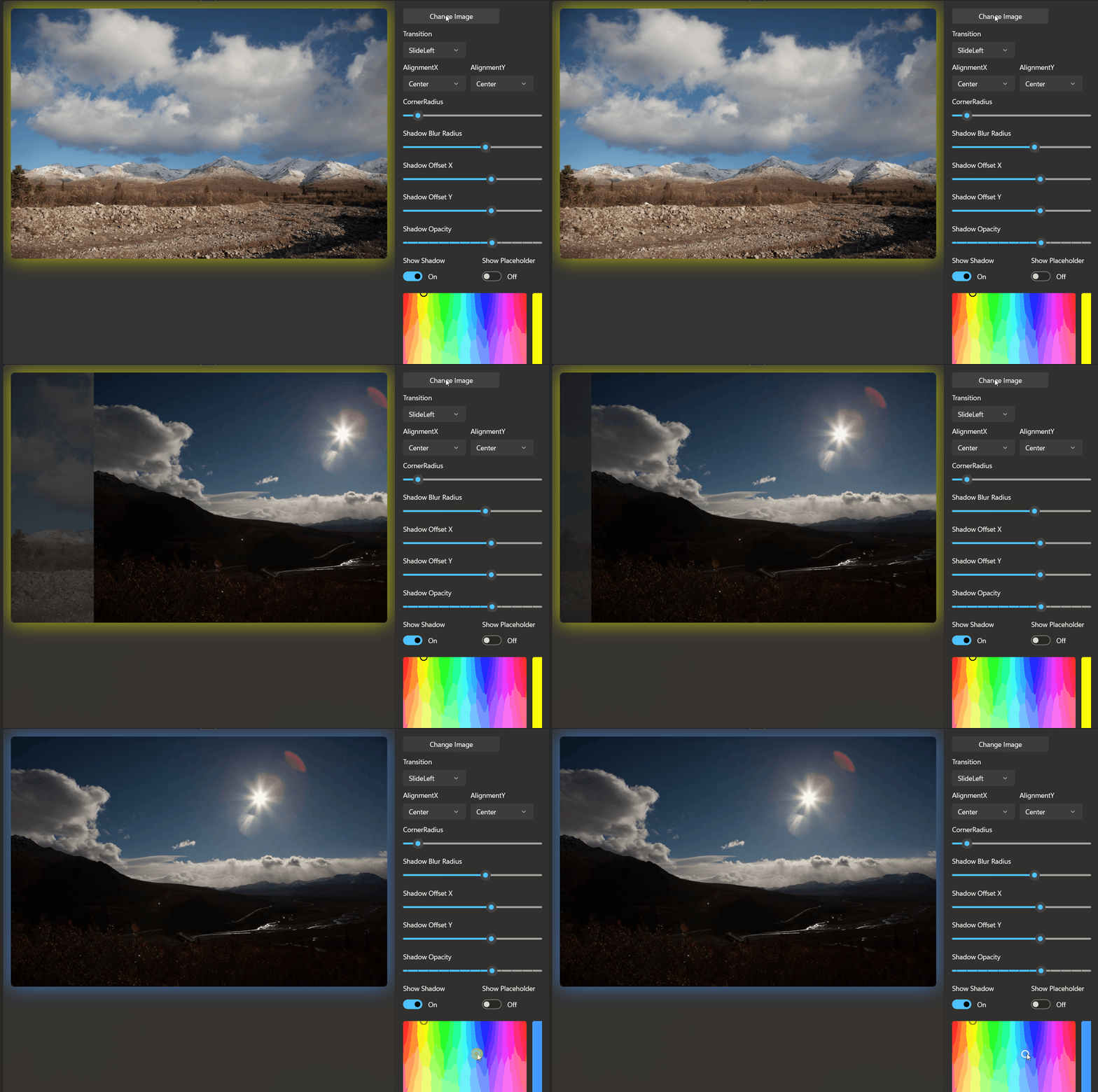
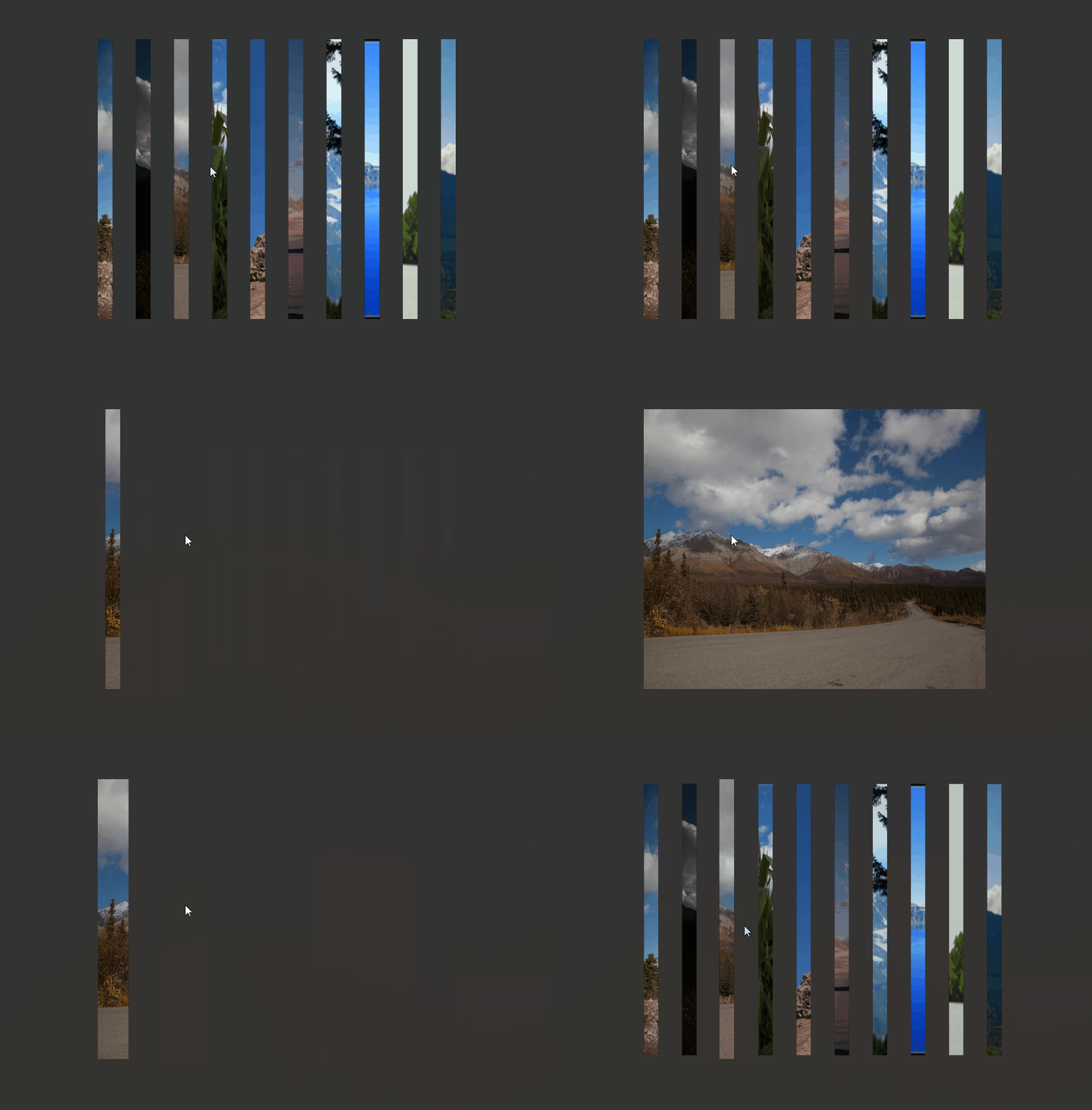
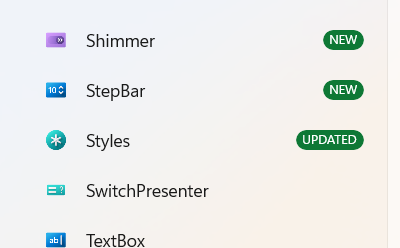
- Gallery App
- Project Templates VSIX
- Nightly Build
- Contribution guide
- Migration To v10.0.0+
- Licensing and Attribution
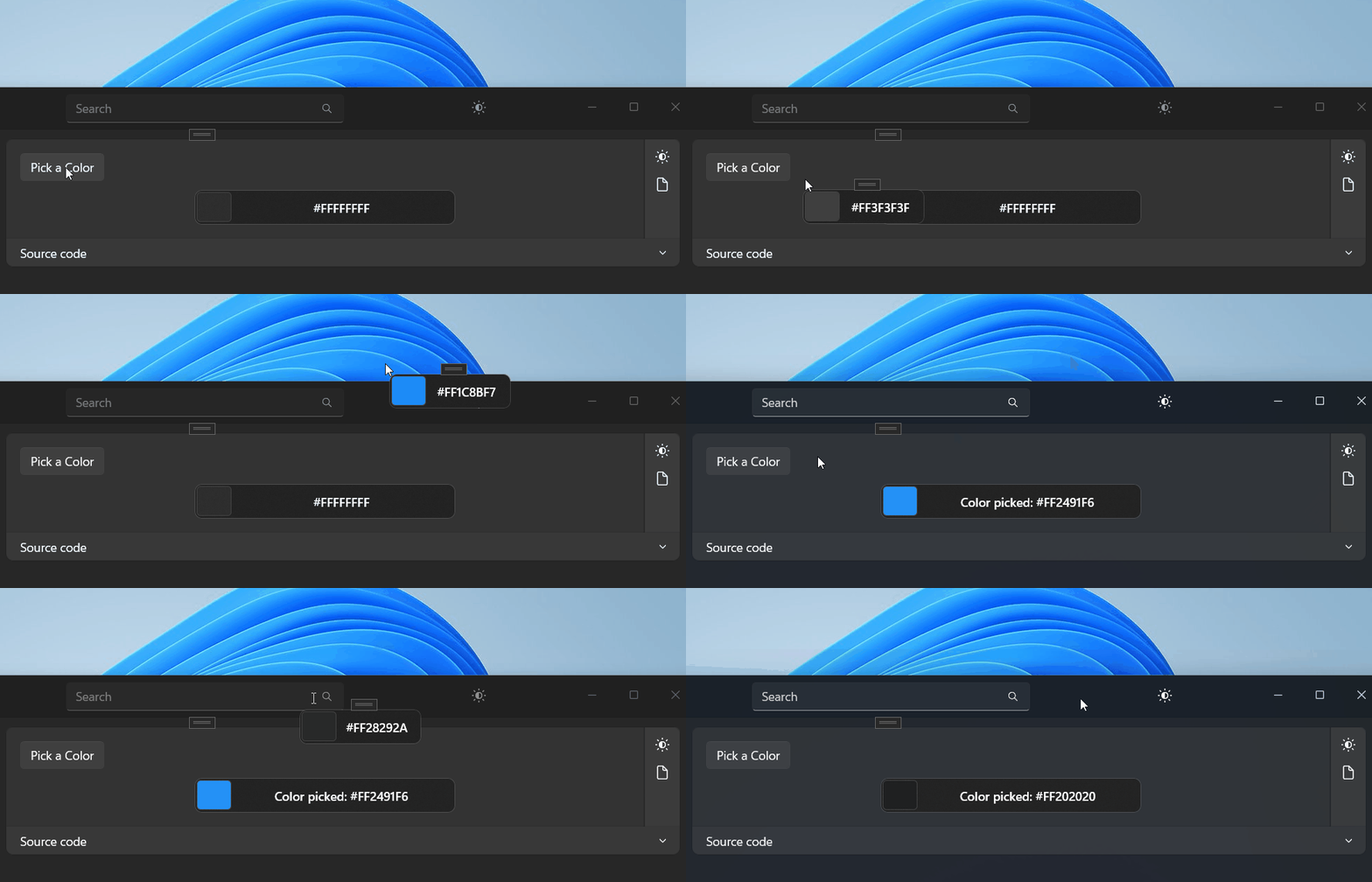
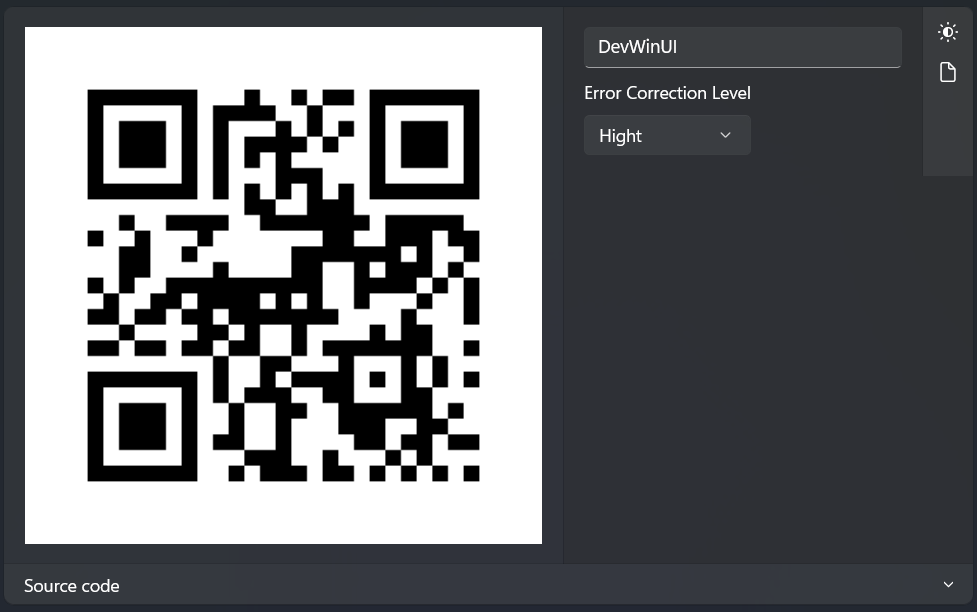
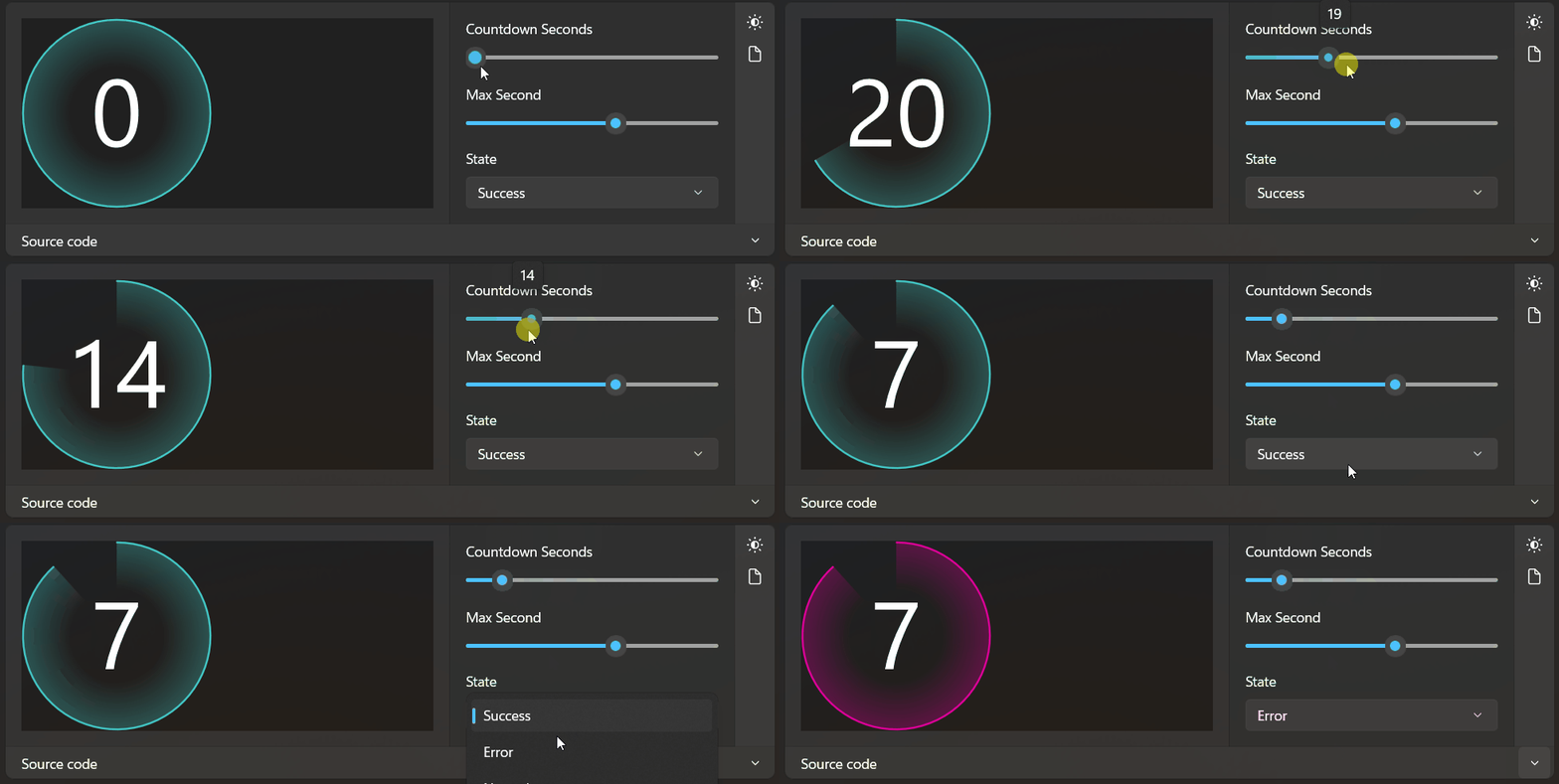
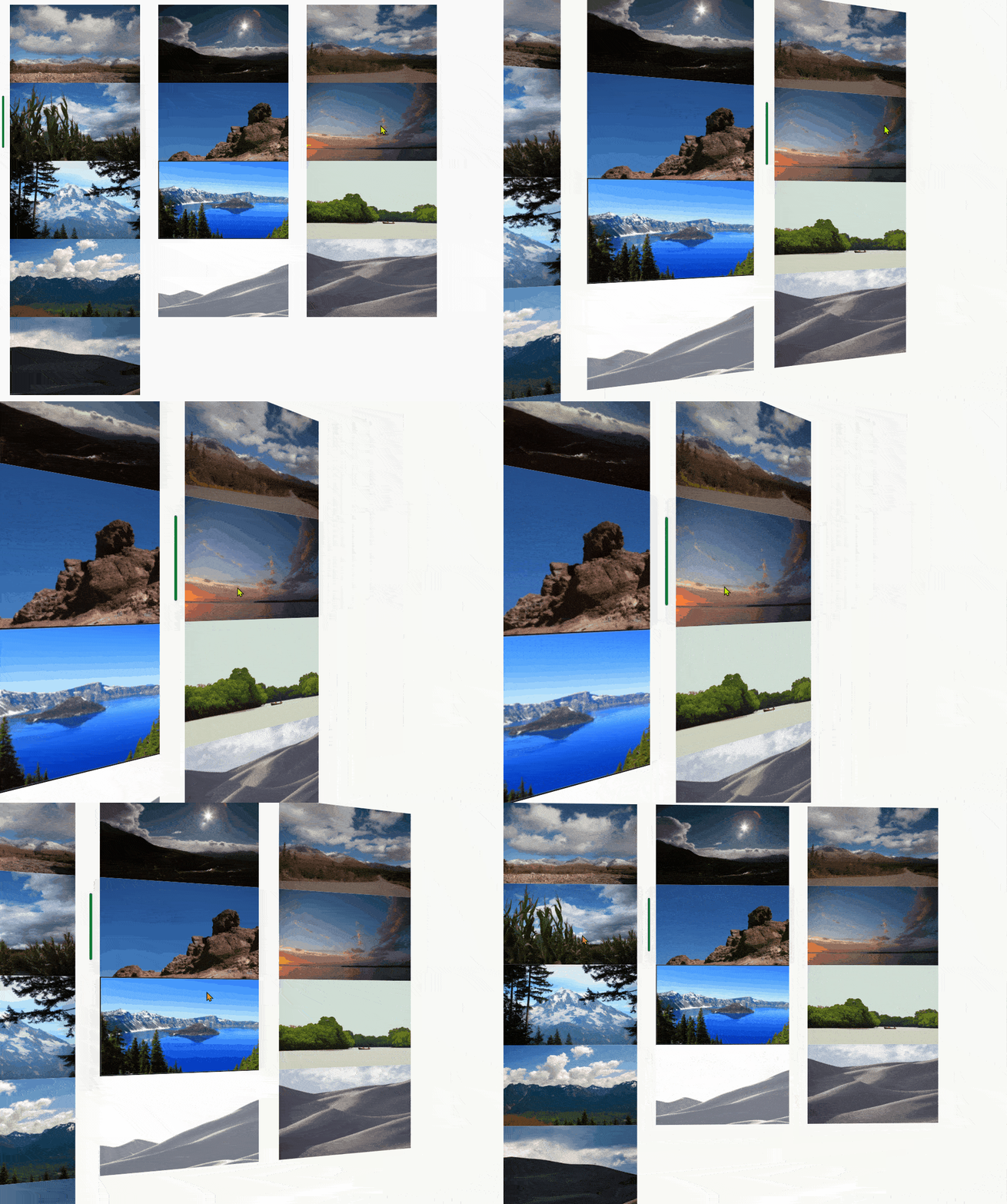
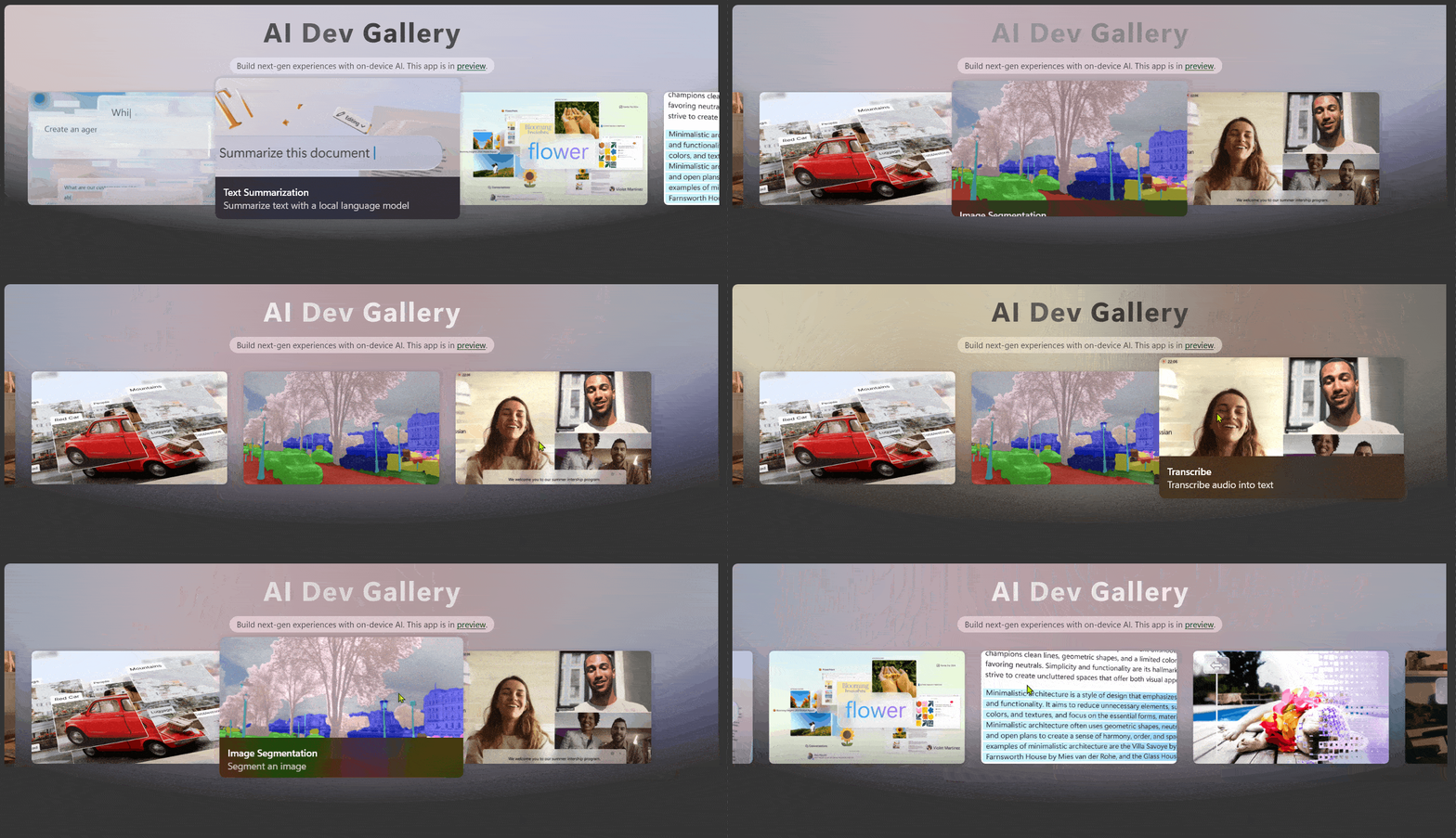
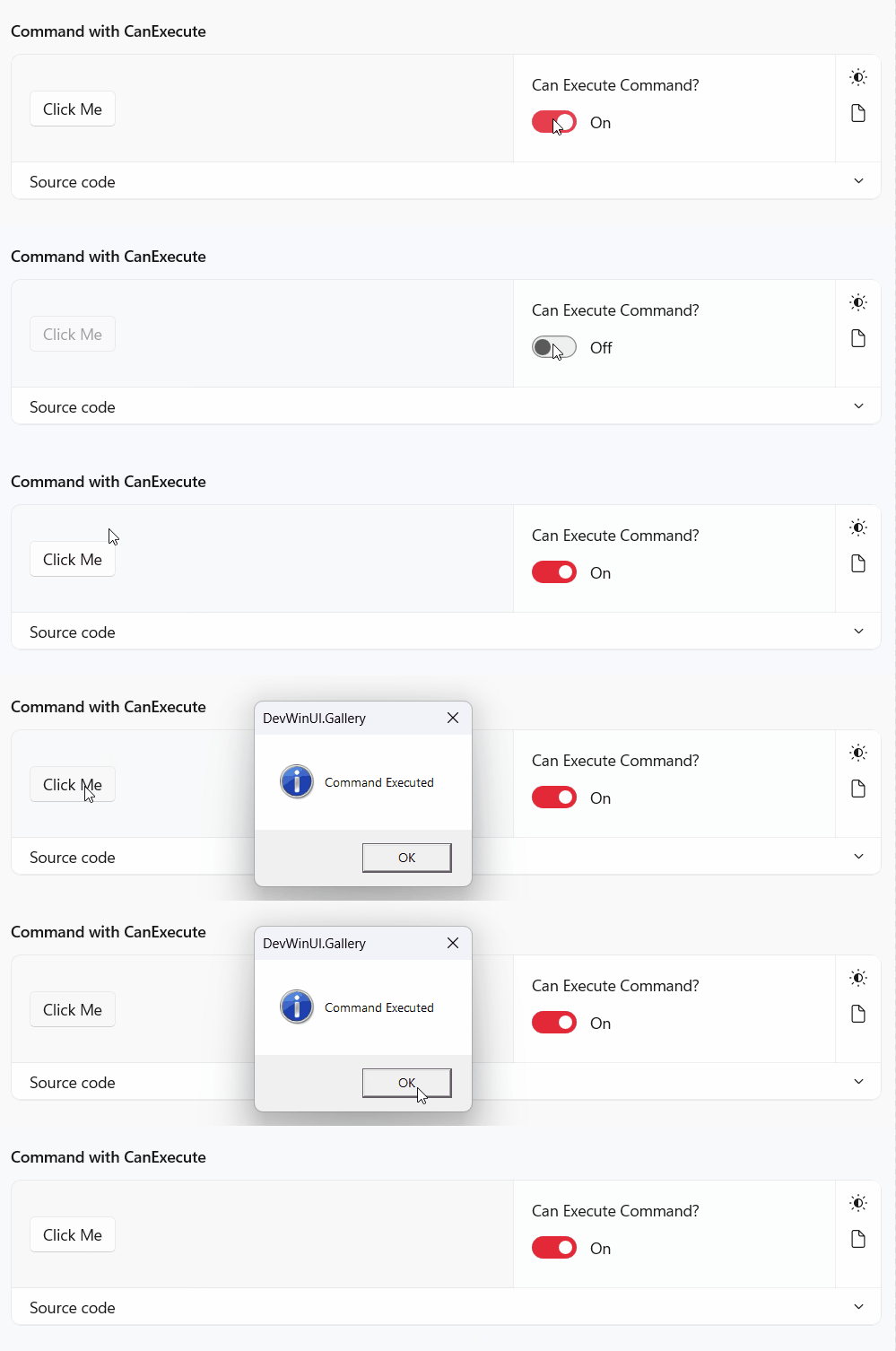
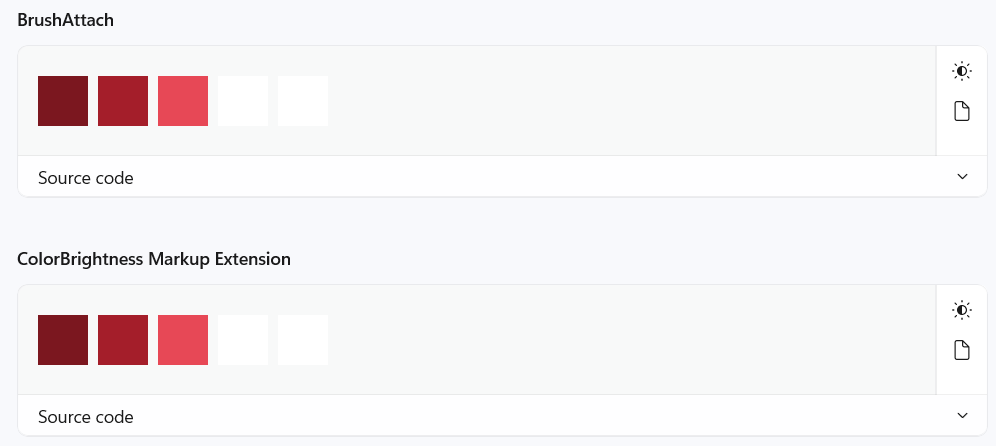
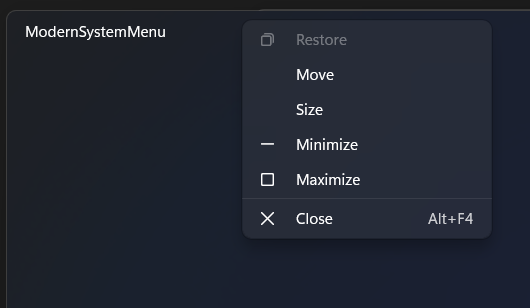
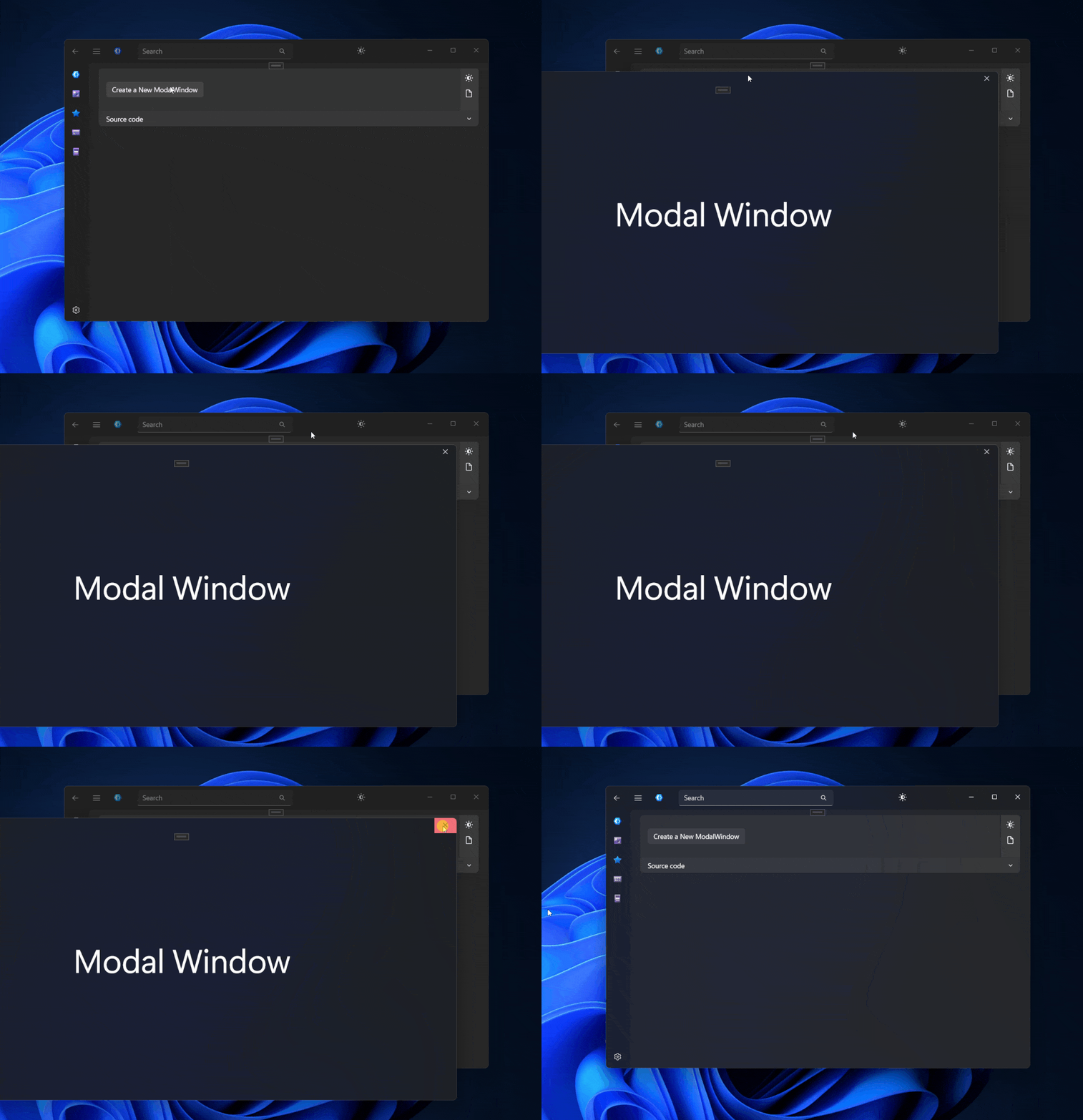
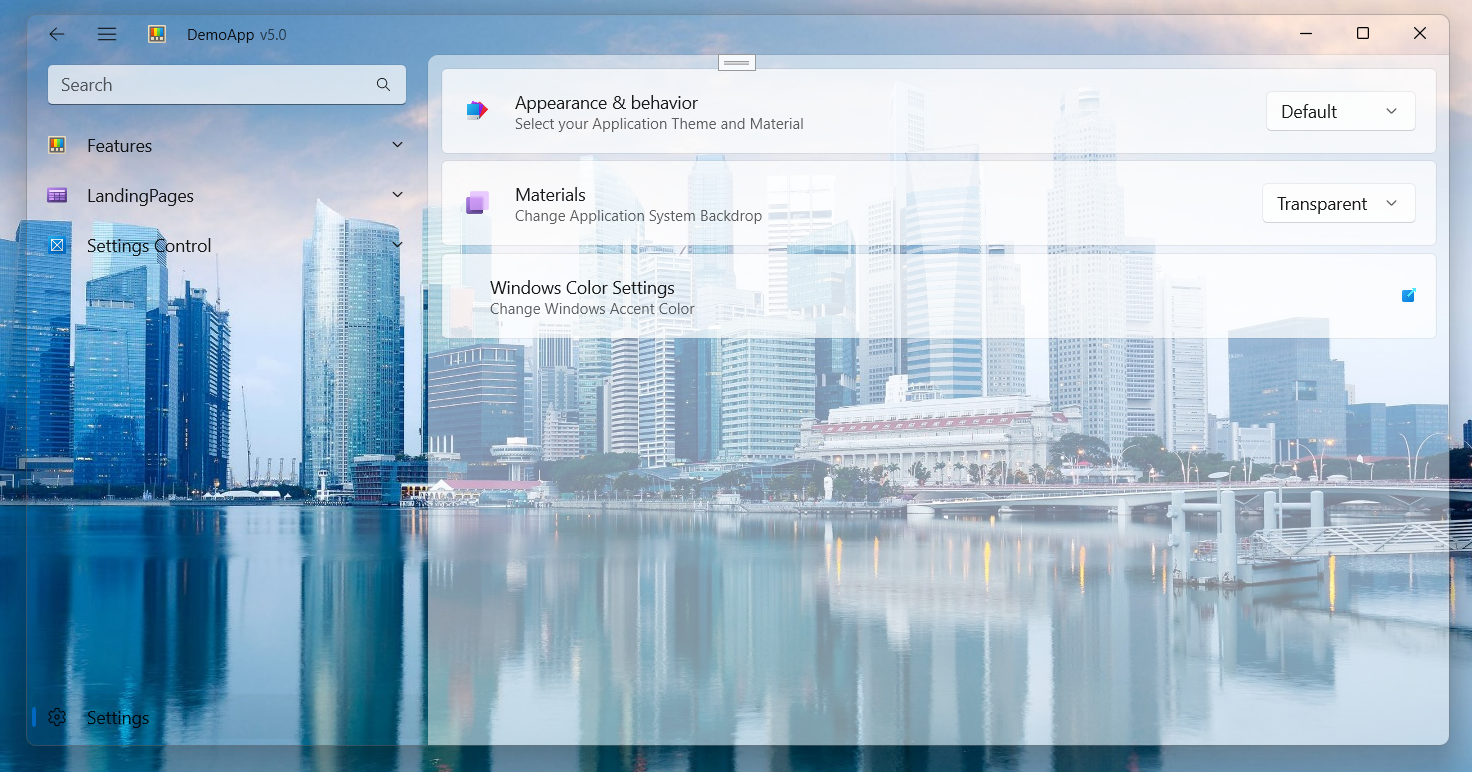
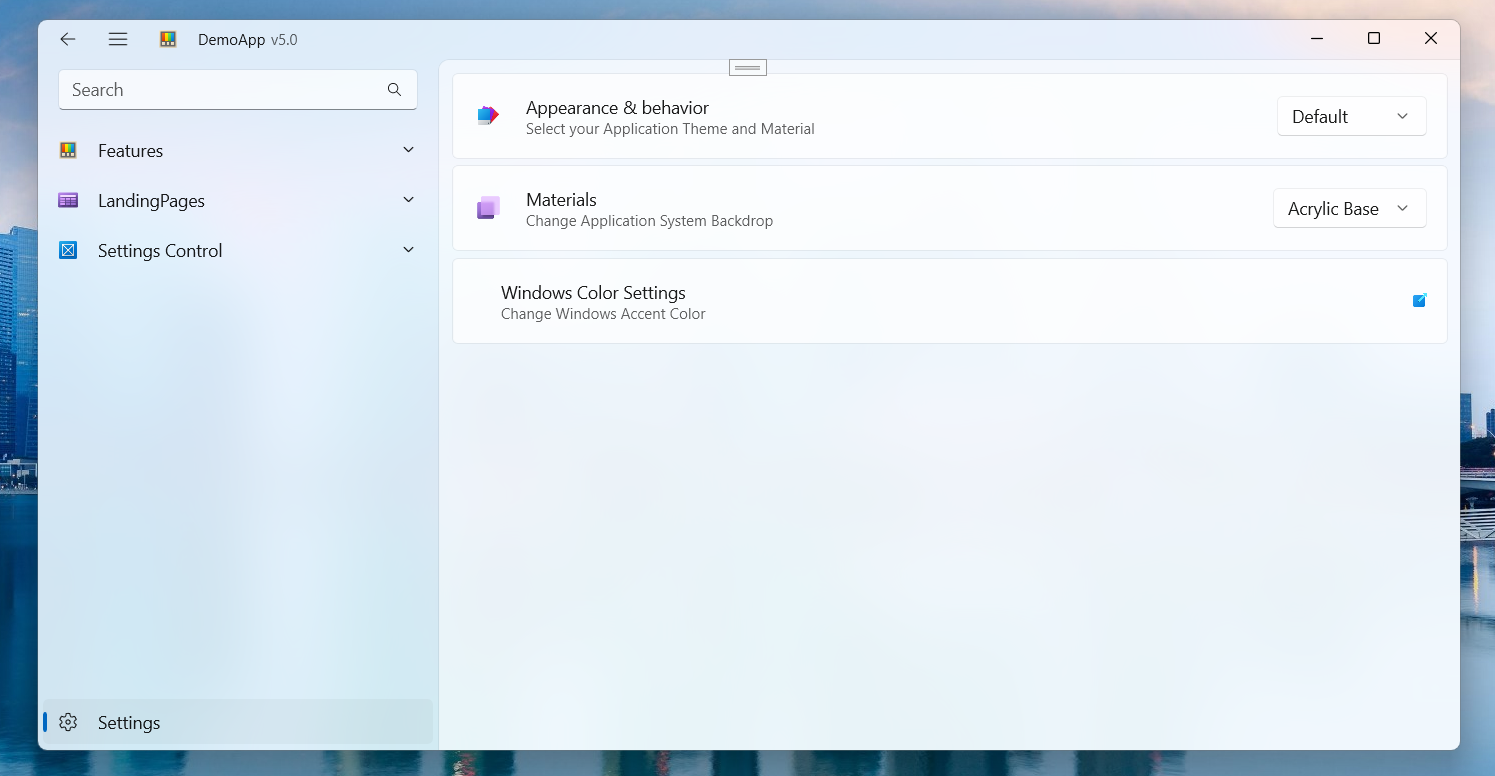
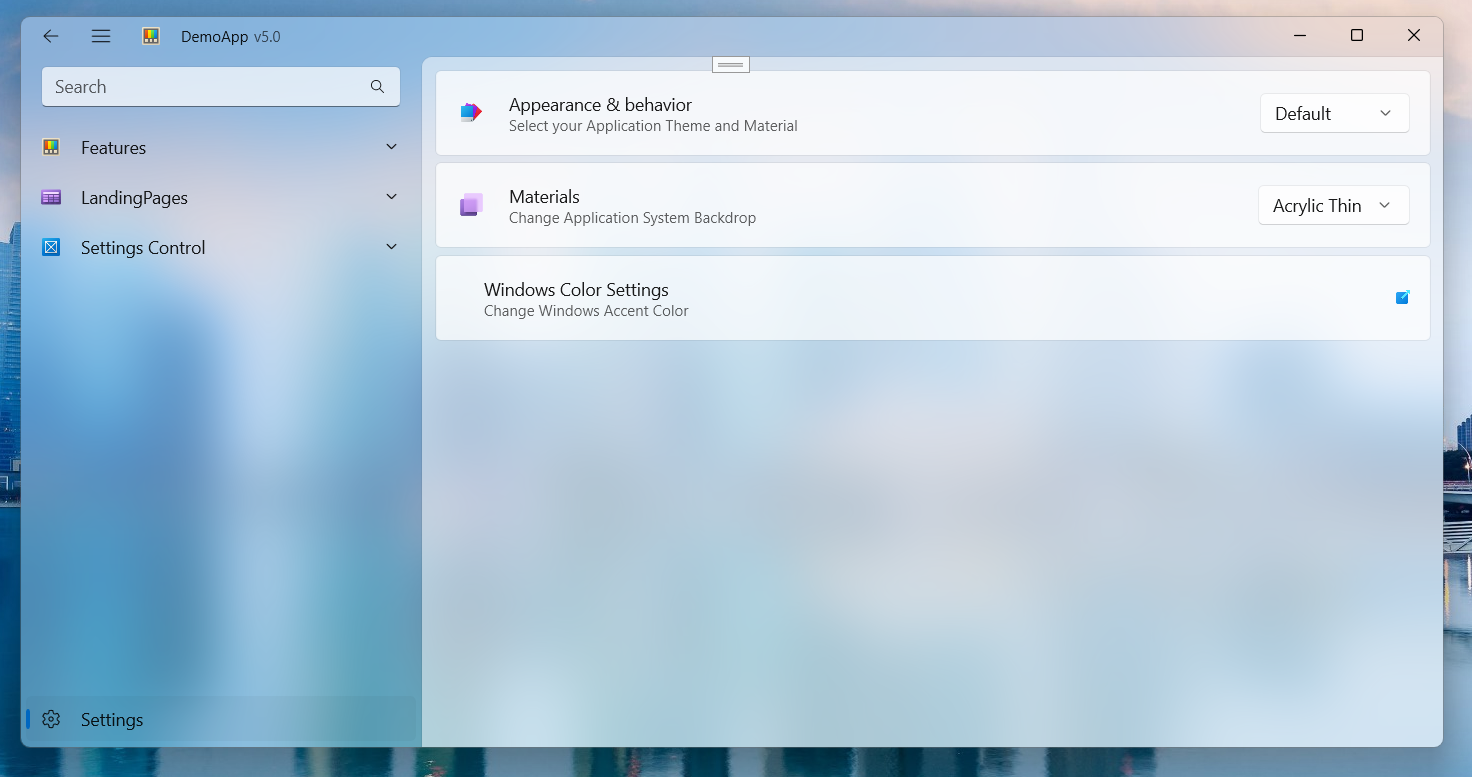
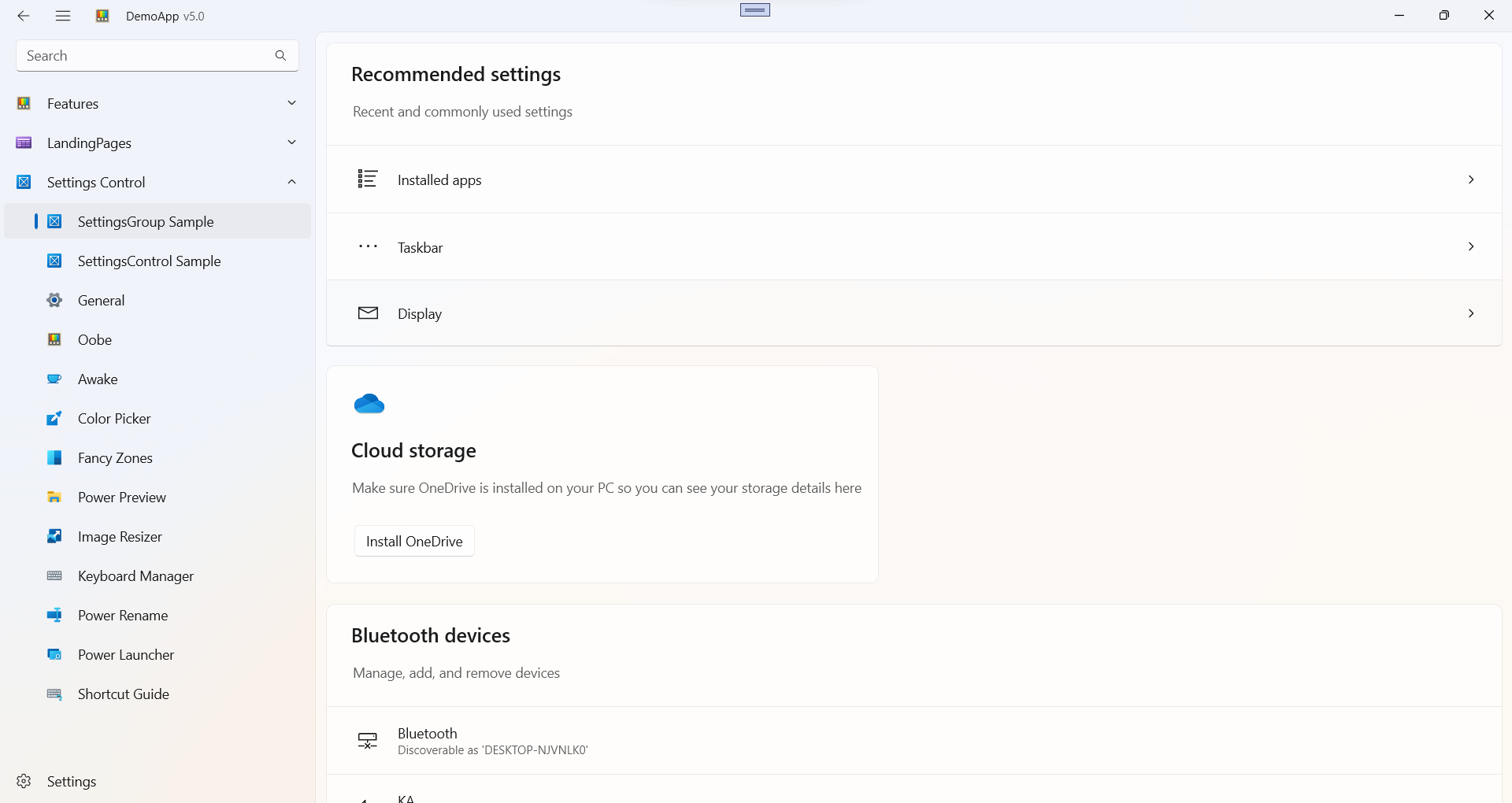
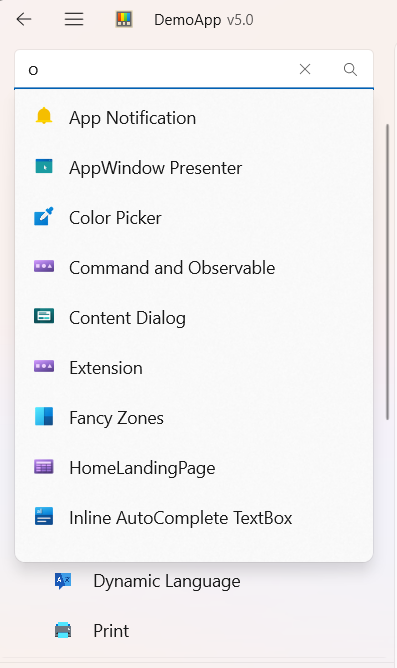
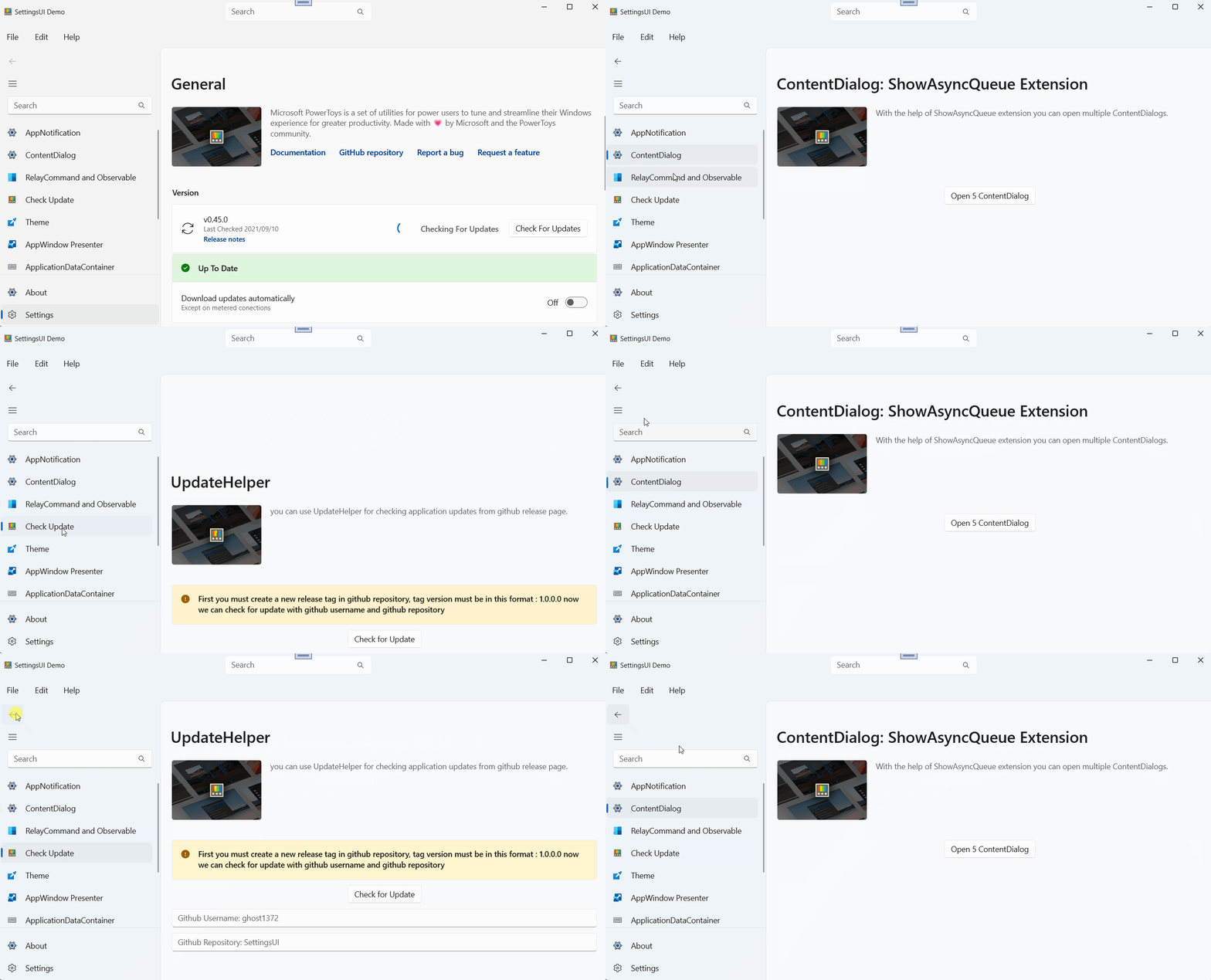
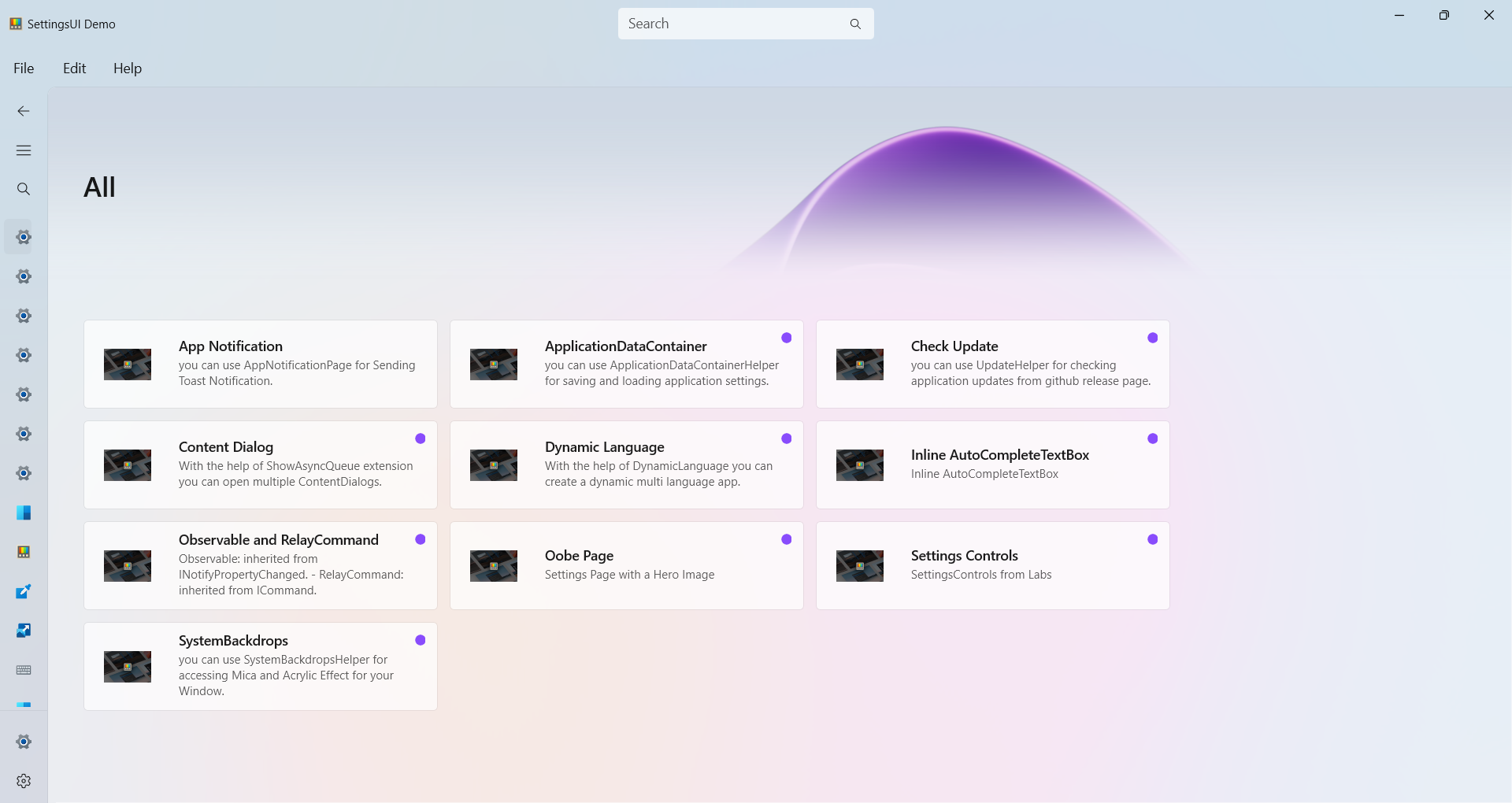
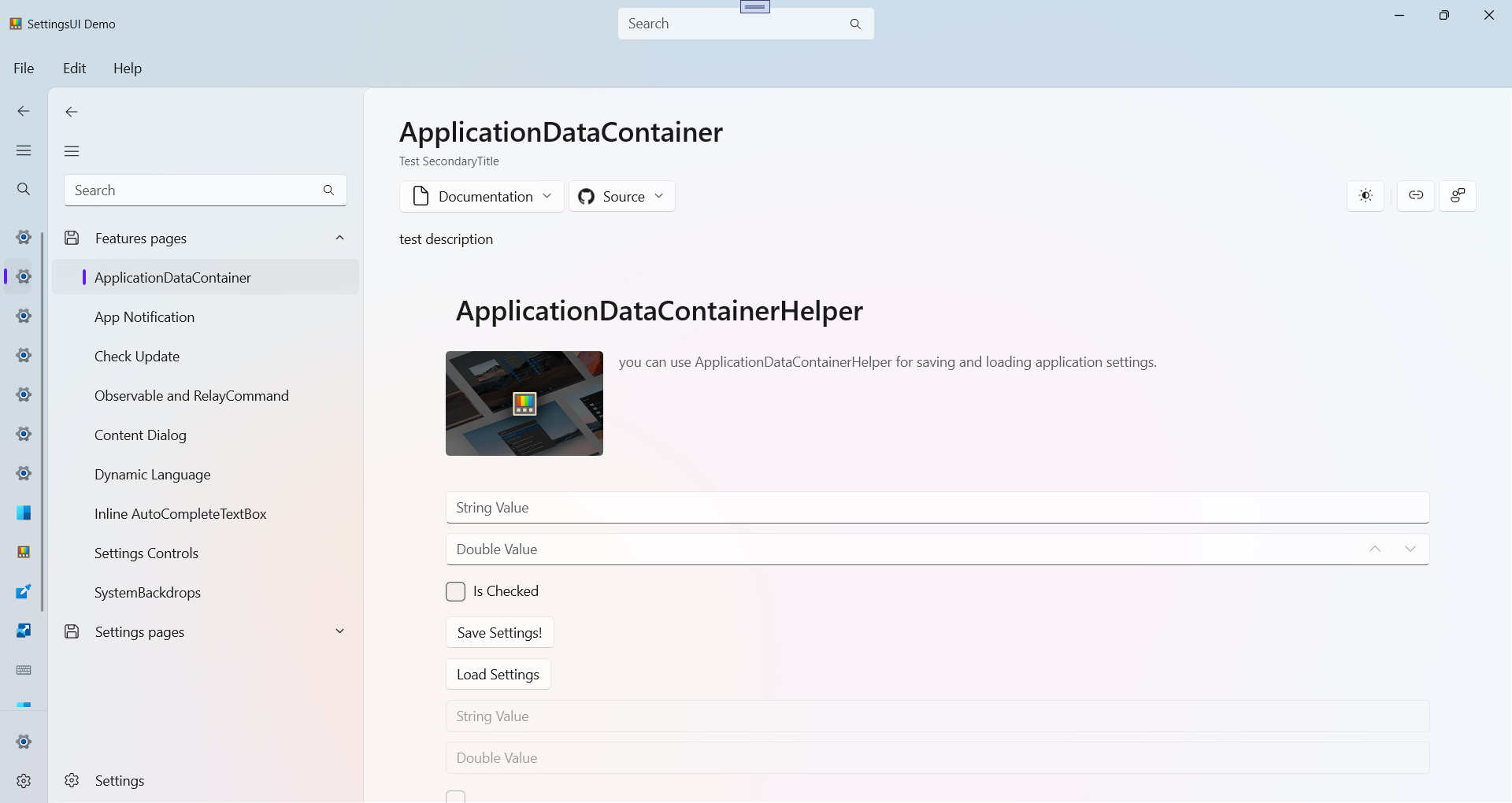
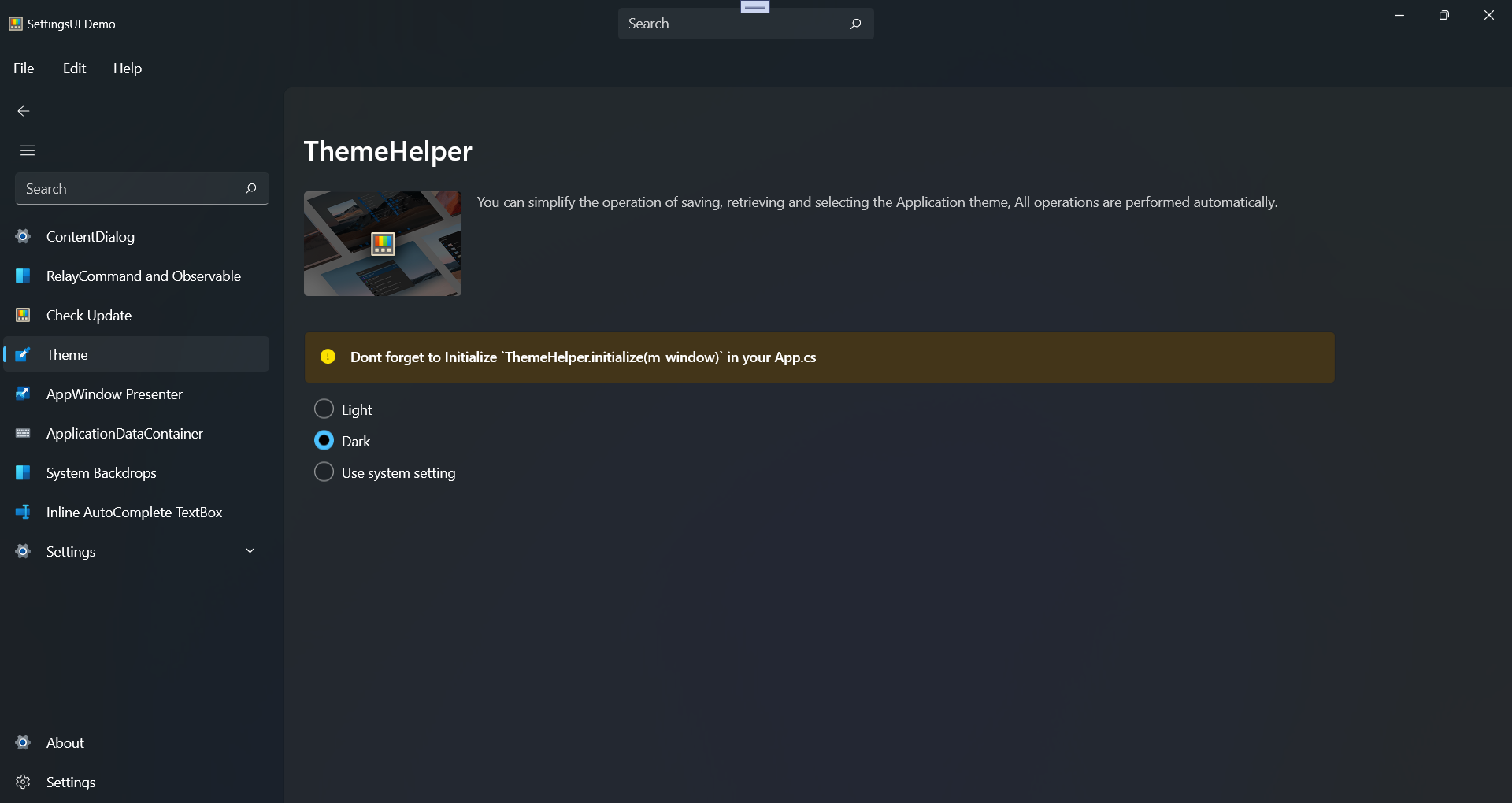
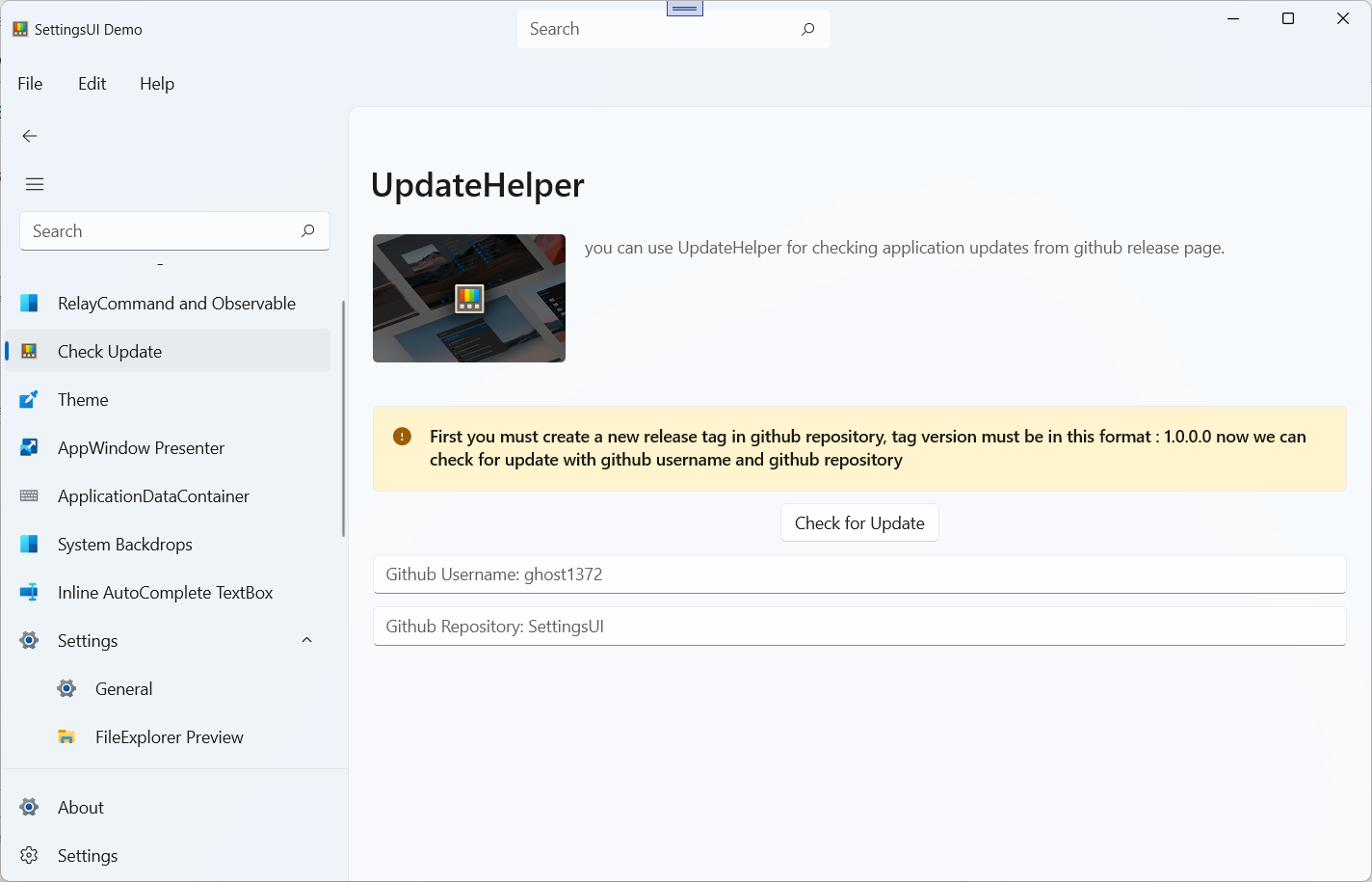
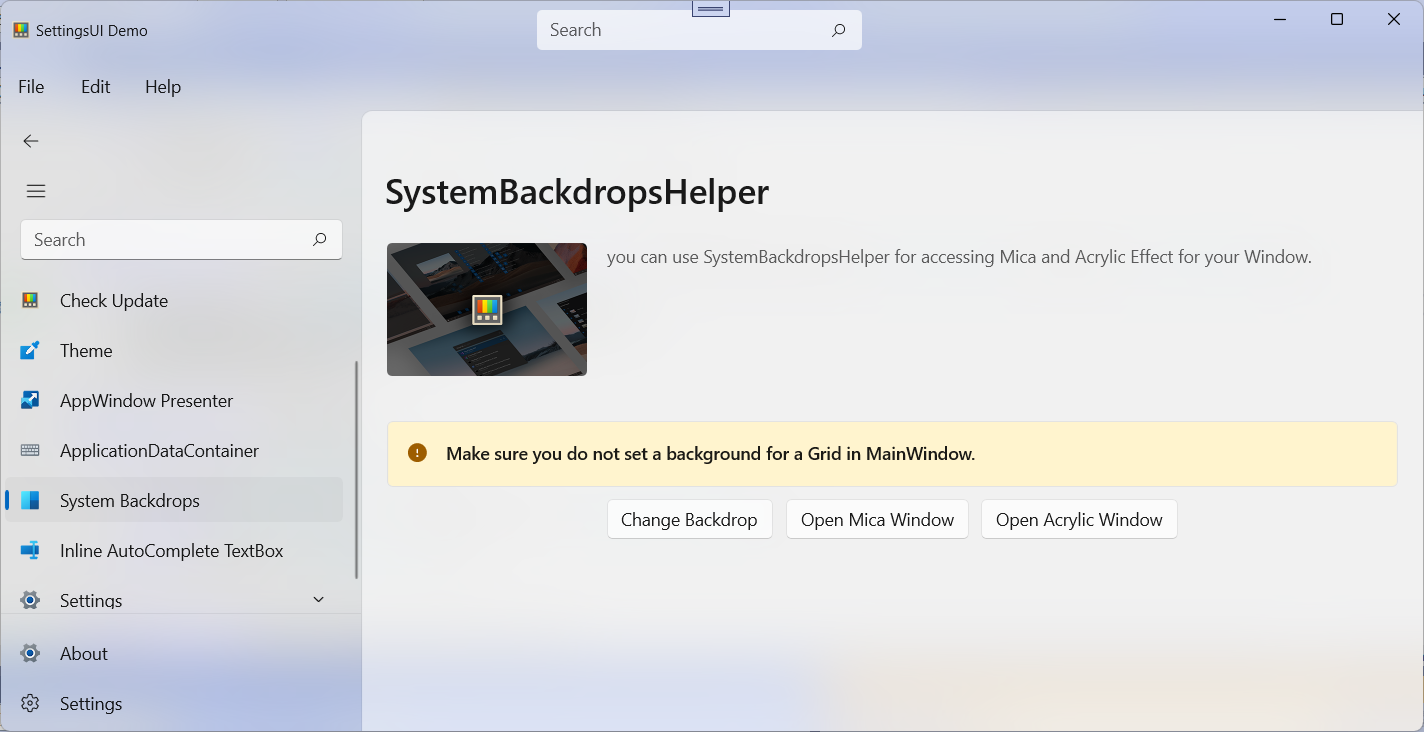
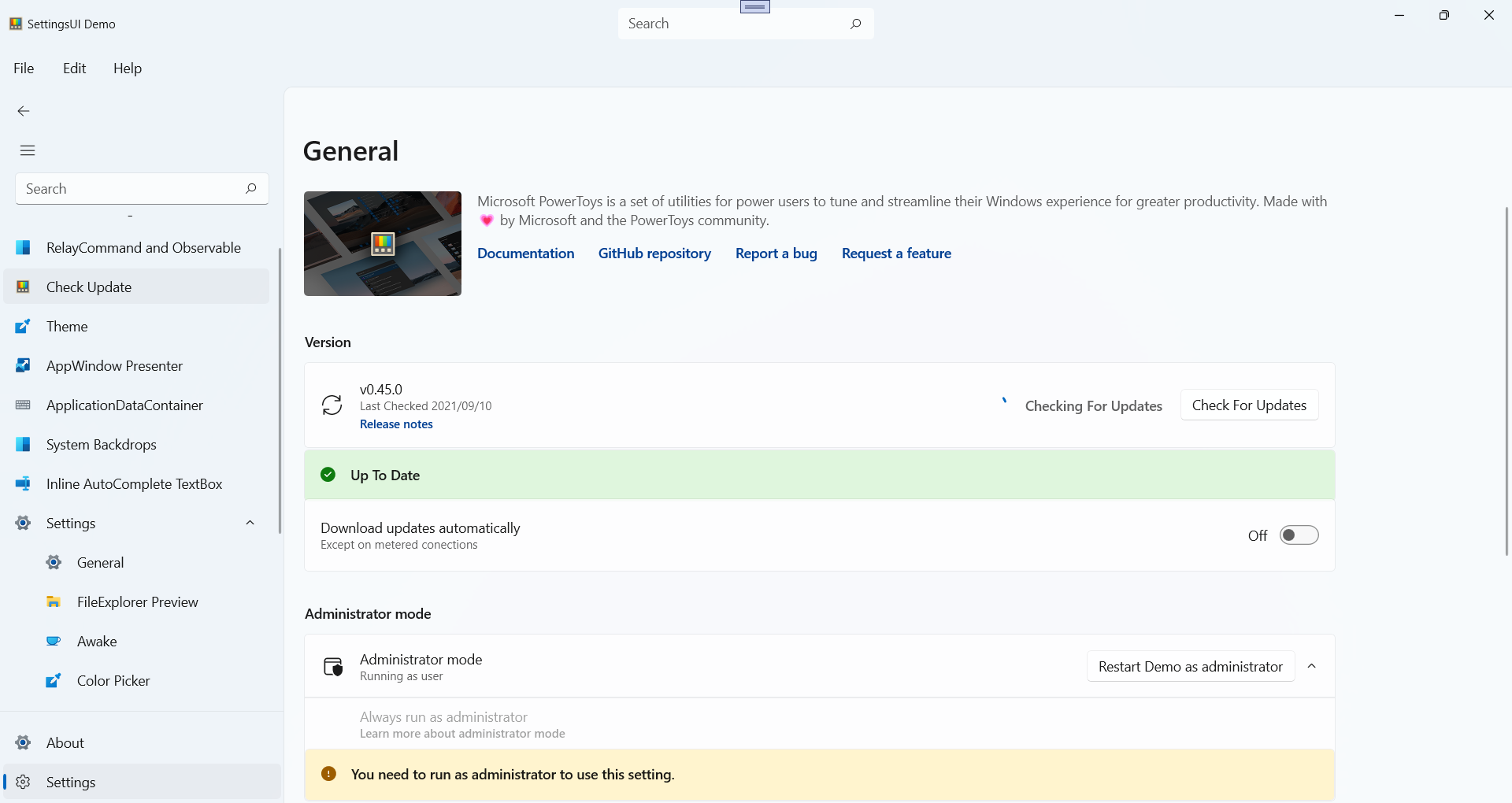
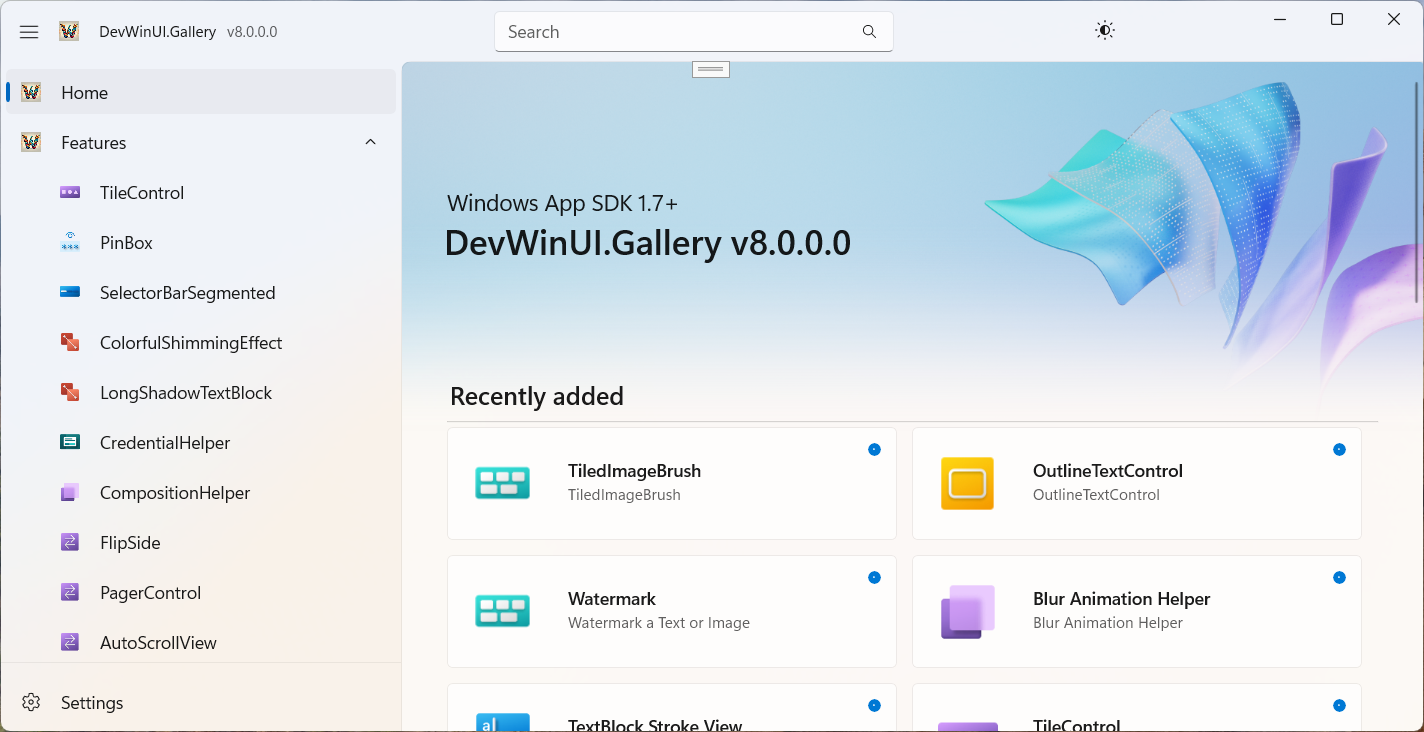
Make sure to also check out the Gallery App, our interactive sample experience showing everything you can do with DevWinUI.

Install this package to access core utilities, including services, helpers, extensions, managers and more.
Install-Package DevWinUI.Base
Or
dotnet add package DevWinUI.Base
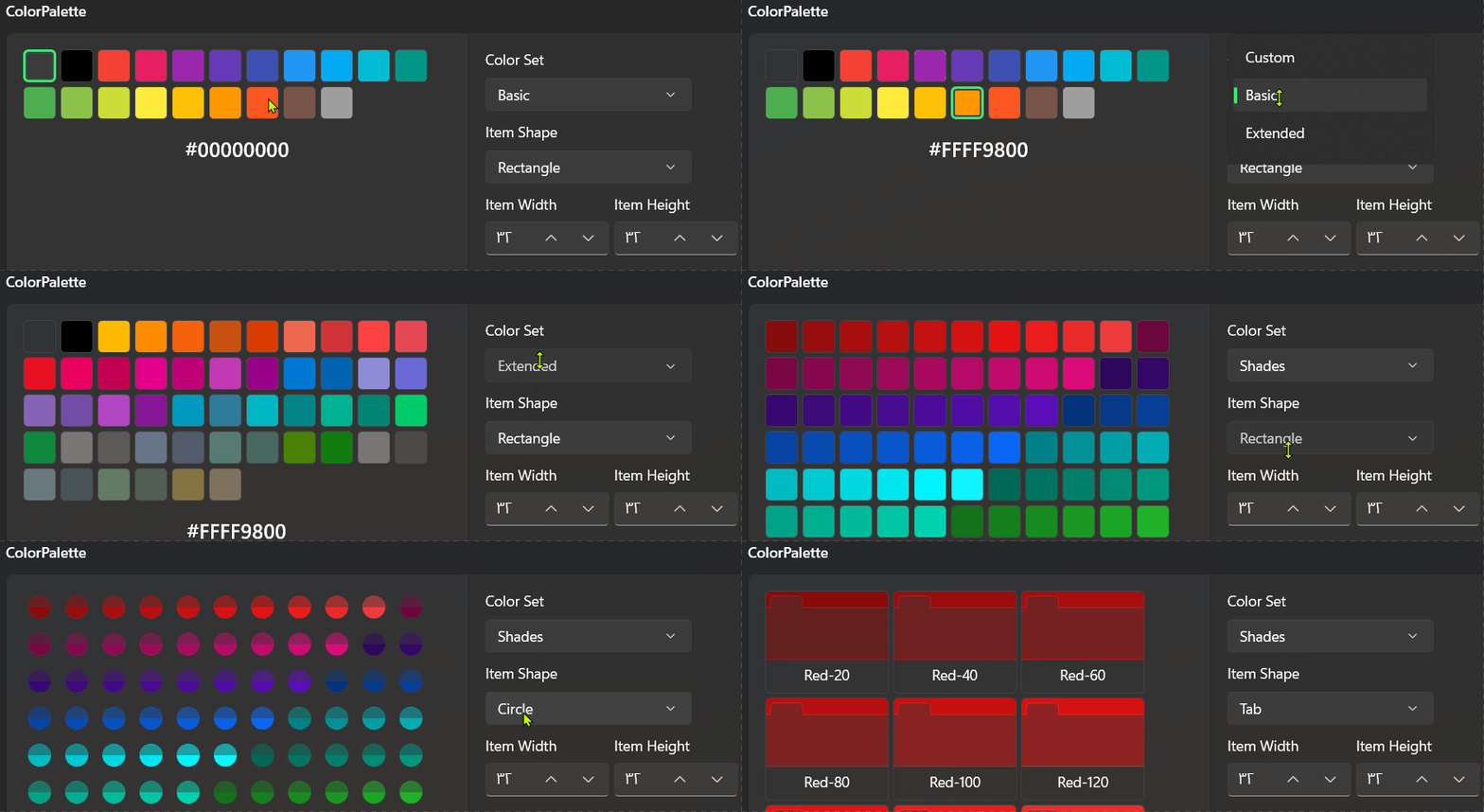
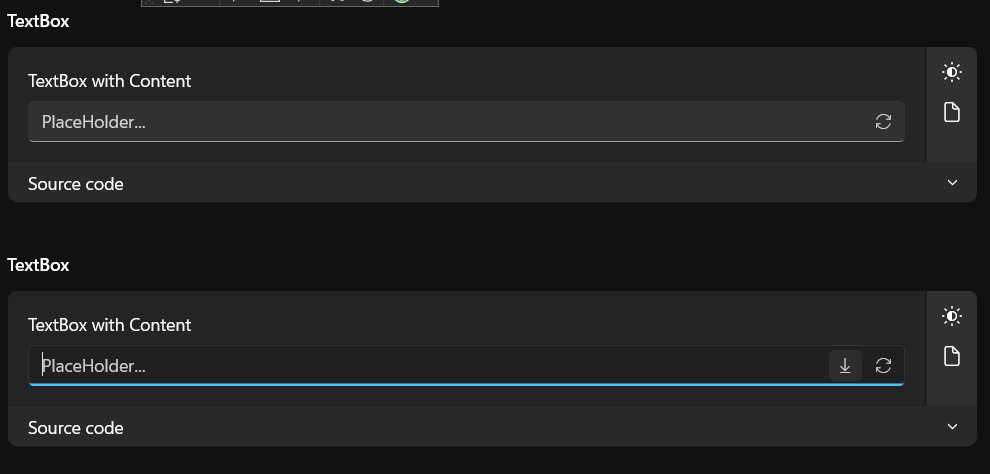
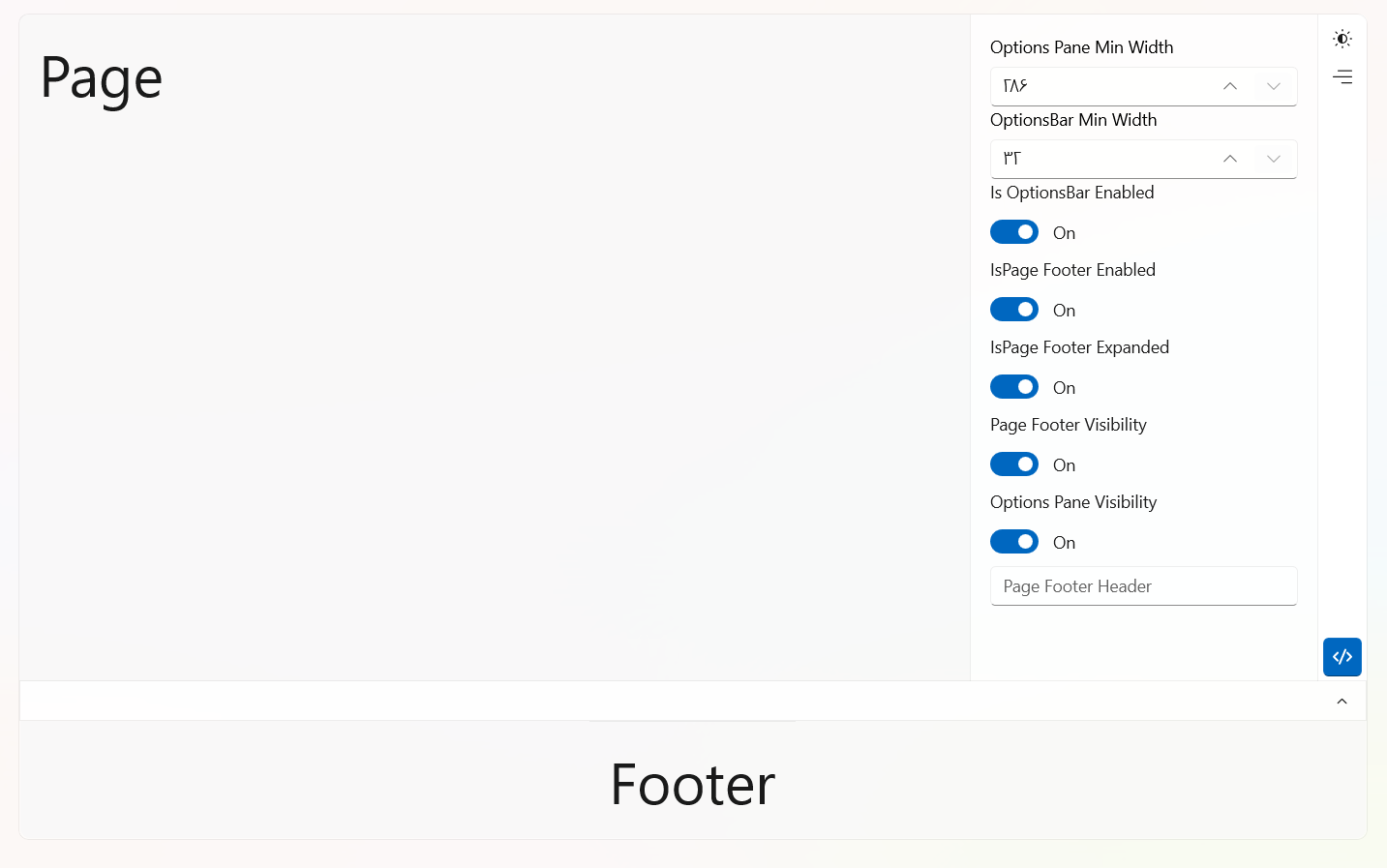
Install this package for custom controls, styles, XAML resources, and more. It also includes DevWinUI.Base.
Install-Package DevWinUI
Or
dotnet add package DevWinUI
After installing, add the following resource to App.xaml
<ResourceDictionary Source="ms-appx:///DevWinUI/Themes/Generic.xaml" />Note: This library uses Microsoft.Graphics.Win2D internally.
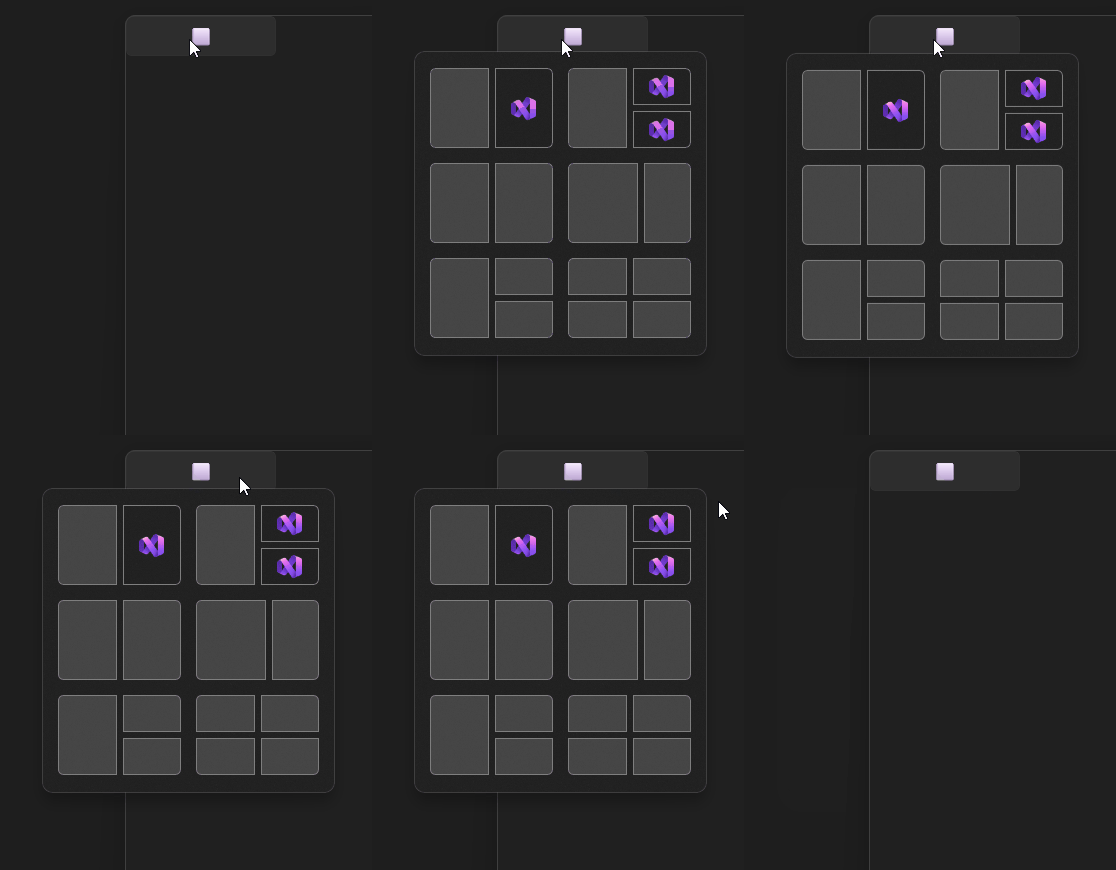
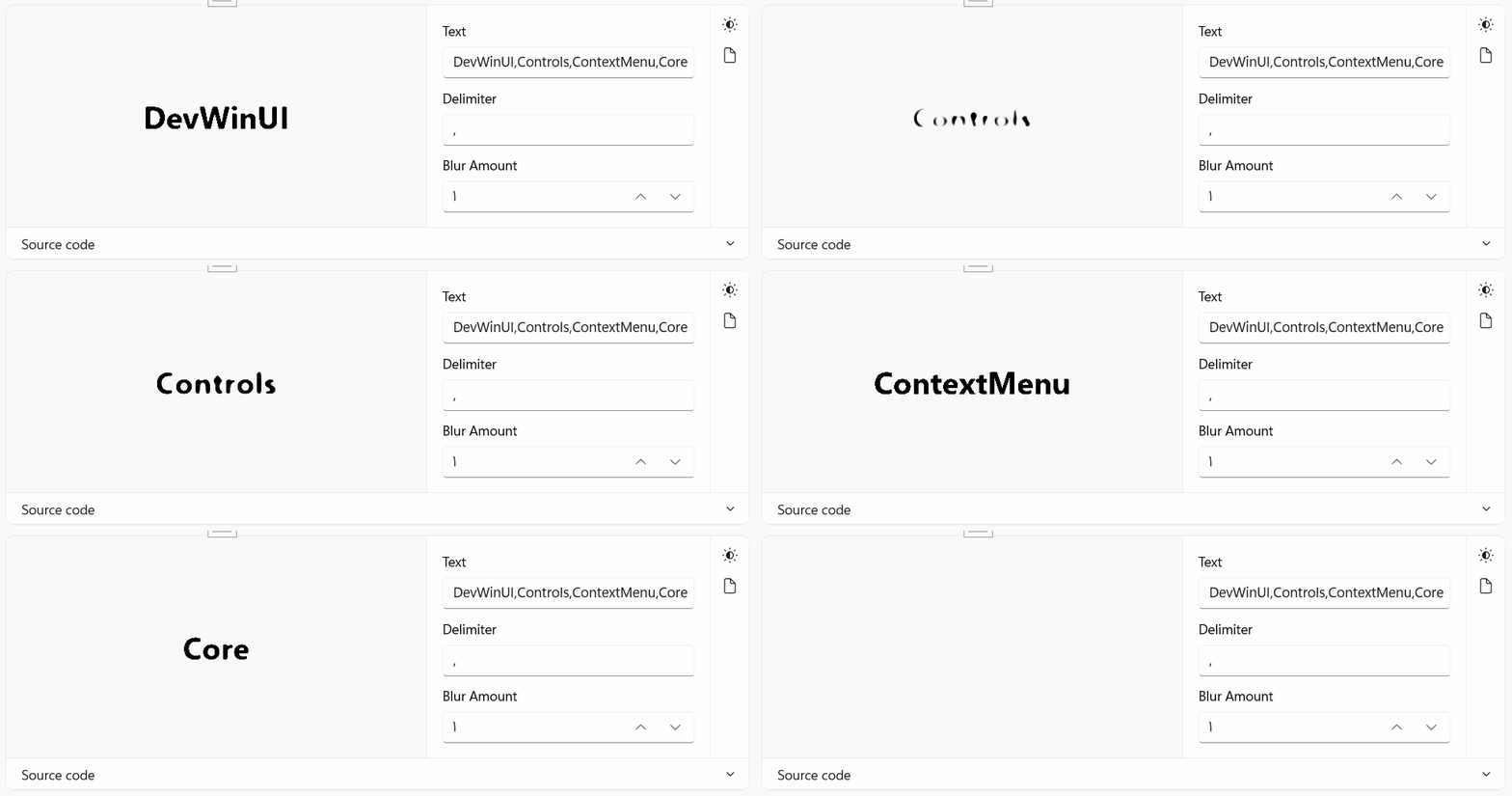
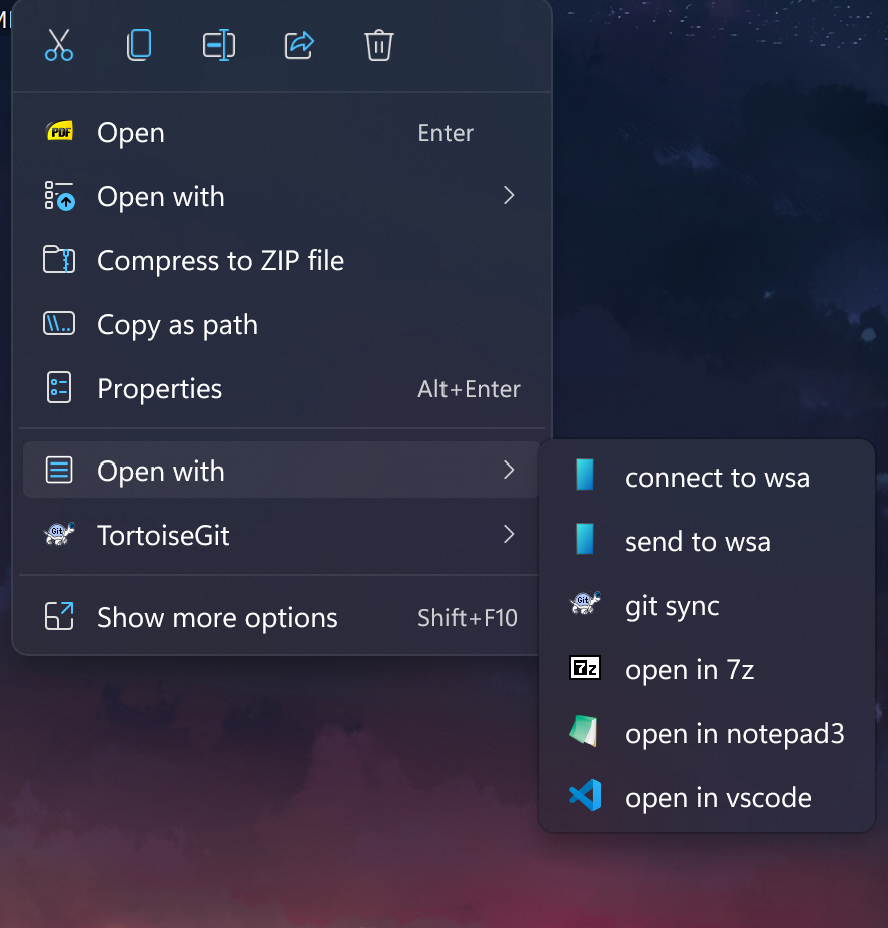
Add a new ContextMenu for Windows 11/10. You can use it in any .Net >= 8.0 apps which supports Package Identity. this means you can use it in WPF or WinForm with MSIX Packaging.
Install-Package DevWinUI.ContextMenu
Or
dotnet add package DevWinUI.ContextMenu
Some useful Source Generator
Install-Package DevWinUI.SourceGenerator
Or
dotnet add package DevWinUI.SourceGenerator
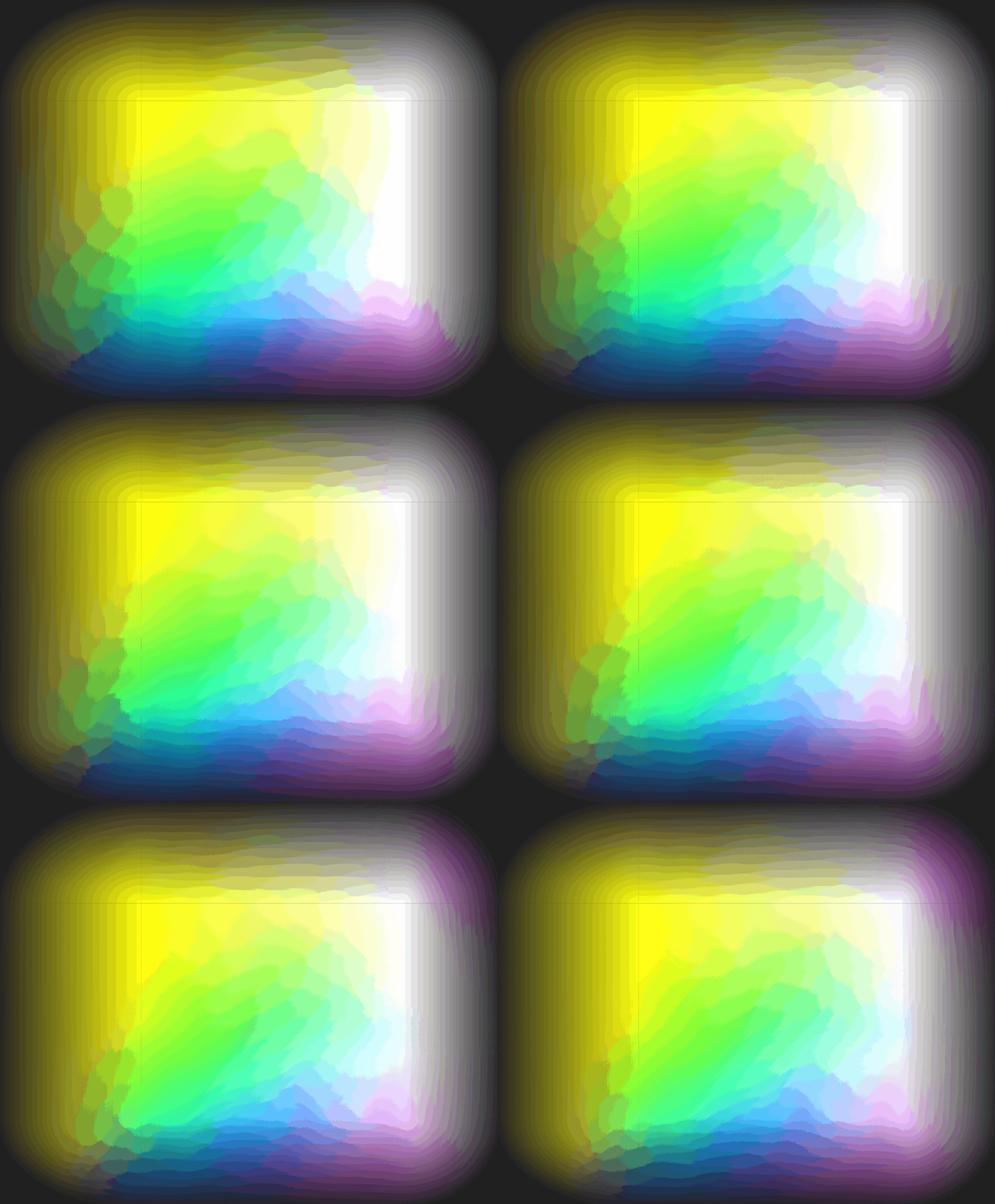
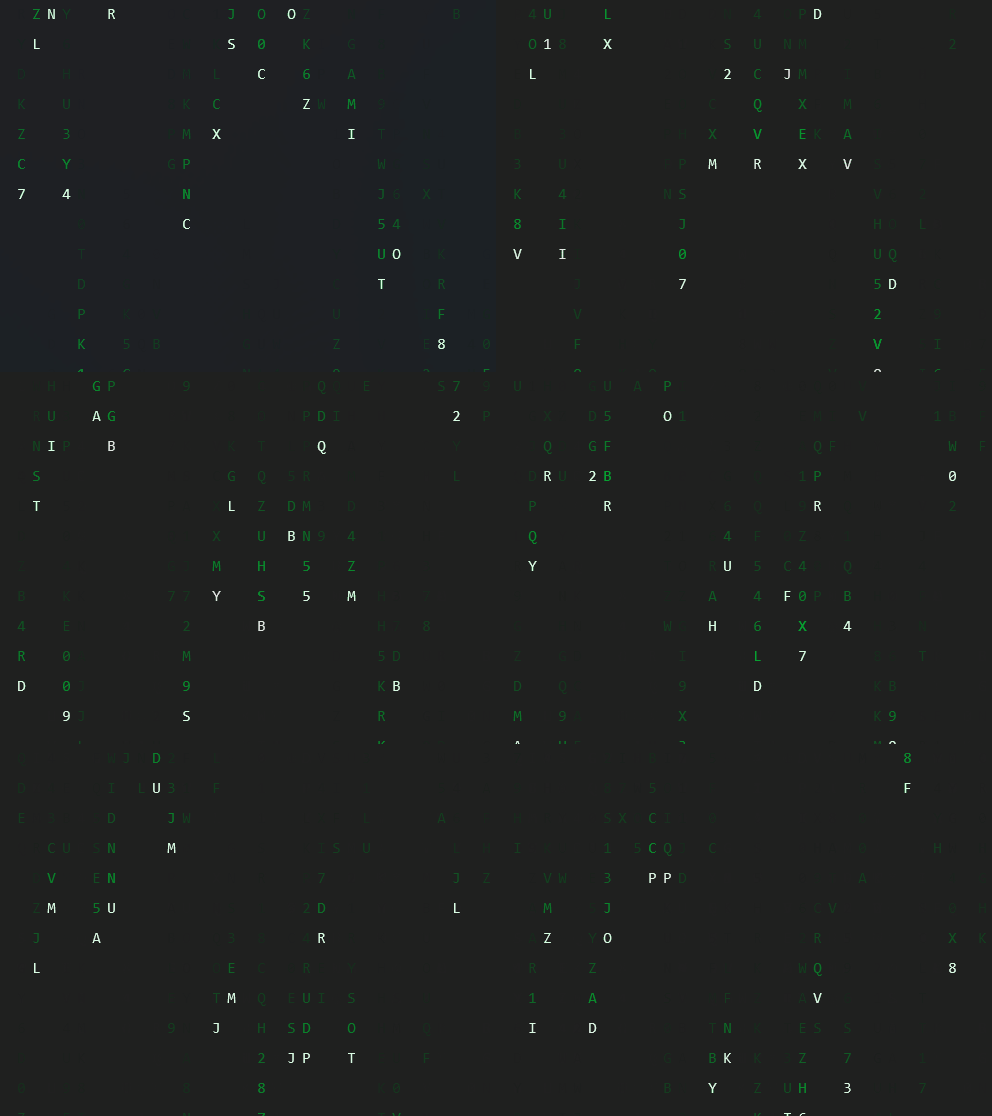
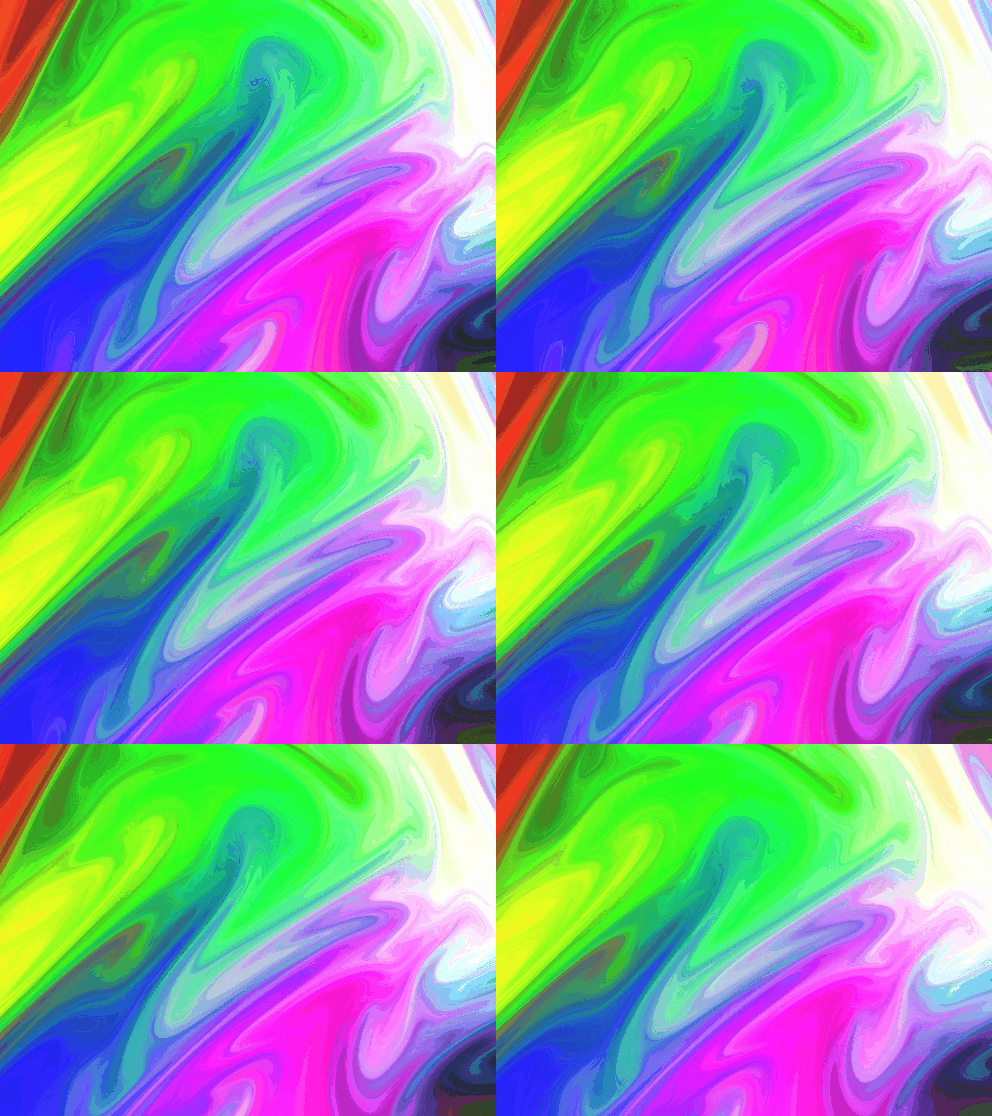
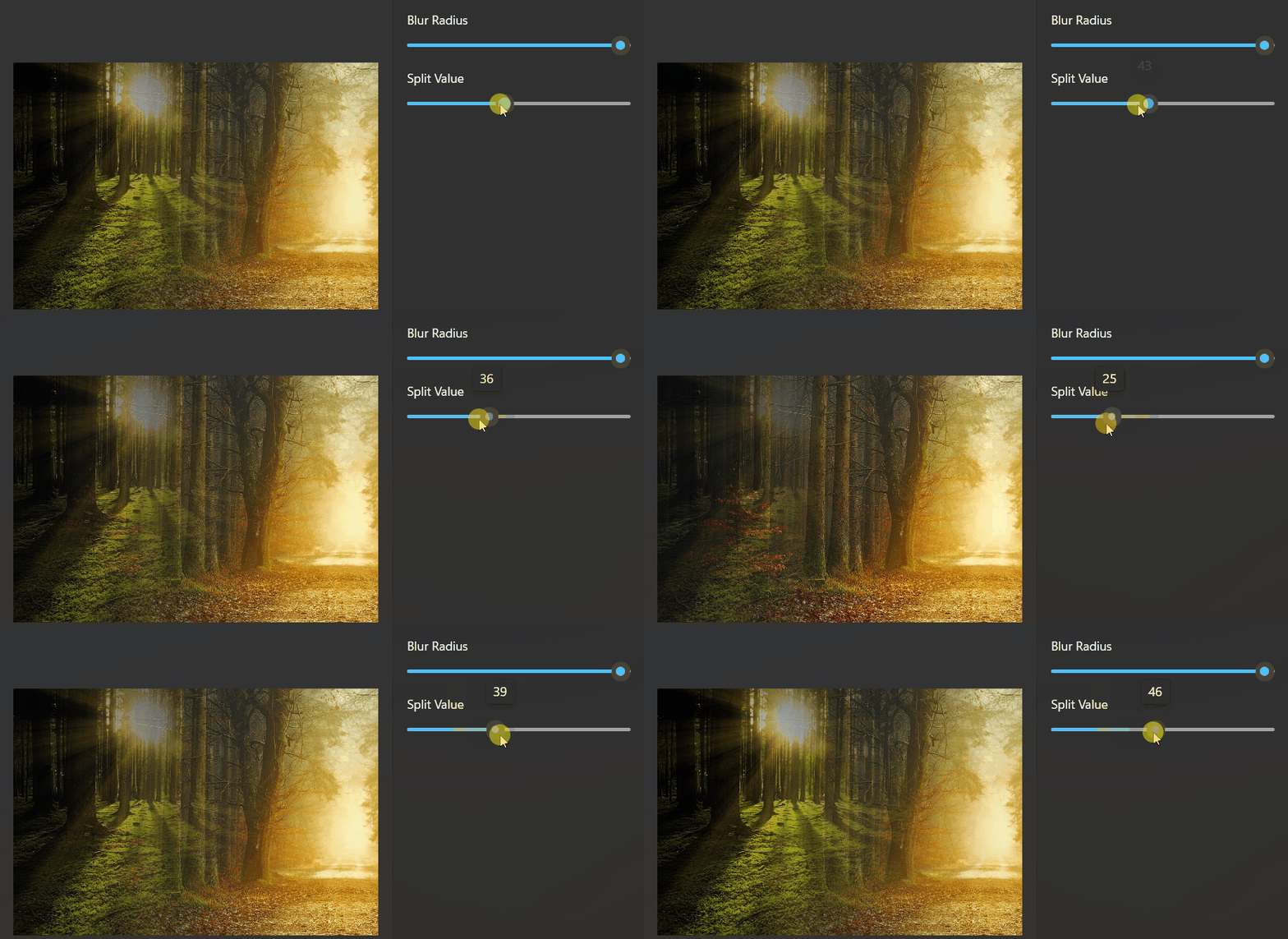
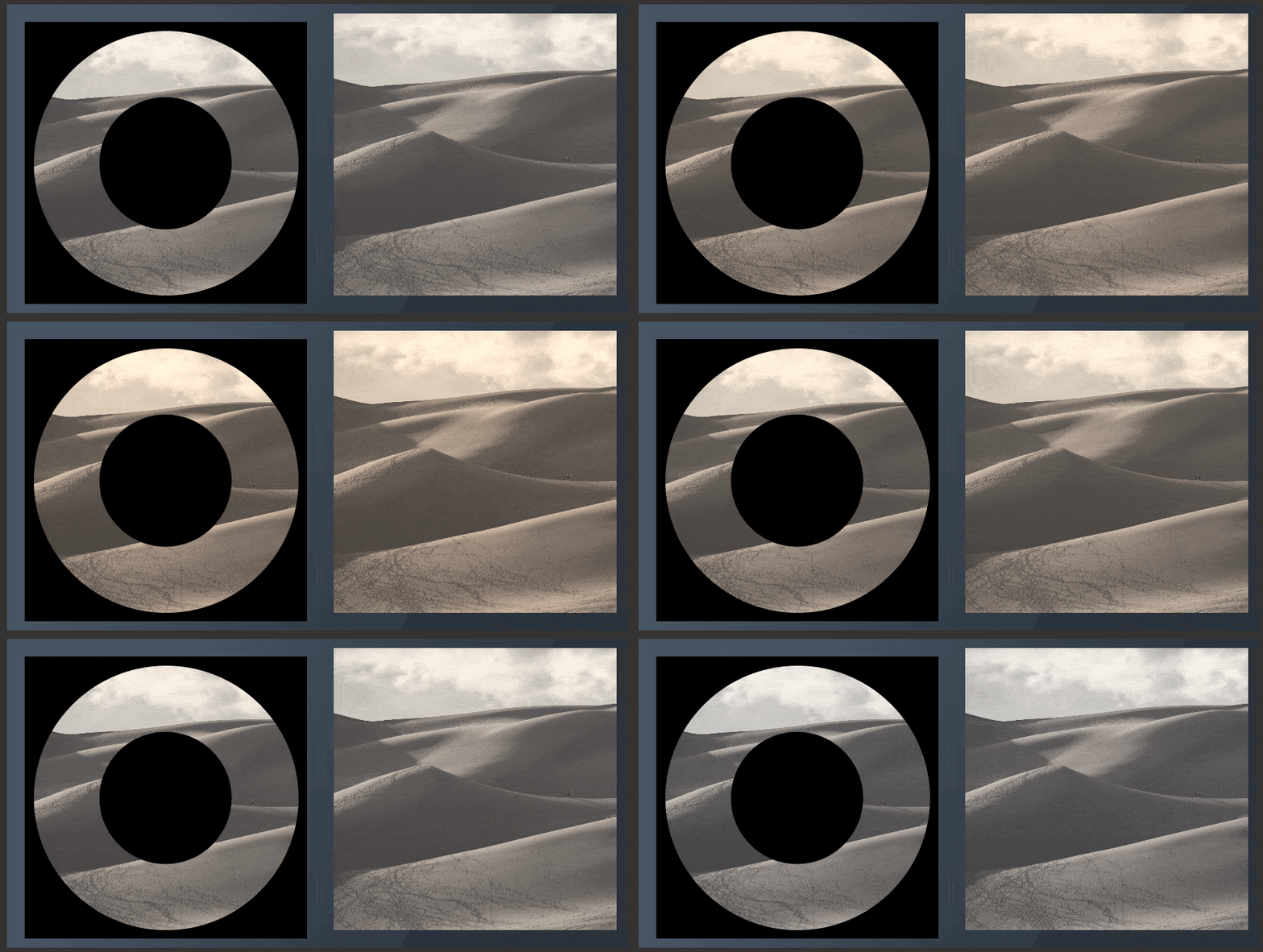
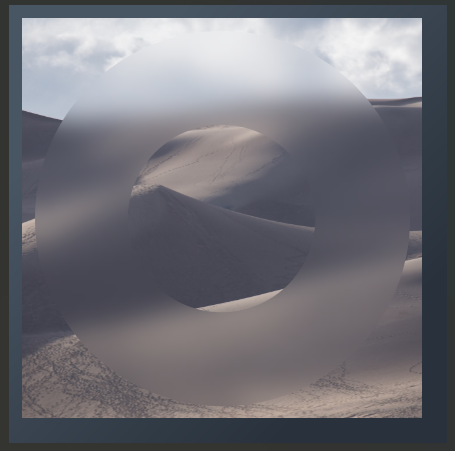
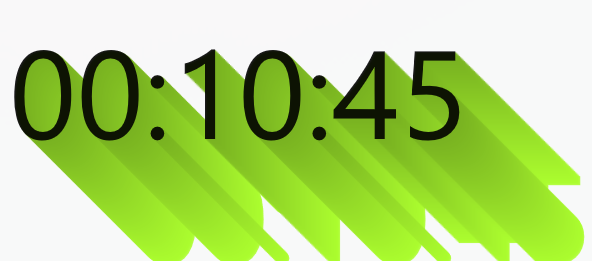
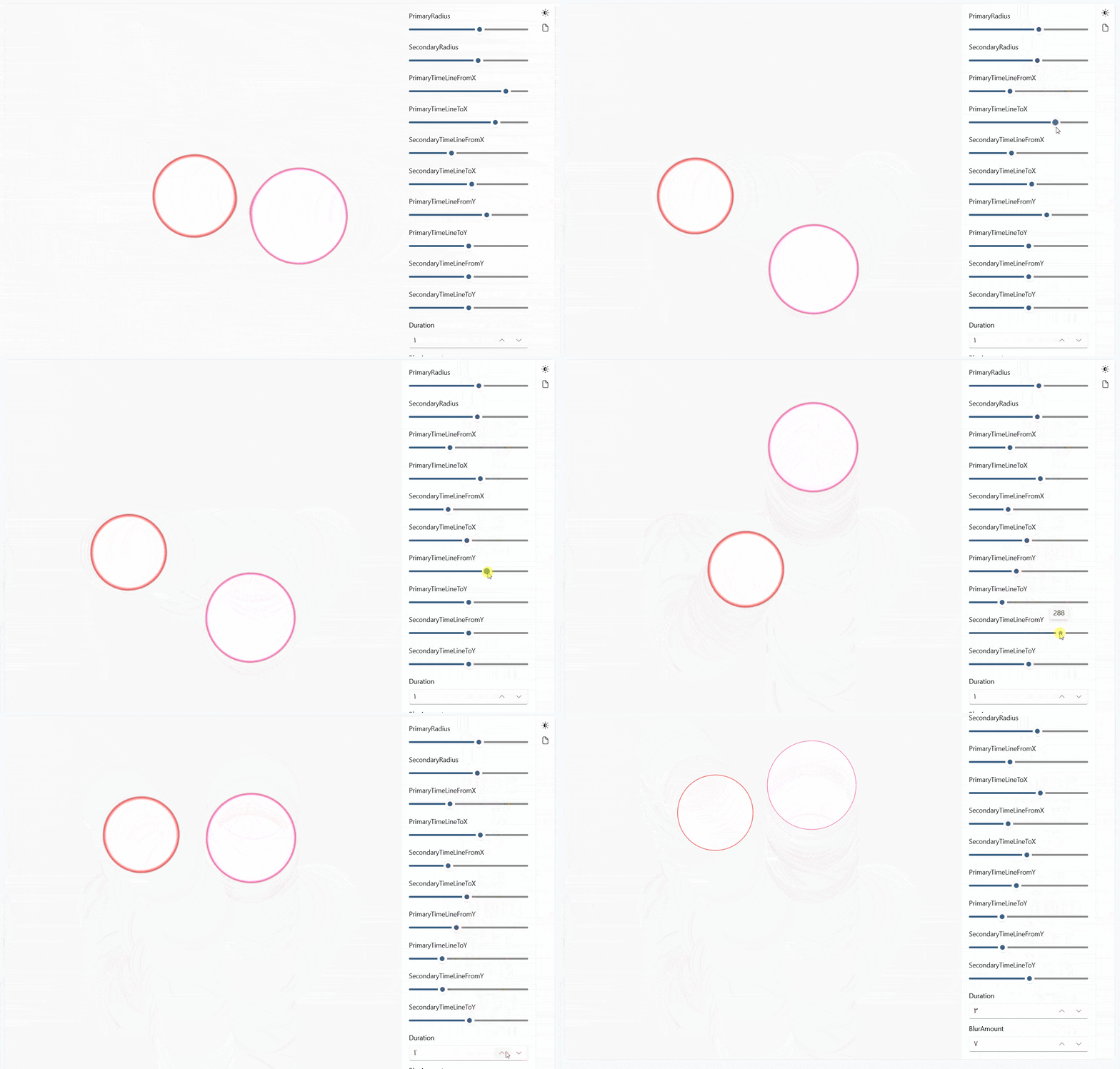
DevWinUI.Shader is a high-performance rendering library for WinUI applications that enables GPU-accelerated animated backgrounds using HLSL compute shaders, powered by ComputeSharp, and rendered in real-time through Win2D CanvasAnimatedControl.
It is designed for developers who want modern, fluid, and fully customizable visual backgrounds without sacrificing performance or UI responsiveness.
Note: This library needs TargetFrameworks 22621+
Note: This library uses
Microsoft.Graphics.Win2D
ComputeSharp.D2D1.WinUI
internally.
Install-Package DevWinUI.Shader
Or
dotnet add package DevWinUI.Shader
❤️ Special thanks to Fatemeh sadat Ashian for designing our icon. You can find her here: Telegram, Gmail.
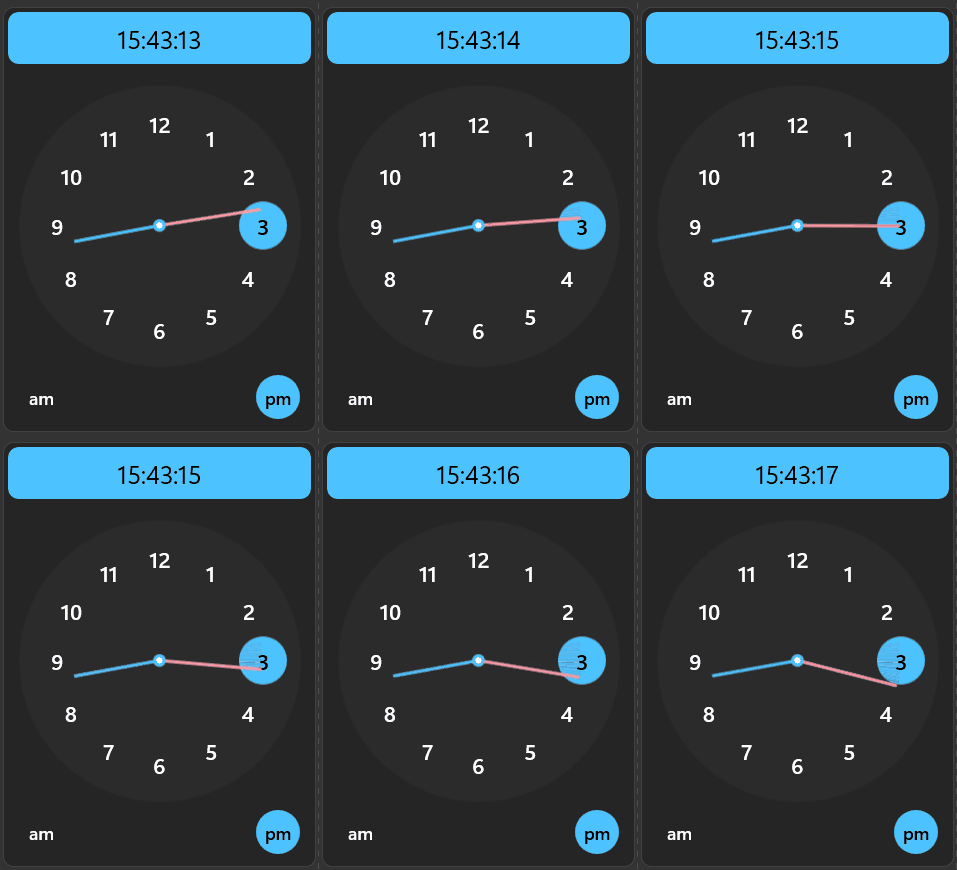









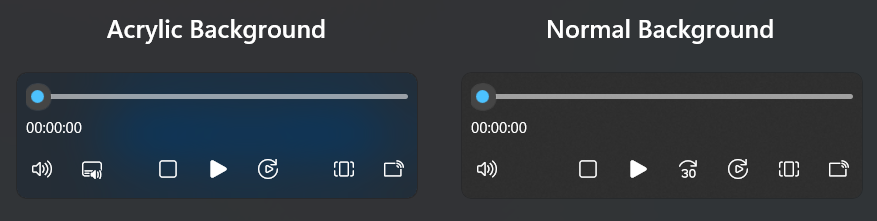
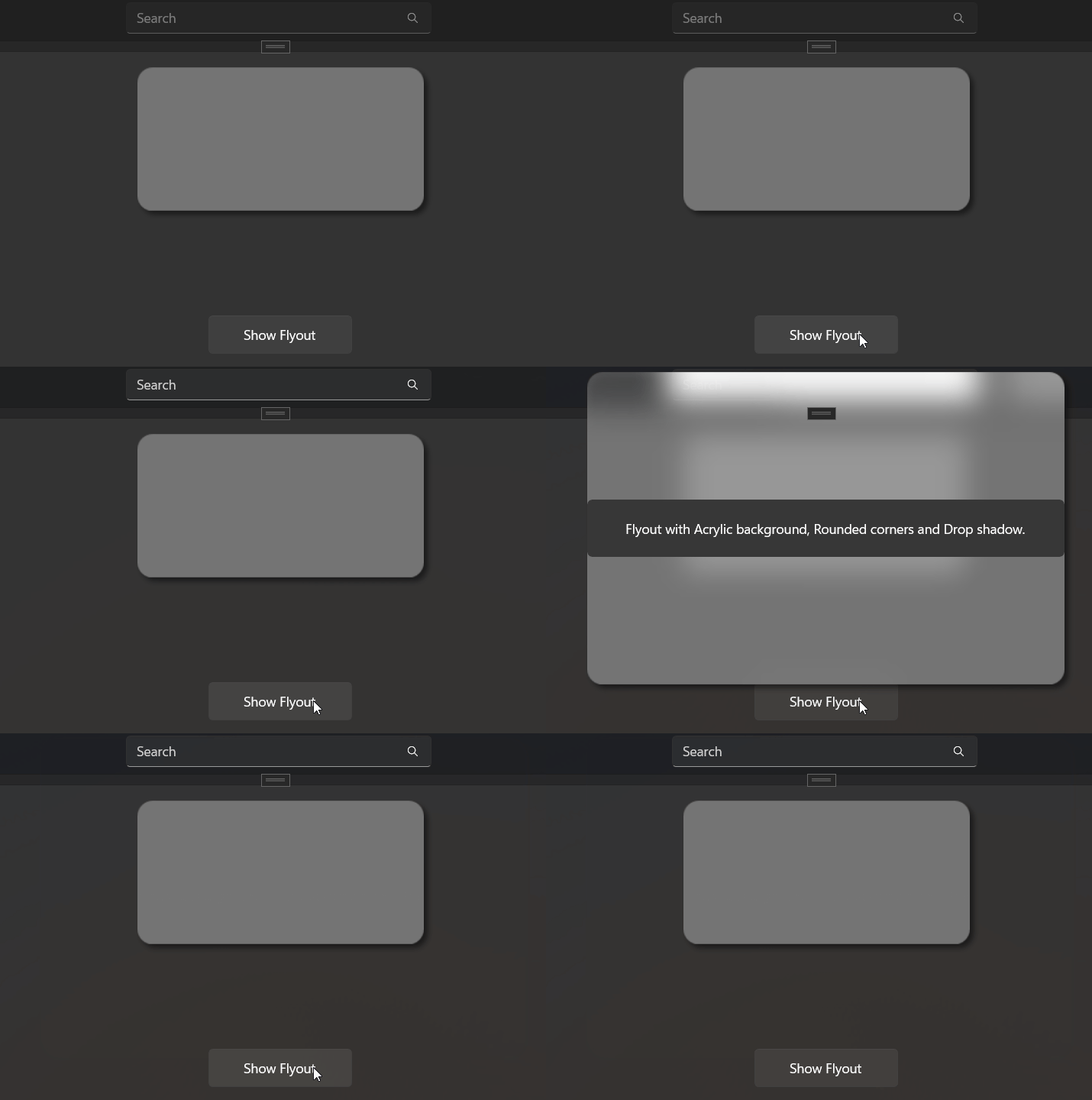
MaterialAttach (ComboBox, AutoSuggestBox, CommandBar, MediaTransportControls, ToolTip, Flyout, DatePicker, TimePicker)